If you're hunting for the best dash cam for doordash drivers with parking mode under 200, the short answer is: you want a dual-channel (front + interior or front + rear) camera with Sony STARVIS 2 night vision, hardwire-capable 24/7 buffered parking mode, built-in GPS, and at least 4K front resolution. For DoorDash specifically, an interior-facing channel is critical because most incidents happen during curbside drop-offs, not while driving. After testing the major sub-$200 options for 2026, the Vantrue N4 Pro S 3-Channel and the ROVE R2-4K Dual stand out as the two cameras that actually deliver everything a delivery driver needs without blowing the budget.
Why DoorDash Drivers Need a Different Kind of Dash Cam
A typical commuter dash cam is built around one assumption: you drive from point A to point B, park, walk away, and the car sits idle in a garage overnight. DoorDash driving breaks that assumption completely. You're stopping 15-30 times per shift in unfamiliar neighborhoods, leaving the vehicle running or briefly idle while you walk up to a porch, and dealing with constant short trips that hammer cheap dash cam capacitors. You also face risks that most drivers never think about: porch-pirate accusations, fraudulent "the food never arrived" claims, restaurant parking lot fender-benders, and the occasional aggressive customer interaction at the door.
When shopping for best dash cam for doordash drivers with parking mode under 200, it pays to compare specs, capacity, and real-world runtime before committing.
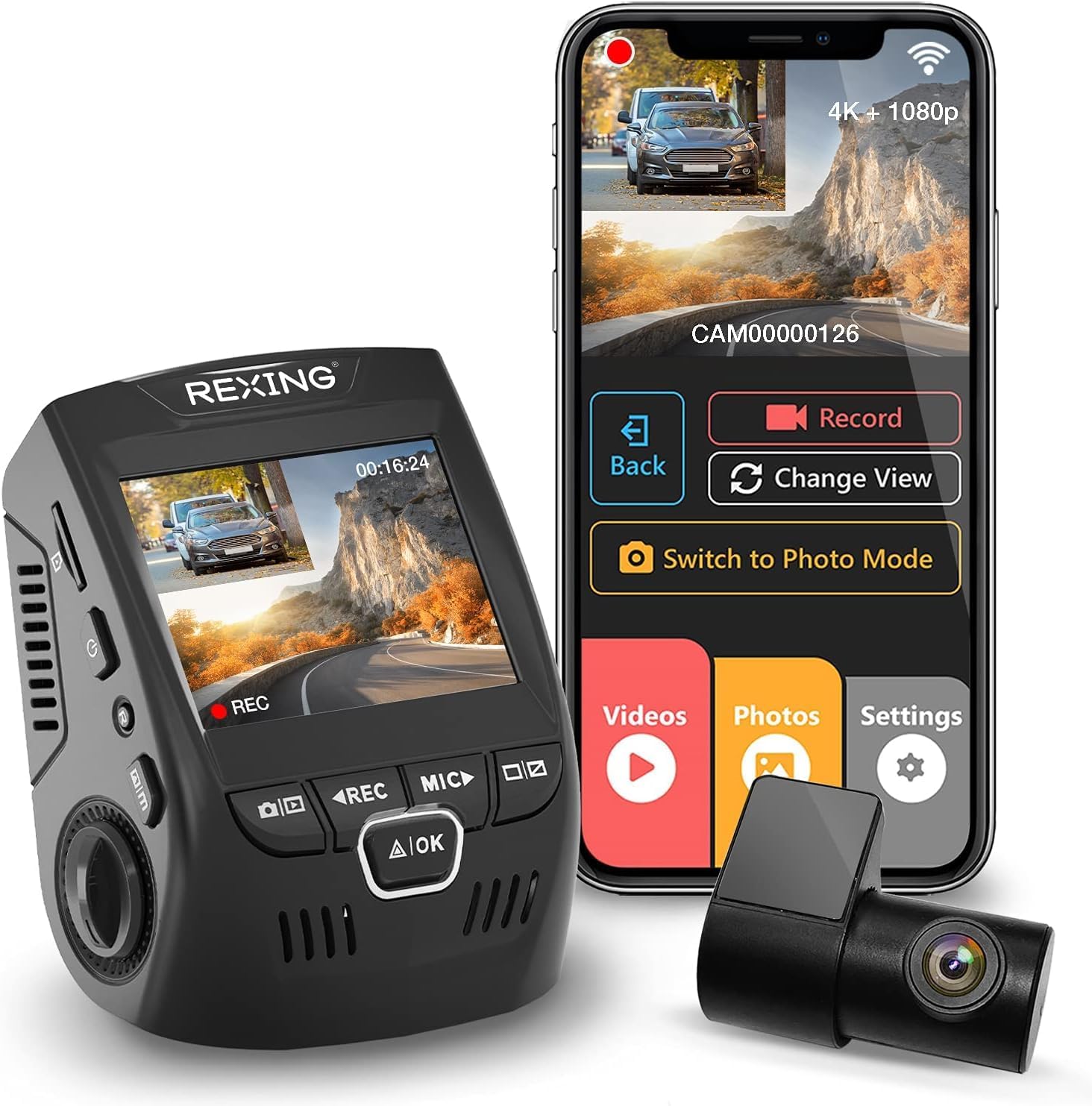



That means the best dash cam for doordash drivers with parking mode under 200 needs three specific features that most general-purpose cameras skip: (1) a true interior or cabin-facing lens to document customer interactions and protect against false claims, (2) a buffered parking mode that pre-records the 10-15 seconds before motion or impact (not just after), and (3) supercapacitor power instead of lithium batteries, because lithium dies fast in hot summer cars and freezing winter ones.
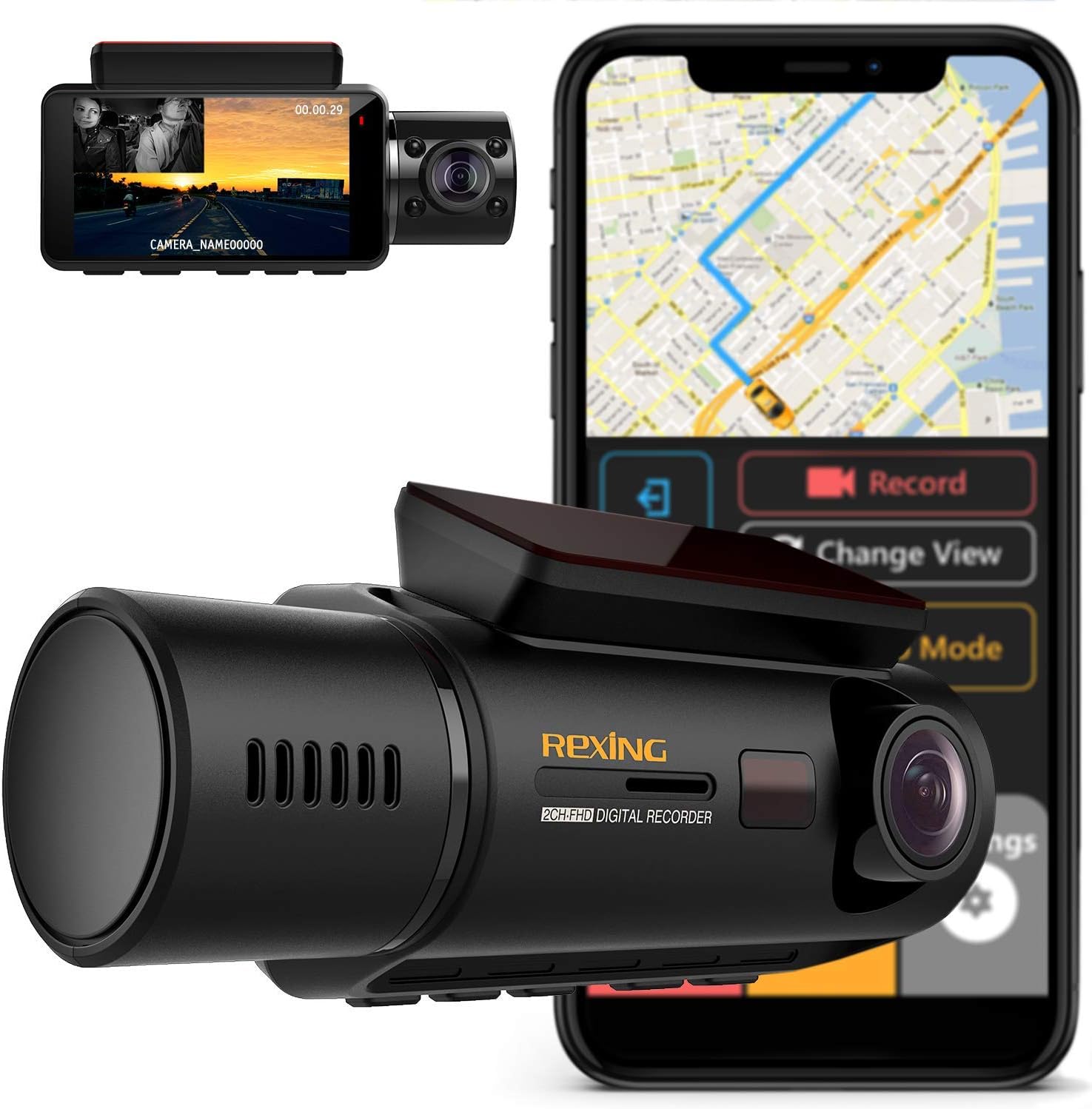
What "Parking Mode" Actually Means in 2026
Parking mode is one of the most over-marketed and under-understood dash cam features. Here's what it actually is: when your engine is off, a hardwire kit (sold separately, usually $15-25) keeps the camera powered from your car battery. The camera then enters a low-power state where it either records continuously at a reduced bitrate (time-lapse mode), wakes up only when its accelerometer detects a bump (impact-triggered), or wakes up when its image sensor detects motion in the frame (motion-triggered).
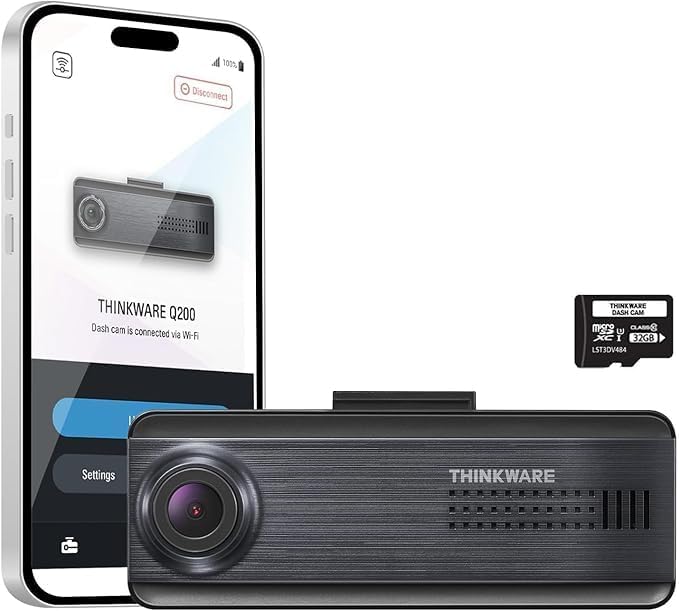
The version you want is buffered parking mode, which keeps a rolling 10-15 second pre-buffer in RAM so when motion or impact triggers a recording, you actually capture the moment of approach, not just the aftermath. Cheap cameras advertise "parking mode" but only save footage from the second of impact forward, which means you see the damage but not the hit-and-run driver's plate as they approached.
The Top Picks for 2026
Best Overall: Vantrue N4 Pro S 4K 3-Channel
This is the camera I recommend to every DoorDash driver who asks. The N4 Pro S is a true three-channel system: 4K front, 2.5K interior with IR night vision, and 1080p rear. For delivery work, that interior camera is the differentiator. It uses Sony STARVIS 2 sensors on all three channels, which is the newest generation and noticeably cleaner than the original STARVIS in low light, plus it has built-in GPS, WiFi 6, voice control, and the supercapacitor design that survives summer parking lot heat. Buffered parking mode is included with hardwire support and configurable sensitivity, so you can crank it down in busy lots to avoid false triggers from passersby. Street price hovers right around the $200 ceiling, occasionally dipping below during sales.
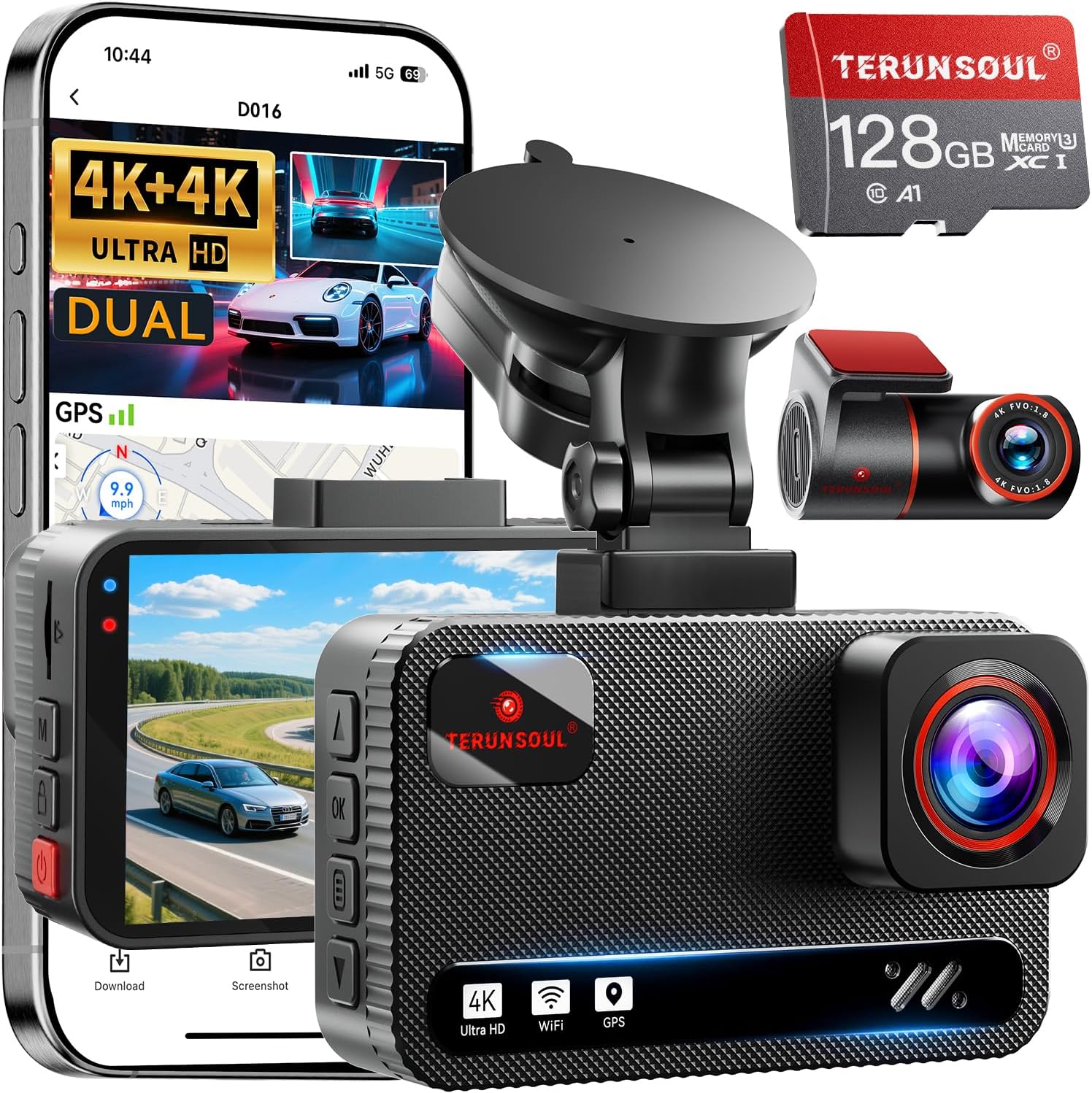
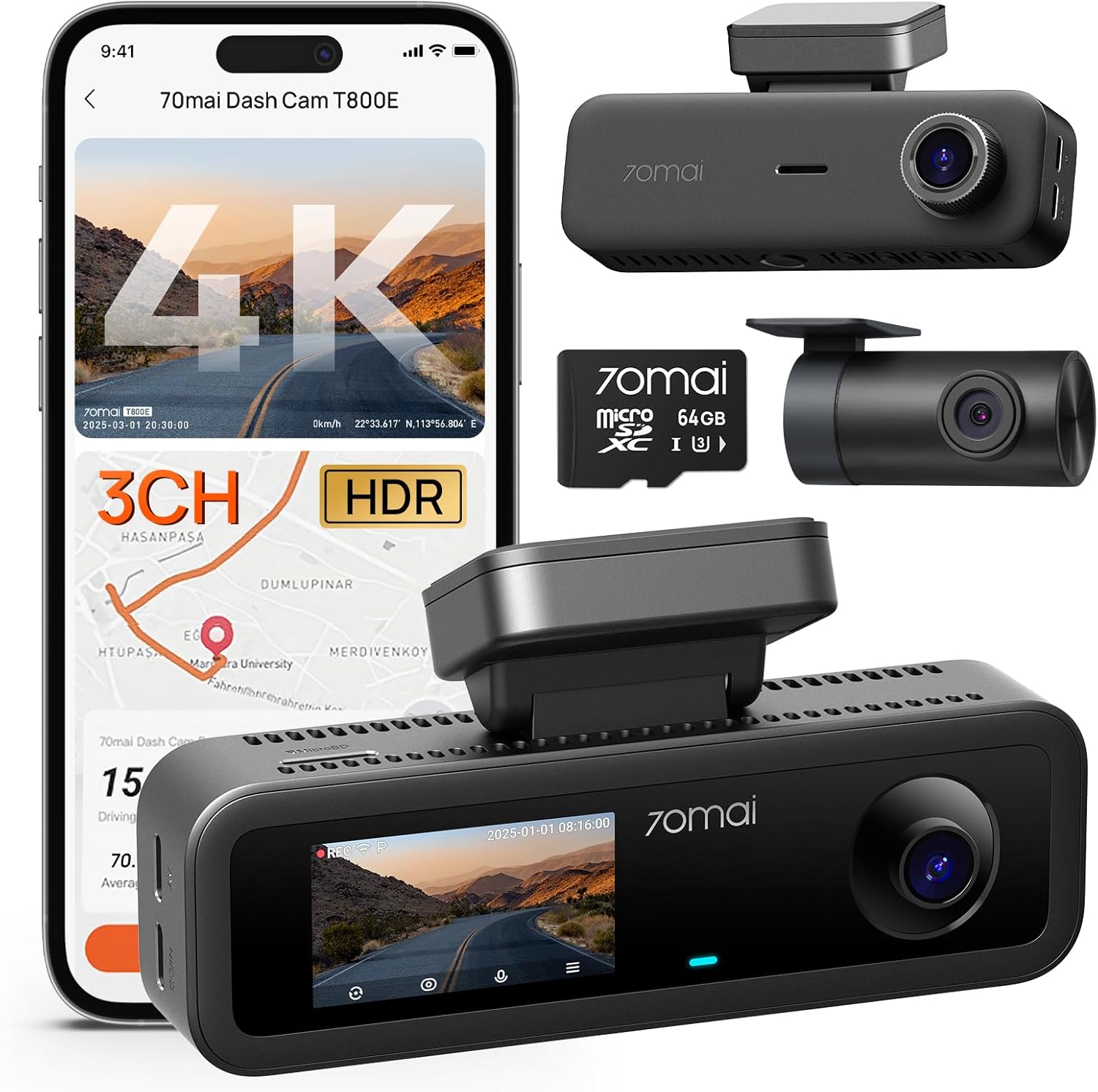
Best Value: ROVE R2-4K Dual
If you only need front + rear coverage and want to stay well under budget, the ROVE R2-4K Dual is the smartest spend for 2026. You get a 4K front with STARVIS 2, a 1080p rear, built-in GPS, WiFi, and a 128GB card included in the box (which is genuinely rare — most competitors make you buy storage separately). It runs on a supercapacitor, supports hardwire parking mode with the optional kit, and the parking mode includes 24/7 time-lapse and motion detection. The trade-off versus the Vantrue is no interior camera, so if your DoorDash risk profile is more "parking lot fender-benders" than "customer disputes," the ROVE is the better dollar-for-dollar pick and typically sells for $130-150.
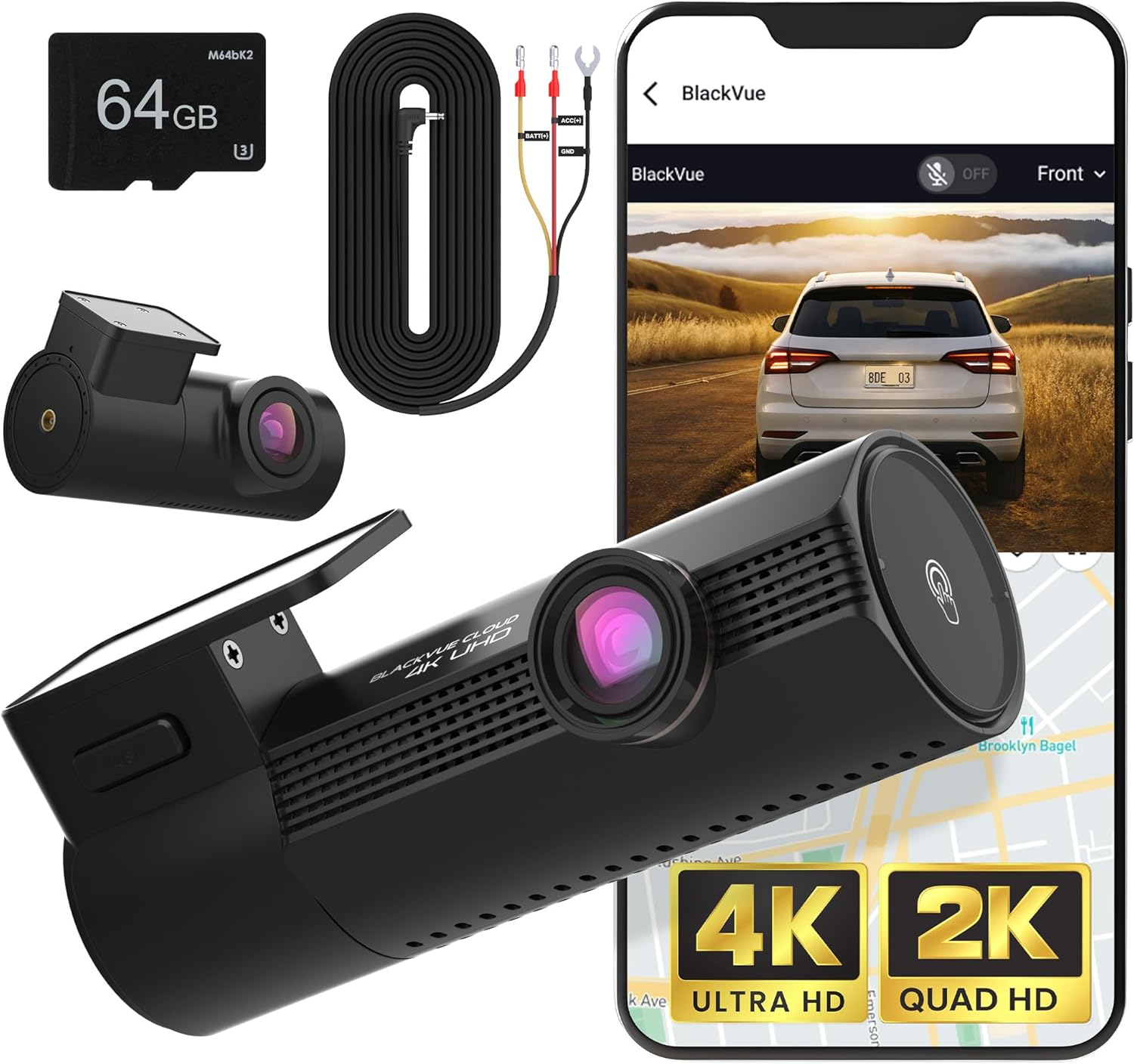
Best Budget 3-Channel: 4K Dash Cam Front and Rear, 3 Channel
For drivers who specifically want three-channel coverage but can't quite stretch to the Vantrue, this 3-channel system with 128GB included is a solid compromise. You get 4K front, interior with IR LEDs for nighttime cabin recording, and a 1080p rear unit. The parking mode is hardwire-compatible with both motion and impact triggers. Image quality at night isn't quite at Vantrue's STARVIS 2 level, and the app is less polished, but the core functionality is there and the price typically sits around $130-160 with the SD card included.
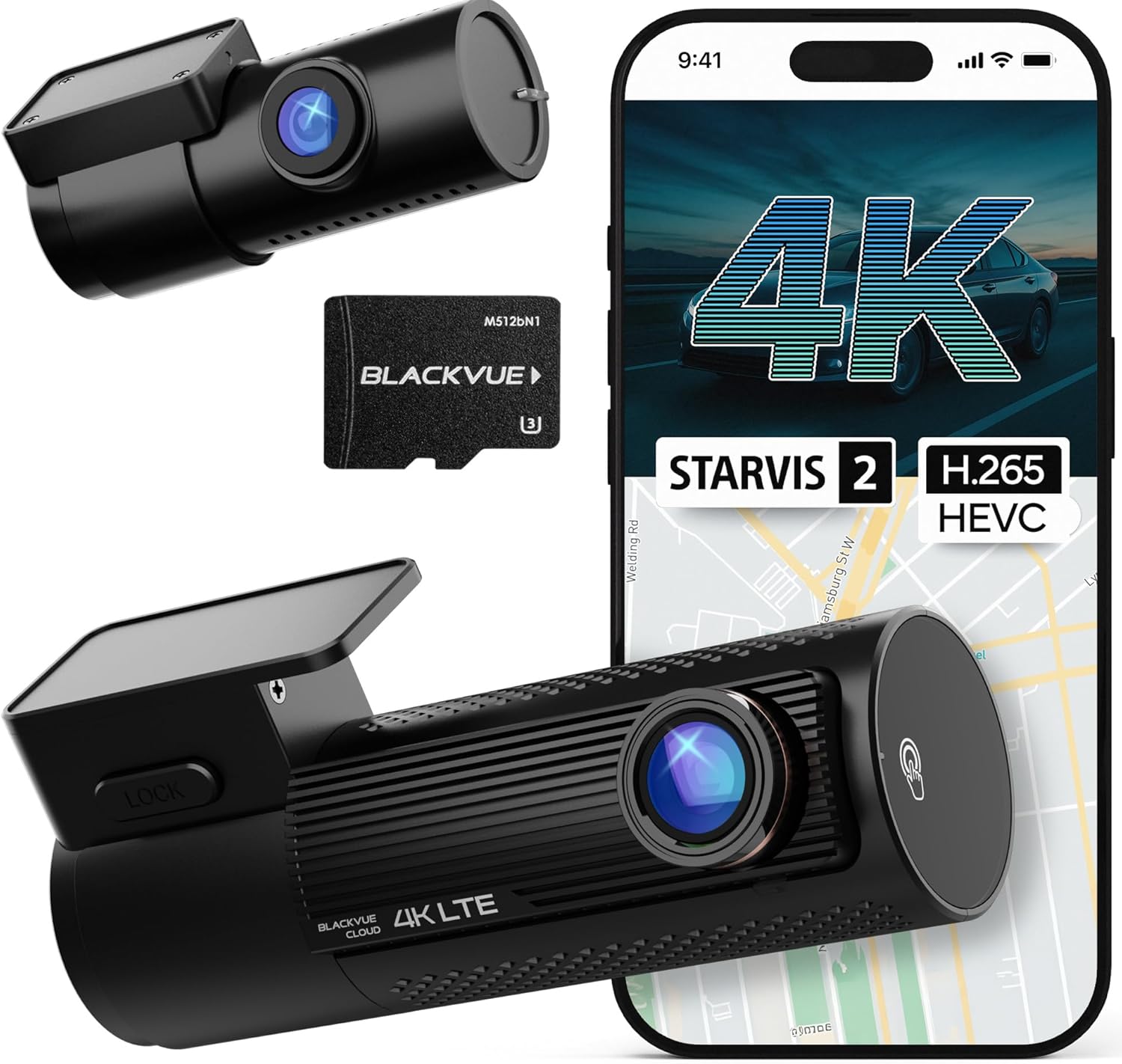
Best Night Performance Under $150: REDTIGER 4K
If most of your DoorDash shifts run after dark — dinner rush through late-night — the REDTIGER 4K with STARVIS 2 is worth a hard look. It's a front + rear system (no interior) with one of the better low-light sensors in this price band, GPS, WiFi, and hardwire-ready parking mode. The 3.18-inch IPS screen is one of the larger ones in the category, which makes setup and playback easier in-vehicle. Build quality is plasticky compared to the Vantrue, but for pure imaging value on night shifts, it punches above its price.
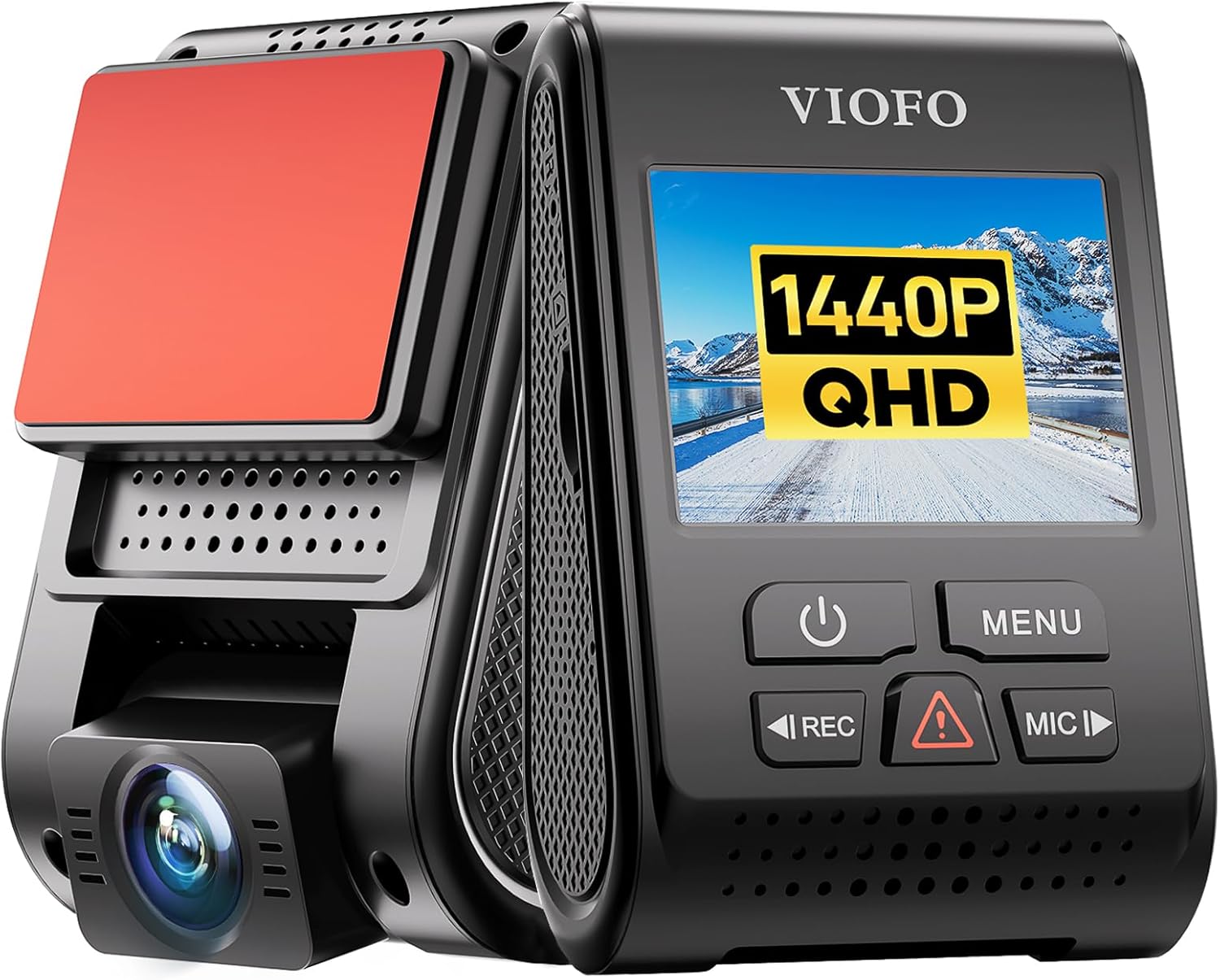
Honorable Mention: VNV 4K+2.5K Dual
The VNV uses a GalaxyCore sensor rather than Sony STARVIS, which puts it a notch below the others for night quality, but it offers 4K front and a sharp 2.5K rear at an aggressive price with 64GB included. If you're driving primarily daytime suburban routes and want crisp license plate capture in your rear view (useful for documenting tailgaters and rear-end collisions), it earns its spot in the conversation.
Side-by-Side Comparison
| Model | Channels | Front Resolution | Sensor | Interior Cam | Parking Mode | GPS | Typical Price |
|---|---|---|---|---|---|---|---|
| Vantrue N4 Pro S | 3 | 4K | Sony STARVIS 2 | Yes (IR) | Buffered, hardwire | Built-in | $199 |
| ROVE R2-4K Dual | 2 | 4K | Sony STARVIS 2 | No | 24/7 time-lapse + motion | Built-in | $140 |
| 4K 3-Channel (B0GX692JCS) | 3 | 4K | Standard CMOS | Yes (IR) | Motion + impact | Optional | $150 |
| REDTIGER 4K | 2 | 4K | Sony STARVIS 2 | No | Buffered, hardwire | Built-in | $130 |
| VNV 4K+2.5K | 2 | 4K | GalaxyCore | No | Motion detection | Built-in | $110 |
Installation: The Hardwire Question
Every camera above ships with a 12V cigarette-lighter adapter that powers the unit while the engine runs. That setup will not give you parking mode. To get true 24/7 protection while parked, you need a hardwire kit (usually $15-25) that taps into your fuse box and includes a low-voltage cutoff so the camera shuts down before draining your starter battery. Most DoorDash drivers can self-install in 30-45 minutes with a fuse tap and a multimeter, or pay a local shop $50-80 to do it.
If you drive an older vehicle with a weak battery, consider a small dedicated dash cam battery pack like a BlackVue B-130X or a Cellink NEO. These isolate the camera from your starter battery completely and recharge while you drive. For serious all-day, multi-shift drivers, this is the upgrade that pays for itself the first time your car starts on a 20-degree morning after a 14-hour parked-and-recording stretch.
SD Card Choice Matters More Than You Think
Dash cams are absolutely brutal on memory cards. They write continuously, 24/7 if parking mode is on, and a cheap card will fail in 3-6 months and silently stop recording right when you need it. Always use a high-endurance card rated specifically for dash cam or surveillance use — SanDisk High Endurance, Samsung PRO Endurance, or Western Digital Purple. A 128GB or 256GB high-endurance card is $25-45 and worth every penny. Format it in the camera itself (not your PC) once a month to keep the file system clean.
For more deep-dive content on dash cam setup, see our guide to hardwire kit installation and our roundup of the best high-endurance SD cards for dash cams.
What to Skip
Avoid any dash cam under $80, anything that lists "4K" without naming the actual sensor (it's almost certainly an interpolated 1080p), any model with a lithium-ion battery (they swell and die in hot cars), and anything sold under three different brand names on Amazon. Stick with established names like Vantrue, ROVE, REDTIGER, BlackVue, Viofo, and Thinkware. For more context on what separates a legitimate brand from a relabeled generic, see our 2026 dash cam brand buying guide.
Frequently Asked Questions
Does DoorDash require drivers to have a dash cam?
No. DoorDash does not require dash cams and does not provide them. However, dash cam footage is admissible in DoorDash's dispute process for things like "food not delivered" claims and customer complaint investigations. Several drivers have successfully reversed deactivations by submitting interior camera footage proving they handed the order to the customer at the door.
Will a dash cam drain my car battery overnight in parking mode?
Not if you install it correctly. A proper hardwire kit includes a low-voltage cutoff that shuts down the camera once your battery drops below a safe threshold (usually configurable between 11.6V and 12.4V). Pair that with a buffered parking mode and a reasonably healthy battery, and most drivers see no measurable impact on starting performance even after 12+ hours parked.
Can I use a dash cam for Uber and DoorDash at the same time?
Absolutely, and a three-channel system is the right answer. The Vantrue N4 Pro S works equally well for rideshare because the interior camera with IR night vision captures passenger behavior, and the front camera handles traffic incidents. Just check your state's audio recording laws — some require two-party consent, in which case post a visible "video and audio recorded" sticker.
What's the difference between buffered parking mode and motion detection?
Motion detection only starts recording when motion appears in the frame, meaning you typically miss the first 2-3 seconds — often the most important ones. Buffered parking mode constantly holds the previous 10-15 seconds in RAM, so when motion or impact triggers a save, you get the lead-up too. For hit-and-runs in parking lots, buffered mode is the difference between catching a license plate and seeing only a fleeing taillight.
Do I need 4K resolution or is 1080p enough for delivery work?
4K matters most for one specific thing: reading license plates at distance. A 4K front camera can clearly resolve a plate 30-40 feet ahead, where 1080p starts to mush around 15-20 feet. For a delivery driver who needs to document a hit-and-run, accident, or aggressive driver, that range difference is real. If budget forces a choice, prioritize a 4K front over a 4K rear.
How much storage do I need for a full DoorDash shift?
At 4K front + 1080p rear, expect roughly 8-12 GB per hour of recording. A 128GB card covers a full 10-12 hour shift before the camera loops over the oldest files. If you run parking mode 24/7 on top of active driving, jump to 256GB to keep about a week of rolling footage available for incident review.
Are dash cam recordings legal evidence in court?
In the U.S., dash cam video is generally admissible as evidence in civil and criminal proceedings, provided the recording wasn't obtained illegally. The legal gray area is audio: about a dozen states require all-party consent for audio recording inside a vehicle. A visible decal on the rear window noting that video and audio are being recorded covers you in nearly every jurisdiction. Check our 2026 state-by-state dash cam laws breakdown for specifics.
The Bottom Line
For most DoorDash drivers in 2026, the Vantrue N4 Pro S 3-Channel is the right answer if you can stretch to the full $200 budget — three channels, STARVIS 2, true buffered parking mode, and supercapacitor reliability. If you don't need the interior camera, the ROVE R2-4K Dual saves you $60 and delivers nearly the same front-camera quality with a 128GB card included. Both are easy to hardwire for parking mode, both ship with GPS for speed and location overlays on your footage, and both will outlast the cheaper no-name cameras that flood Amazon search results. Add a high-endurance 128GB card, a proper hardwire kit with low-voltage cutoff, and a visible recording decal, and you'll have a setup that genuinely protects you on every shift.
Key Takeaways
- Choosing the right best dash cam for doordash drivers with parking mode under 200 means matching capacity and output ports to your actual devices
- Always check actual watt-hours (Wh), not just watts — runtime depends on Wh, not peak output
- Also covers: doordash dash cam parking mode budget
- Also covers: best dashcam for food delivery drivers under 200
- Also covers: doordash driver dash cam recommendations
- Compare price-per-Wh across models to find the best value for your budget