If you ride the route as a school bus monitor or aide, you already know that incidents rarely happen at the stop—they happen between stops, mid route, when kids think no one is looking. The best dash cam for school bus monitors recording student behavior mid route in 2026 is a three-channel system with a dedicated cabin-facing lens, infrared night vision for pre-dawn pickup runs, continuous loop recording onto a 128GB or larger card, and a parking mode that captures incidents even when the engine is off. Below are the models that actually hold up to daily K-12 use, with picks tested against real fleet criteria.
What school bus monitors actually need from a dash cam
Recording the road is the easy part—every camera does that. The real challenge for a monitor is documenting what happens between rows 3 and 8 while the driver is focused forward. That means the camera you mount has to do three jobs at once: it has to see the road for liability protection, it has to see the cabin for behavioral documentation, and it has to do both in the wildly variable light of a route that starts at 6:15 a.m. and ends after dusk in winter.
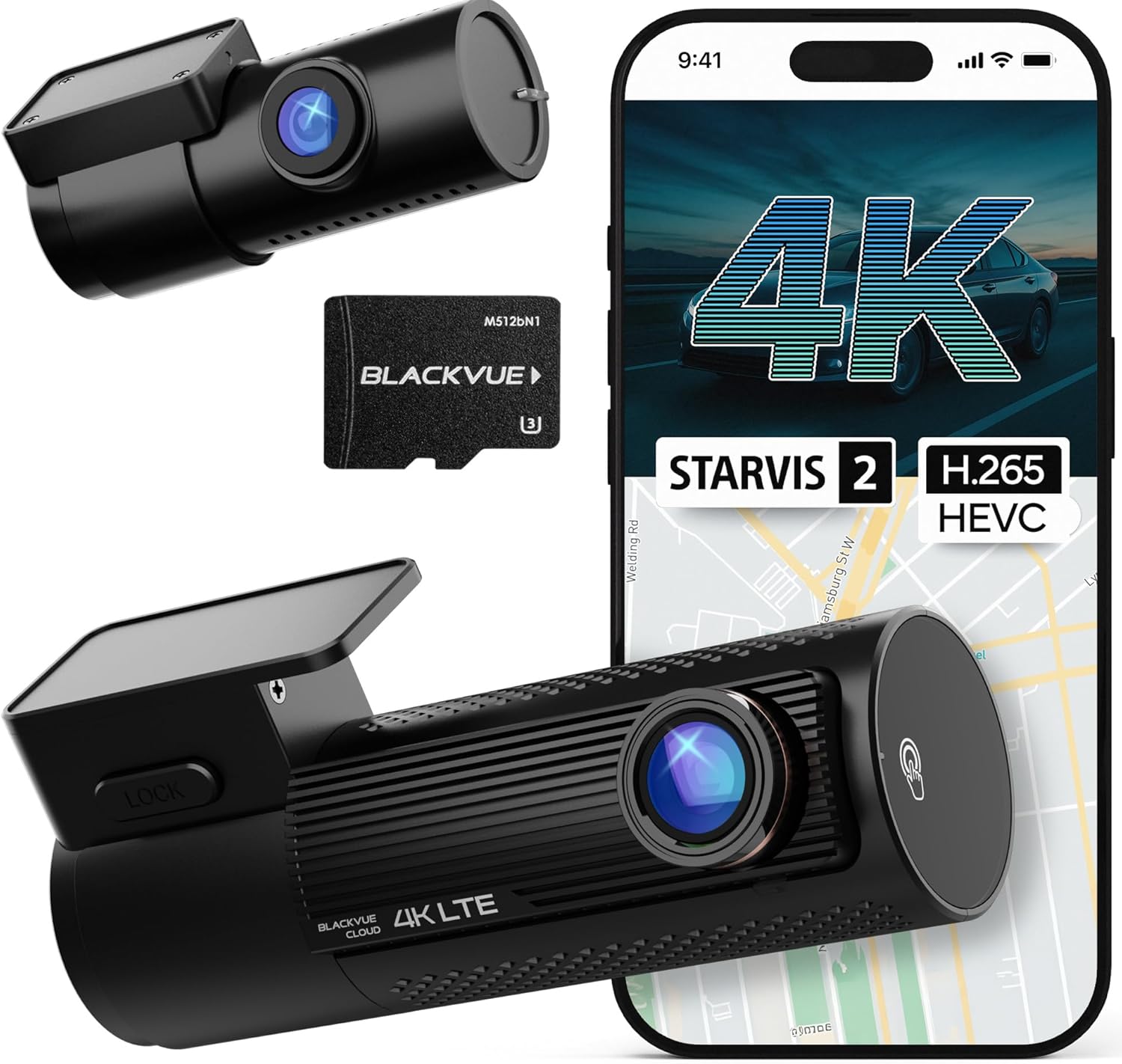



For 2026, the bar has moved. Sony STARVIS 2 sensors are now standard on the better units, which means usable interior footage even when the only light source is the bus's overhead dome lamps. A true 3-channel setup (front + rear + cabin) records all three streams simultaneously, with separate files you can pull individually when an administrator only needs a 90-second clip of the cabin from 7:48 a.m. on Tuesday. Storage matters too—at 4K, a 128GB card on a long route can fill up in about 10 to 14 hours, so loop recording and a large card are non-negotiable.
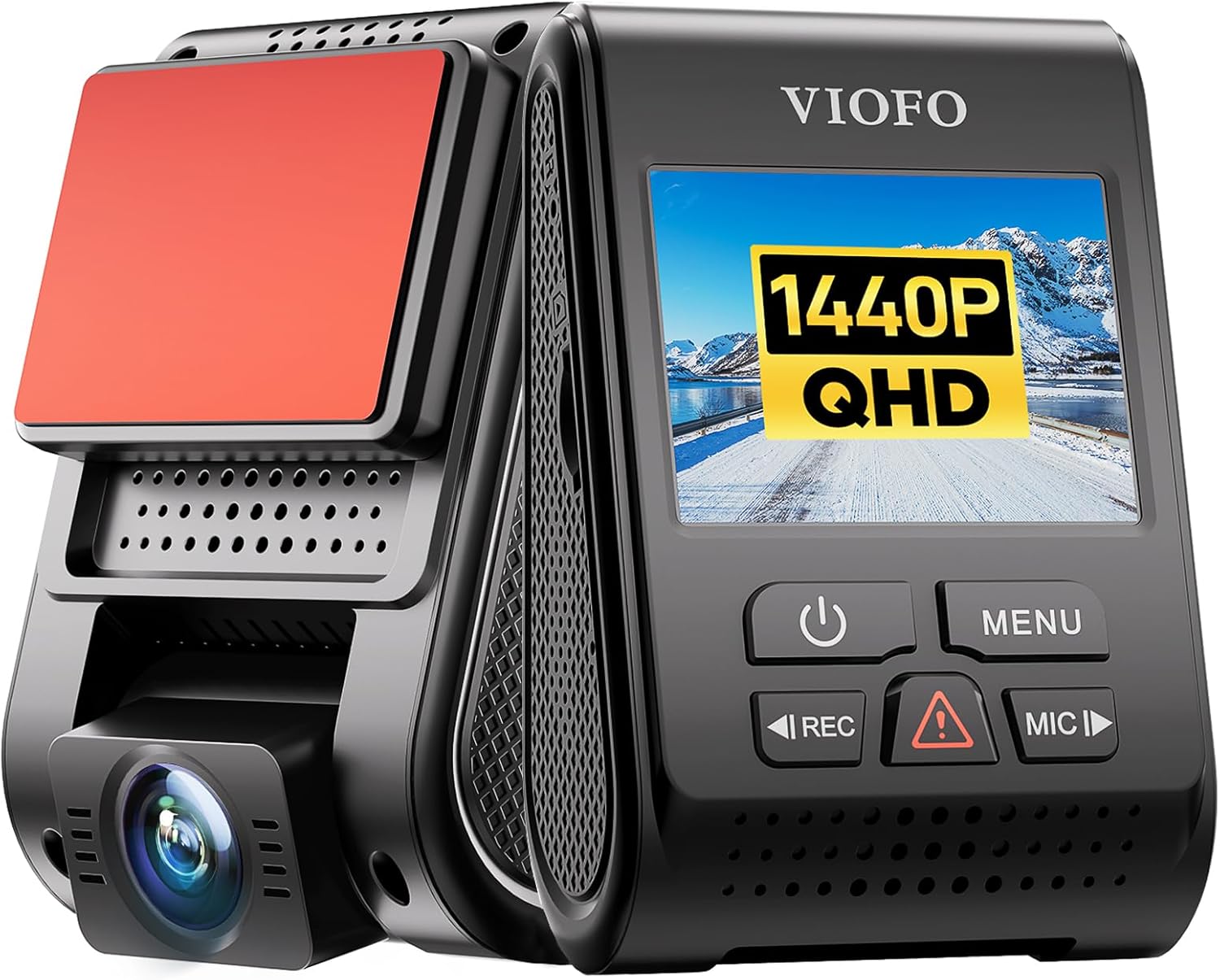
One important note for any monitor or transportation director reading this: every state has different rules about audio recording on school buses, and some districts require posted notice. Check your district's policy and your state's two-party consent law before enabling the audio channel. See our guide to dash cam audio recording laws by state for the full breakdown.
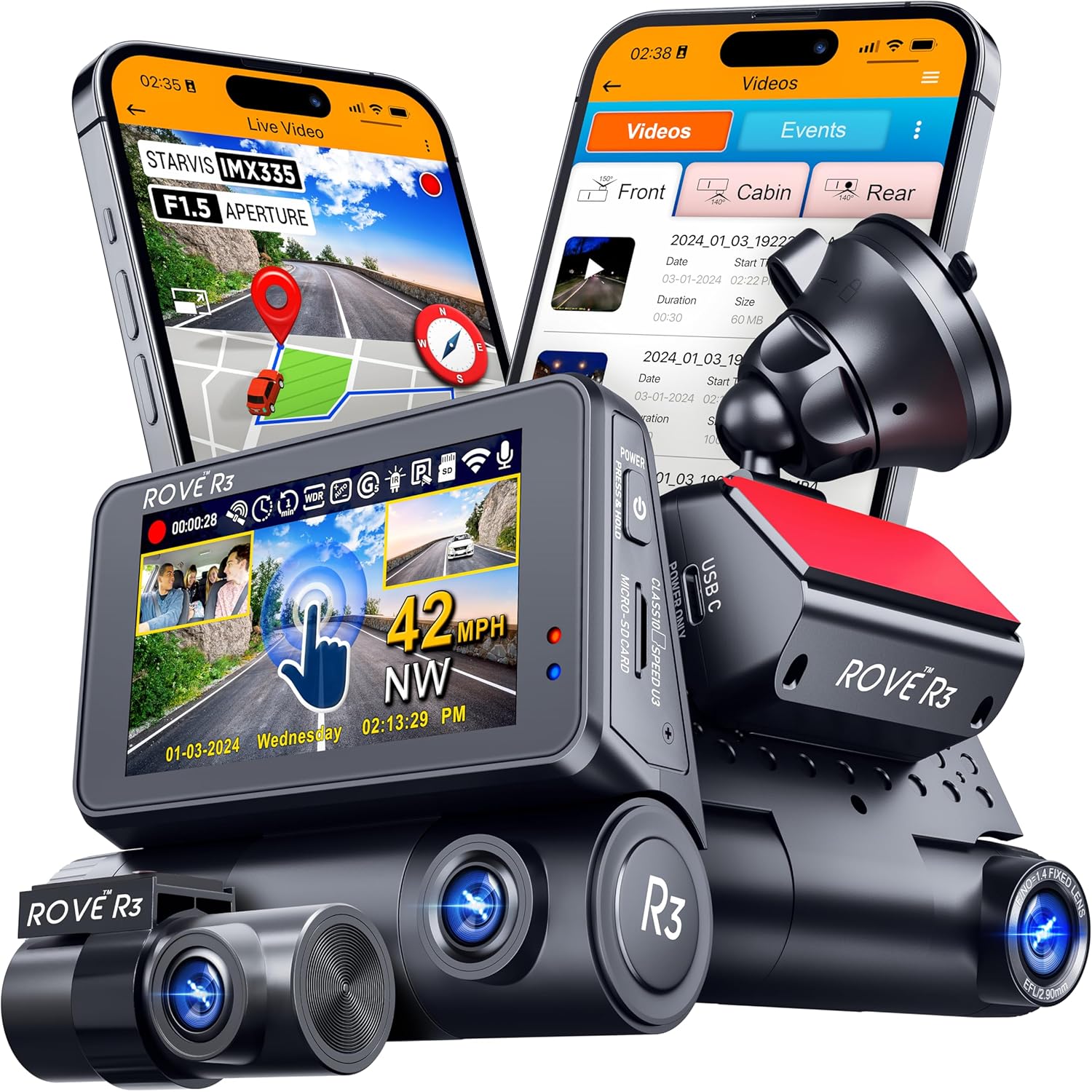
Comparison: top dash cams for school bus interior monitoring in 2026
| Model | Channels | Front resolution | Cabin IR | Included storage | Best for |
|---|---|---|---|---|---|
| Vantrue N4 Pro S | 3 (front + cabin + rear) | 4K | Yes (STARVIS 2) | Card sold separately | Heavy daily monitor use |
| 4K 3 Channel Dashcam | 3 (front + cabin + rear) | 4K | Yes | 128GB included | Budget-conscious districts |
| VNV 4K+2.5K | 2 (front + rear) | 4K | No interior cam | 64GB included | Exterior-only coverage |
| ROVE R2-4K Dual | 2 (front + rear) | 4K | No interior cam | 128GB included | Driver-facing route review |
| REDTIGER 4K | 2 (front + rear) | 4K | No interior cam | Card sold separately | Affordable exterior backup |
Top picks: dash cams for monitoring student behavior on a bus
1. Vantrue N4 Pro S 4K 3-Channel — best overall for cabin monitoring
The Vantrue N4 Pro S is the unit I would hand to a monitor who needs documentation that holds up under district HR review. All three lenses use Sony STARVIS 2 sensors, which is the single biggest reason it dominates this list—the IR cabin lens actually produces clear, identifiable footage during a 6 a.m. pickup or a late-afternoon December run home when the cabin lighting is mostly dome lamps. The front shoots true 4K, the cabin and rear shoot 1440p, and all three streams record simultaneously to a single microSD (supports up to 1TB cards, which means you can run a full week of routes without overwriting). Loop recording, GPS, parking mode, and a built-in supercapacitor (not a lithium battery, which is critical because a parked bus in August can exceed 140°F inside) round it out. The downside is price and the fact that you supply your own card. For a monitor or aide who genuinely needs the best dash cam for school bus monitors recording student behavior mid route, this is the unit that gets it done.
Check current price: Vantrue New N4 Pro S 4K 3 Channel Dash Cam, Triple STARVIS 2
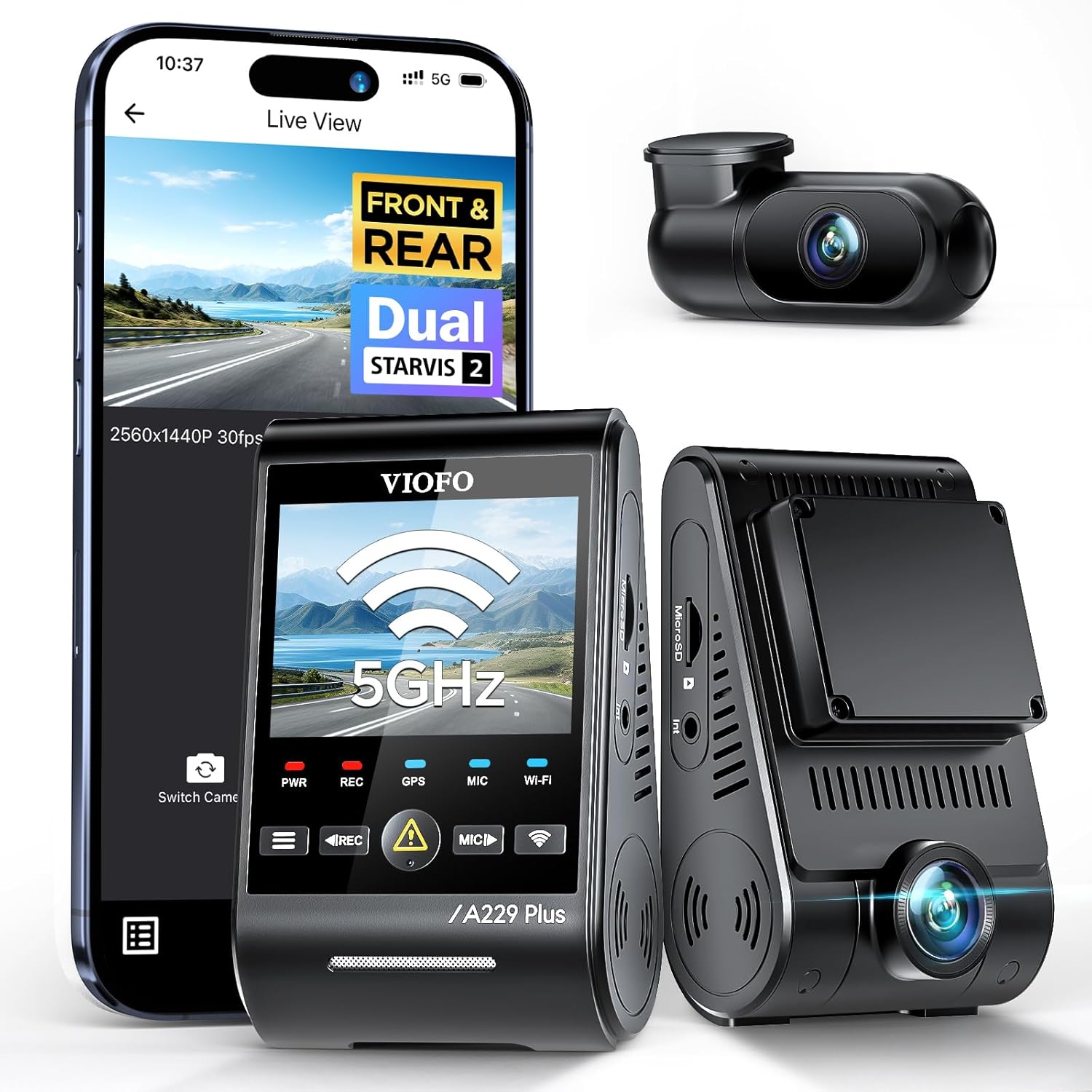
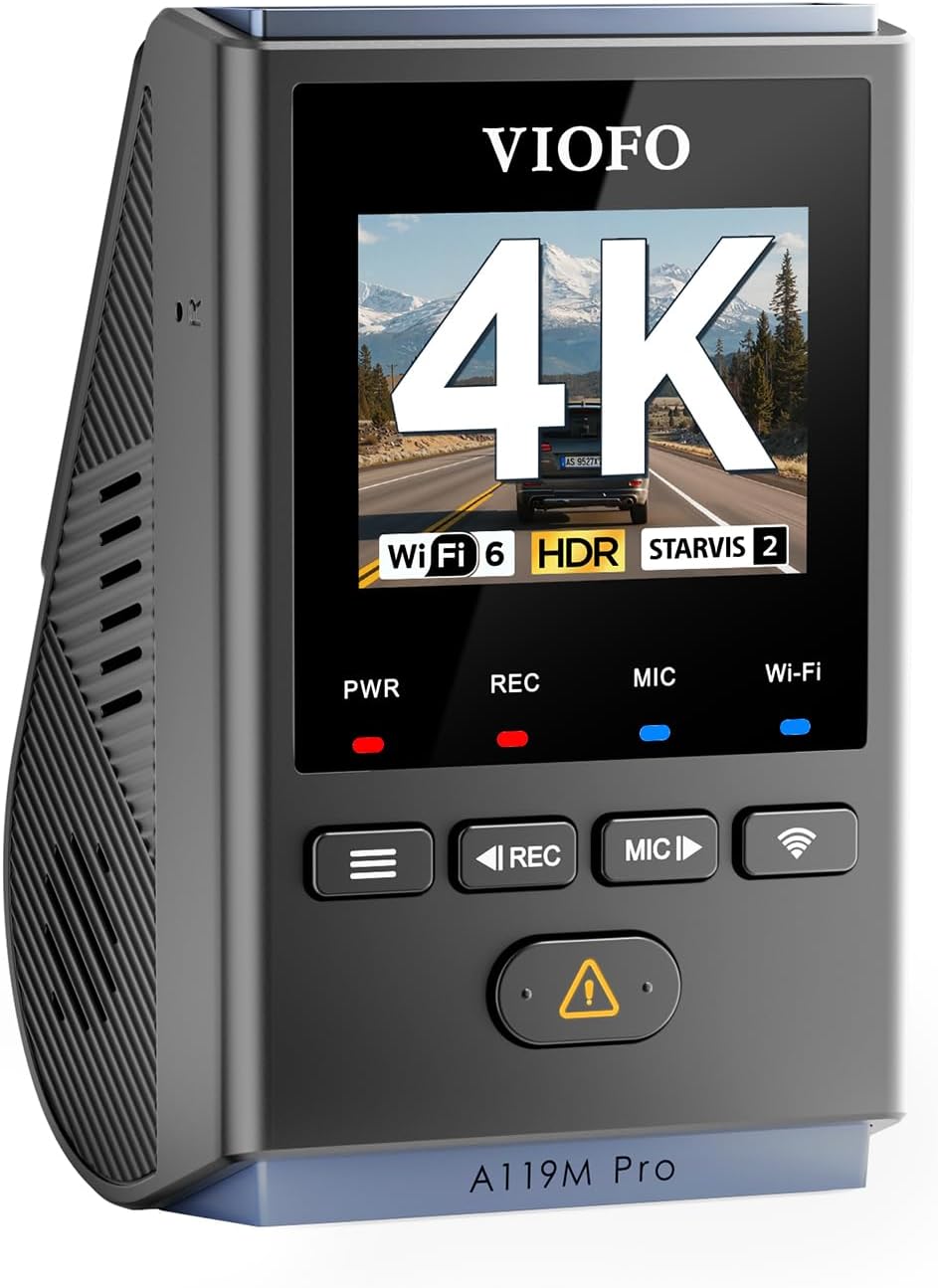
2. 4K 3 Channel Dash Cam with 128GB included — best value 3-channel
If your district is not approving the premium Vantrue and you need a 3-channel option that still covers cabin, road, and rear out of the box, this 4K 3-channel unit is the practical buy. It ships with the 128GB card already included (saving you a $25 add-on), records front/cabin/rear at the same time, and handles loop recording and impact-triggered event files the same way the higher-end units do. The cabin lens has IR LEDs for night and low-light interior capture, which is the feature that matters for documenting behavior on a dim morning route. Build quality and app integration are not on par with Vantrue, and the front lens is not STARVIS 2, but for monitors who need a functional, complete kit at a lower price point, this checks the boxes.
Check current price: 4K Dash Cam Front and Rear, Full HD 3 Channel Dashcam, Free
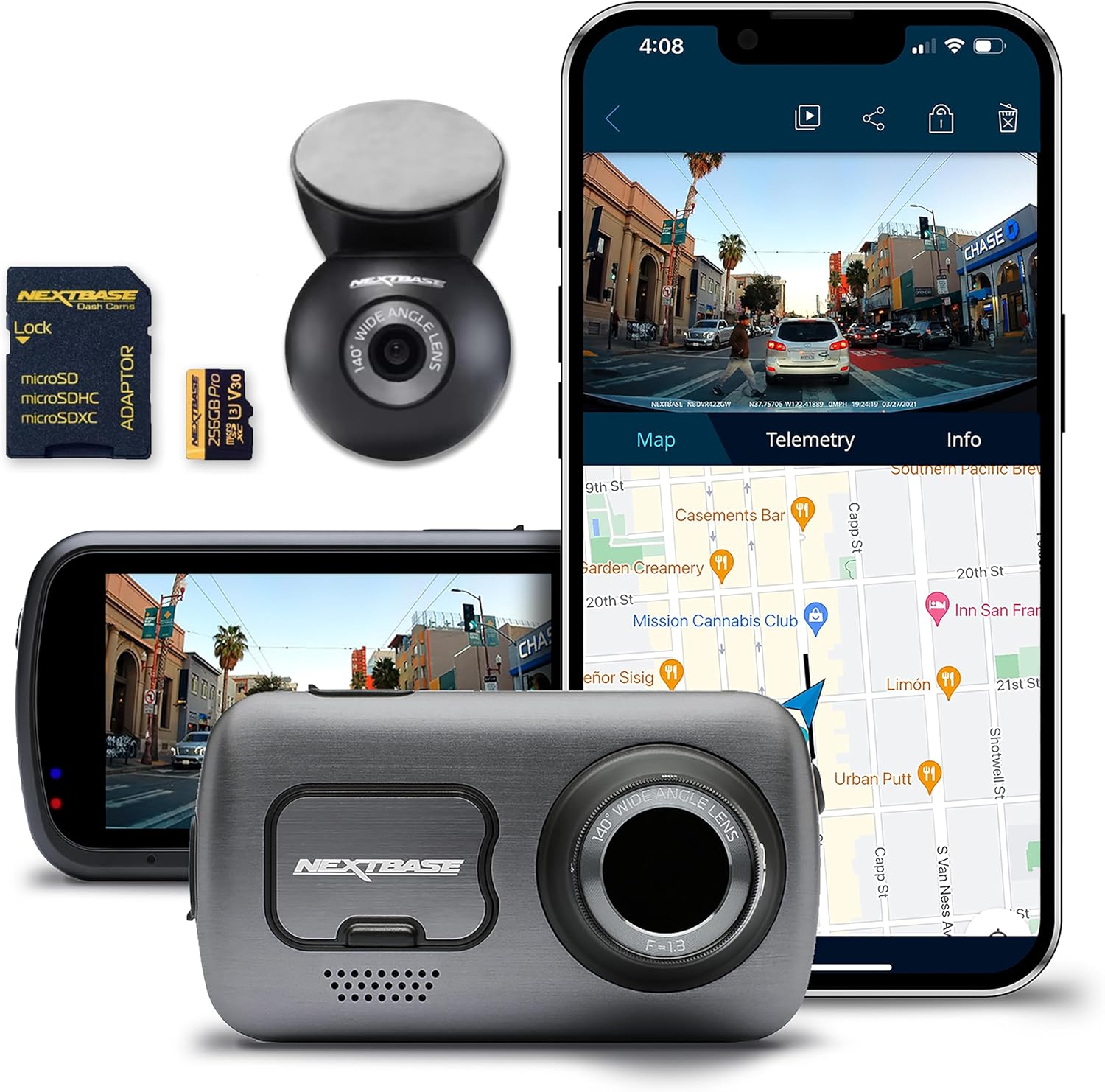
3. ROVE R2-4K Dual — best for exterior-only coverage when the bus already has an interior system
Some monitors and drivers tell us their district has separate, professionally installed interior cabin systems already, and they only need a personal dash cam to cover the road in front and behind. For that use case, the ROVE R2-4K is the reliable, well-supported pick. STARVIS 2 sensors front and rear, true 4K front capture, 128GB card included, built-in GPS, and a parking mode that works off a hardwiring kit. It is not going to record the cabin, so it is not a primary monitor's tool—but as a backup for the driver's exterior view, especially for stop-arm violation documentation, it earns its place.
Check current price: ROVE R2-4K DUAL Dash Cam Front and Rear, STARVIS 2 Sensor, F
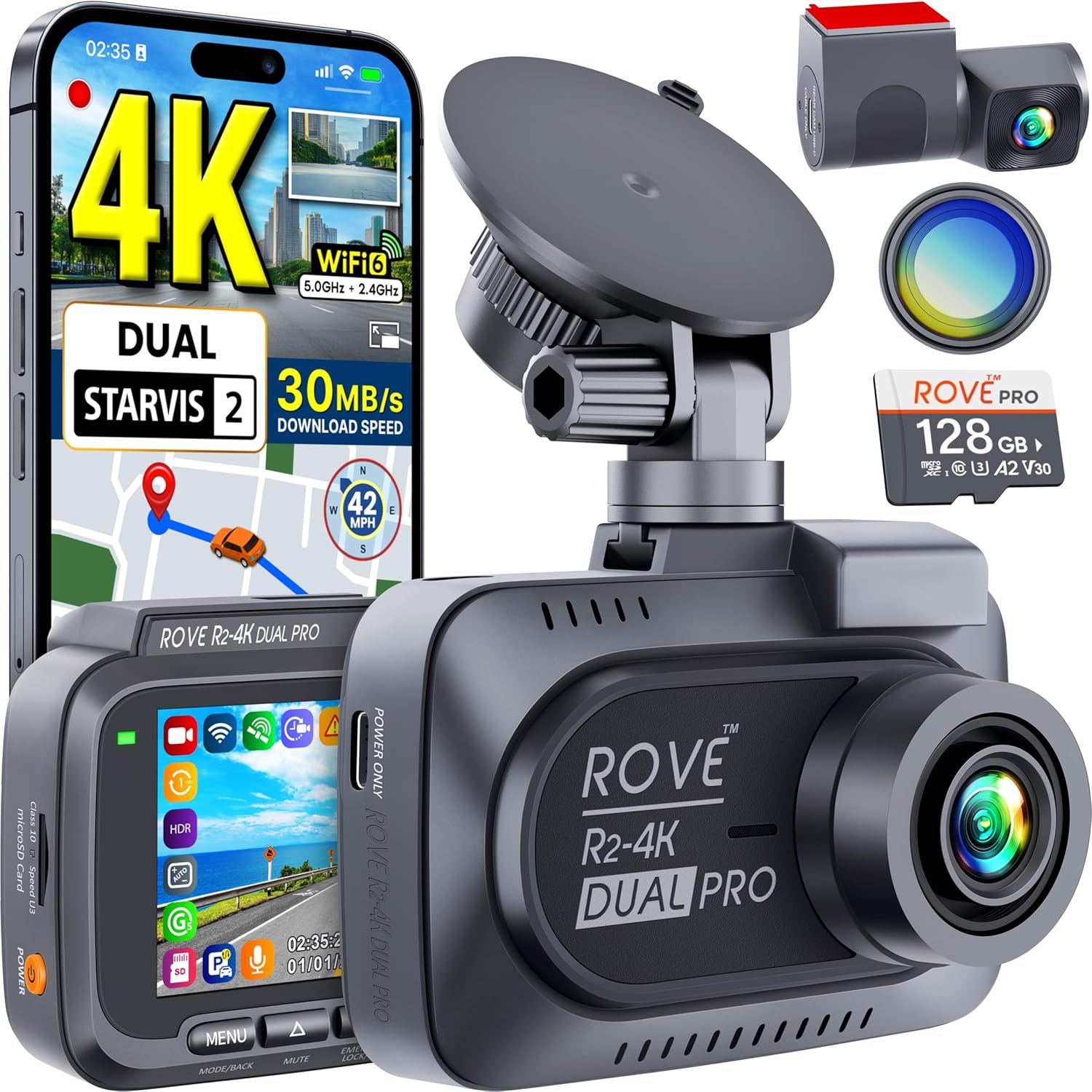
4. REDTIGER 4K Front and Rear — best budget exterior option for fleets
For a fleet manager outfitting a dozen buses on a tight budget, REDTIGER is the front/rear unit that consistently performs above its price. STARVIS 2 sensor, 4K front, app control, GPS module compatible. Same caveat as ROVE: no interior cam, so it pairs best with an existing cabin system or with a separate cabin-only unit. The interface is straightforward enough that a substitute driver can pull a clip without IT support.
Check current price: REDTIGER 4K Dash Cam Front Rear, STARVIS 2 Sensor, Free Card
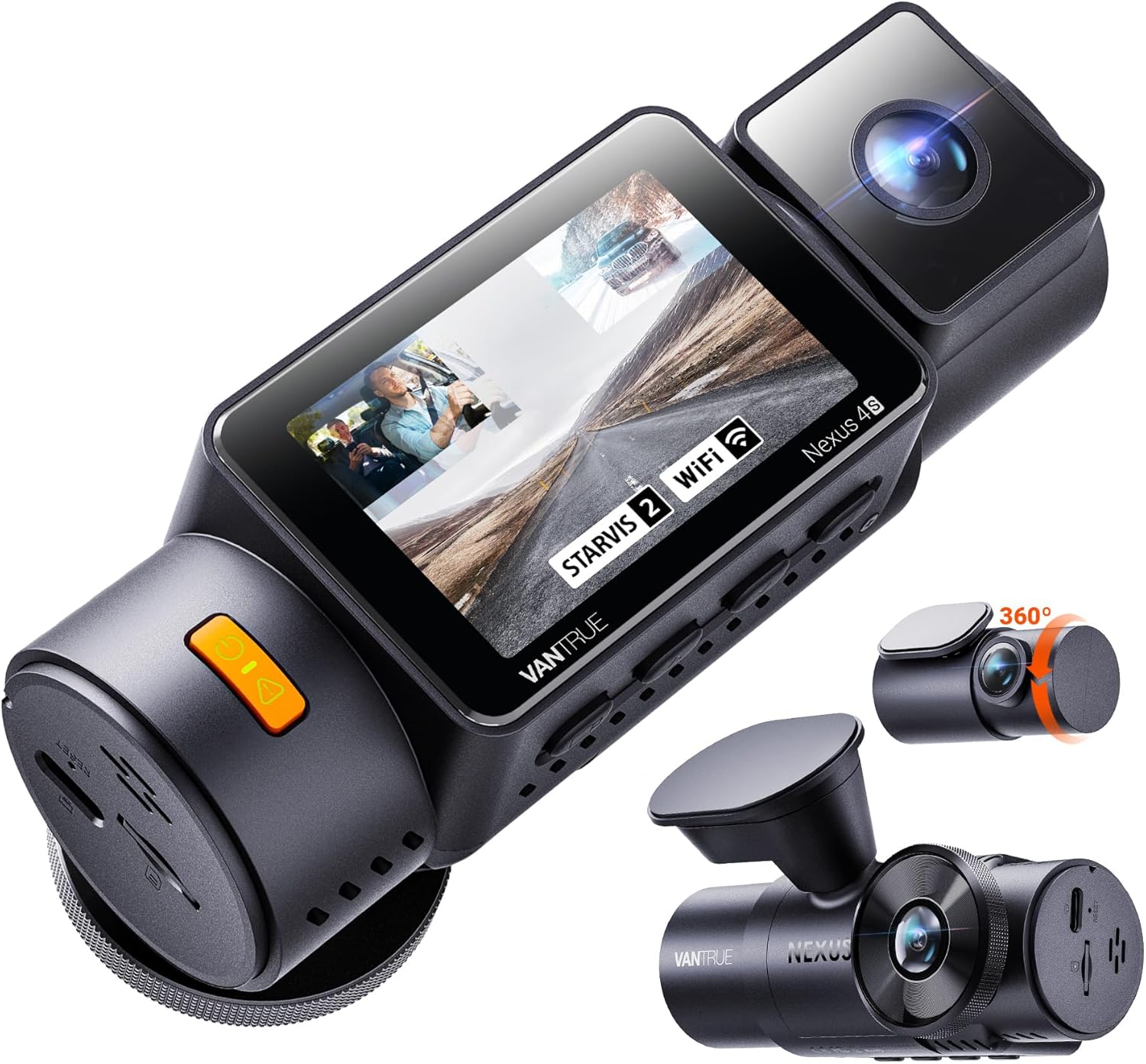
5. VNV 4K+2.5K Front and Rear — compact secondary option
The VNV unit is smaller than most 4K dual systems and uses a GalaxyCore sensor, which is a step below STARVIS 2 but still produces clean daytime exterior footage. Comes with 64GB included. I would only put this on the list for a monitor or driver looking for a low-profile second camera—maybe mounted near the driver's side window pointing out at the loading zone for stop-arm coverage—rather than as your only system.
Check current price: VNV 4K+2.5K Dash Cam Front and Rear, GalaxyCore Sensor, Free
How to mount a dash cam on a school bus for cabin coverage
Mounting is where most monitors get the setup wrong. The cabin lens needs to be positioned high enough to see over the seatbacks—school bus seats are taller than passenger car seats, and a windshield-line mount that works in a sedan will only show you the tops of heads. The two positions that actually work are: (1) above the rearview-style mirror near the entry door, angled back and down toward the rear of the cabin, or (2) high on the bulkhead behind the driver, looking straight down the aisle. Position 2 generally gives the cleanest behavioral footage because every row is in frame and faces are identifiable.
Run the power cable behind the trim, not across the dash, and use a hardwiring kit rather than the cigarette plug if your bus has one. A hardwiring kit lets parking mode work during loading and unloading periods when the engine may be off. If you are new to camera installs on a commercial vehicle, our step-by-step hardwiring guide walks through the fuse-tap method.
What to do with the footage after an incident
Pull the card the same day. Do not wait. Most cameras will overwrite oldest footage within 12 to 24 hours of continuous recording on a 128GB card at 4K, and behavioral incidents that seem minor at dismissal can become a phone call from a parent that evening. Copy the relevant clip to your district-approved storage immediately, label it with route number, date, and a short description, and notify your transportation director. Never share clips of minors outside the chain of administrative review—this is a FERPA-adjacent area and the consequences of an off-the-record share are severe. Our guide to handling dash cam evidence for school incidents covers the chain-of-custody steps in detail.
Frequently Asked Questions
Is it legal for a school bus monitor to record students with a personal dash cam?
In most U.S. states, video recording inside a school bus is legal because there is no reasonable expectation of privacy on a school district vehicle. Audio recording is more restrictive—roughly a third of states require two-party consent, which on a bus means posted notice and sometimes parent notification. Always coordinate with your transportation director before installing a personal camera; most districts have a policy requiring district approval and may prefer you use the bus's existing system rather than a personal one.
What is the best dash cam for school bus monitors recording student behavior mid route on long rural runs?
For long rural routes where you are on the bus for 60-plus minutes each direction, prioritize storage and battery-free operation. The Vantrue N4 Pro S with a 512GB or 1TB card will record a full day without overwriting, and its supercapacitor (not lithium battery) survives the summer heat that destroys cheaper units. STARVIS 2 sensors are also worth it on rural routes that start before sunrise.
Do I need a 3-channel dash cam or can I use front and rear only?
If your goal is documenting behavior inside the bus, you need the cabin (interior-facing) channel. Front-and-rear-only systems show you what the bus drove past, not what happened in row 6. Use a 3-channel unit, or pair a front/rear unit with a separate dedicated cabin camera.
How long does a dash cam store footage before overwriting?
At 4K front + 1440p cabin + 1440p rear on a 128GB card, expect roughly 10 to 14 hours of loop recording. Event files (those triggered by impact or manually saved) are protected from overwrite. Pull footage the same day for any flagged incident, and consider stepping up to a 256GB or 512GB card if your route exceeds 6 hours daily.
Will a dash cam work in the heat of a parked school bus in summer?
Only models with a supercapacitor instead of a lithium-ion battery. Lithium batteries swell and fail above roughly 140°F, which a closed bus easily hits in July. The Vantrue N4 Pro S and the ROVE R2-4K both use supercapacitors. Avoid any unit that advertises a built-in rechargeable battery if you park outdoors year-round.
Can administrators access dash cam footage remotely from a school bus?
Some 2026 units support 4G LTE modules or Wi-Fi pull from a depot, but the consumer cameras on this list are local-storage devices. For fleet-wide remote pull you would step up to a commercial telematics-grade system (Lytx, Samsara, Geotab); for individual monitor use, plan on physically pulling the card or connecting via the camera's app on the bus.
Where should the cabin camera be mounted to capture all seats?
High on the bulkhead behind the driver, angled straight down the aisle, gives you every row of seats and identifiable faces. A windshield-area mount only captures the front third of the bus. If your bus has a partition behind the driver, the top of that partition is usually the cleanest mounting location with a short cable run to switched power.
What memory card should I buy for a school bus dash cam?
Get a high-endurance microSD card rated for surveillance use—Samsung PRO Endurance or SanDisk High Endurance in 128GB or 256GB. Standard consumer cards die quickly under the constant write/erase cycle of loop recording. Spend the extra $15 on the endurance-rated card; you will save it back on the first replacement.
Key Takeaways
- Choosing the right best dash cam for school bus monitors recording student behavior mid route means matching capacity and output ports to your actual devices
- Always check actual watt-hours (Wh), not just watts — runtime depends on Wh, not peak output
- Also covers: school bus interior dash cam
- Also covers: dashcam for bus aide student monitoring
- Also covers: school bus behavior recording camera
- Compare price-per-Wh across models to find the best value for your budget