If your Nextbase 622GW Emergency SOS is not triggering after an impact, the fix is almost always one of four root causes: an unpaired or stale MyNextbase Connect app session, a G-sensor sensitivity set too low (or too high) for your vehicle, missing or unverified emergency contacts, or a firmware build older than 2.3 that shipped with a known SOS handshake bug. Below is the complete 2026 walkthrough on how to fix Nextbase 622GW Emergency SOS not triggering after impact, plus the dashcam upgrades worth considering if your 622GW unit is past saving.
Emergency SOS on the 622GW is a phone-tethered feature, not a standalone cellular system. That single fact is what trips up 90% of owners. The camera detects the impact via its built-in 3-axis G-sensor, then pushes a Bluetooth Low Energy alert to your paired phone, which then transmits your GPS coordinates, vehicle details, medical info, and emergency contacts to the Nextbase emergency response partner. Break any link in that chain and SOS silently fails.
The best how to fix Nextbase 622GW Emergency SOS not triggering after impact for your situation depends on how you plan to use it and where.
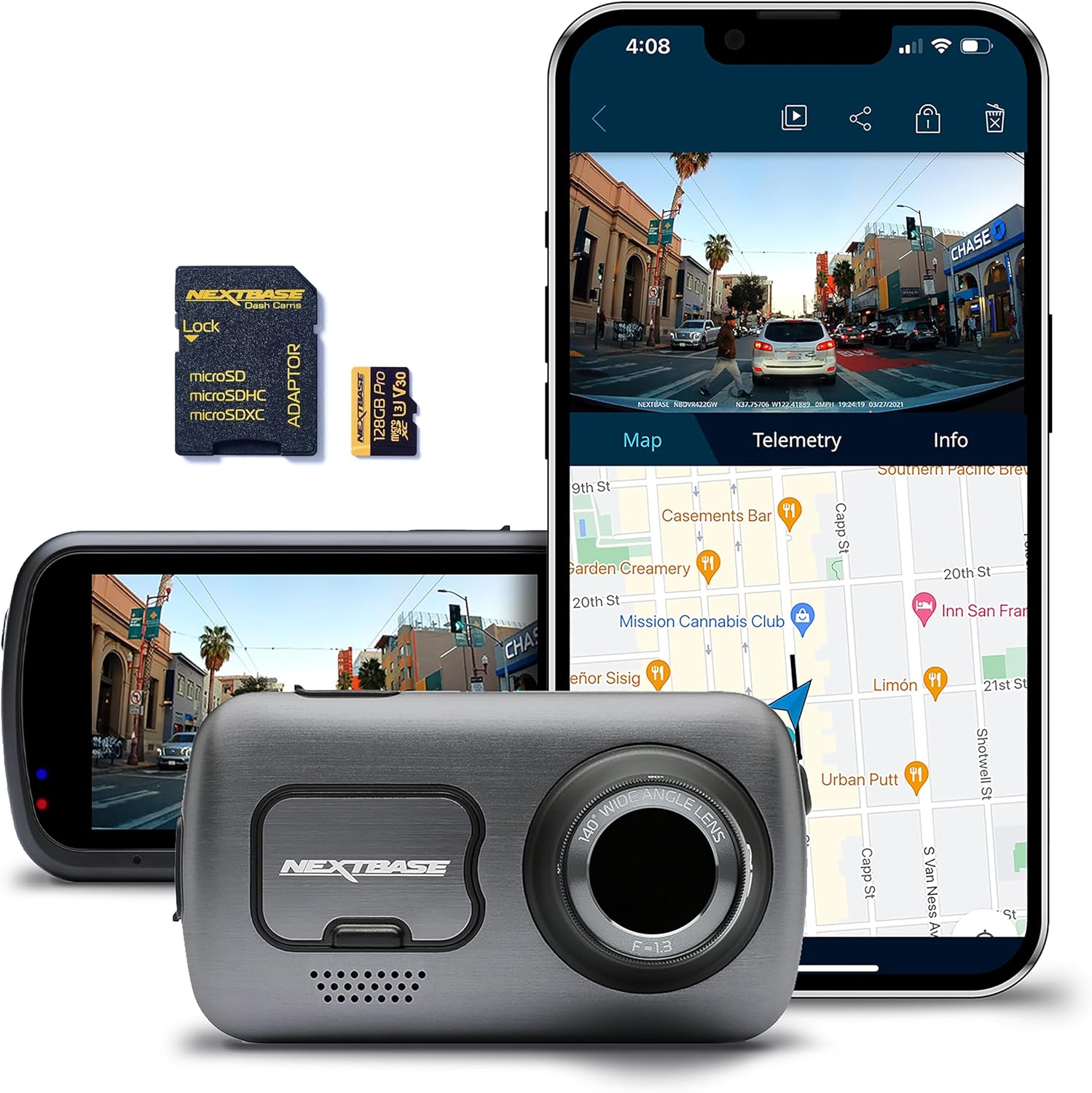
The 6-Step Fix for Nextbase 622GW Emergency SOS Not Triggering After Impact
Step 1: Verify Your Firmware Is 2.3 or Newer
Open MyNextbase Connect, tap your 622GW under devices, and check the firmware build. Anything below 2.3 has a documented BLE handshake defect where the SOS alert gets queued but never transmitted. Download the latest 2026 firmware directly from nextbase.com, copy the .bin file to the root of your microSD card, insert, and power on. The unit will auto-flash in under 90 seconds. Do not interrupt power during the flash or you will brick the camera.
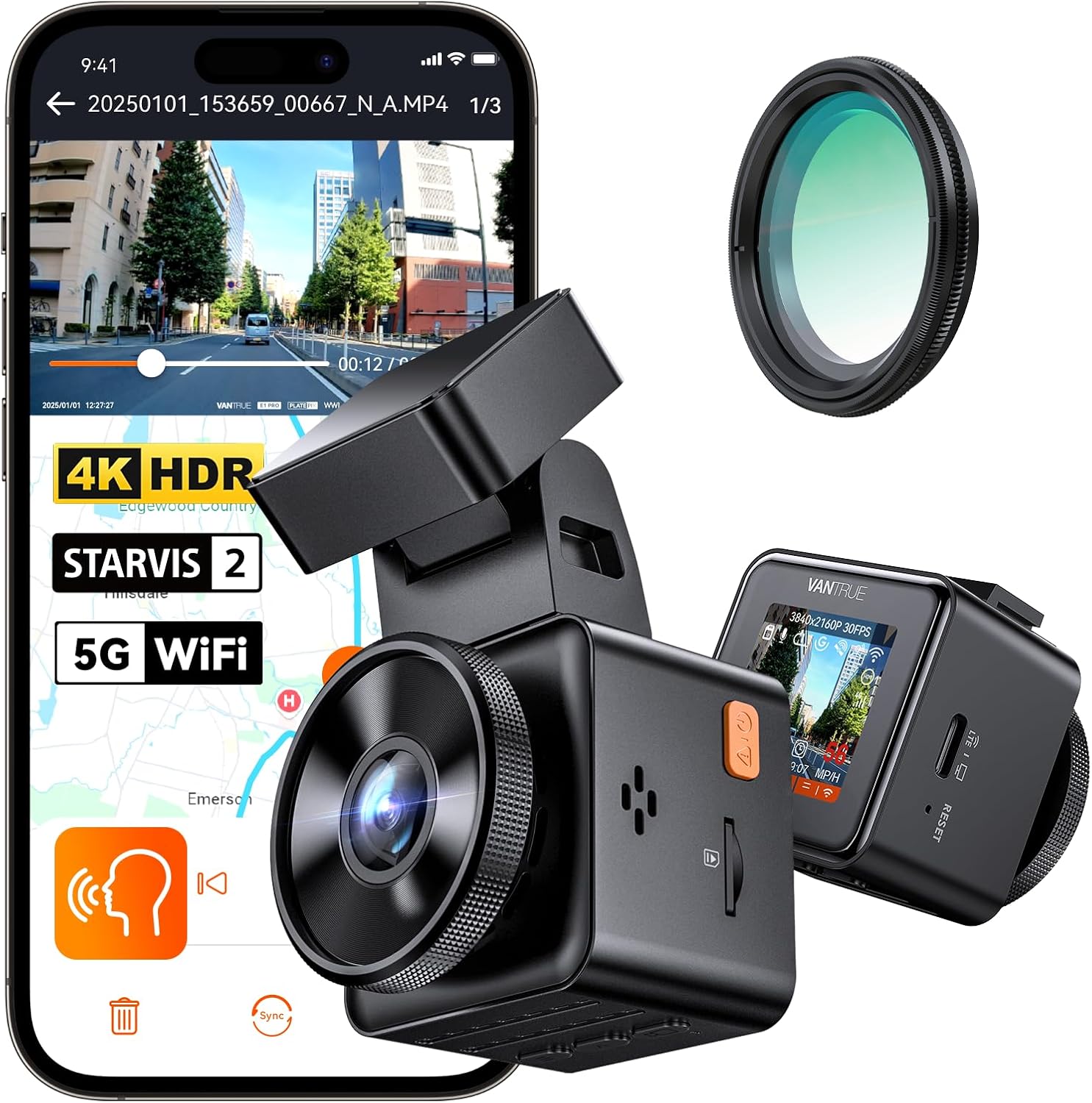



Step 2: Re-pair the MyNextbase Connect App
This is the most common single fix. Delete the 622GW from your phone's Bluetooth settings entirely (not just unpair from inside the app). Force-quit MyNextbase Connect. Reopen the app, tap Add Device, and walk through pairing fresh. On iOS 17+ and Android 14+, the OS occasionally invalidates the BLE bonding key without notifying the app, so SOS thinks it's paired when the kernel has already dropped the connection.
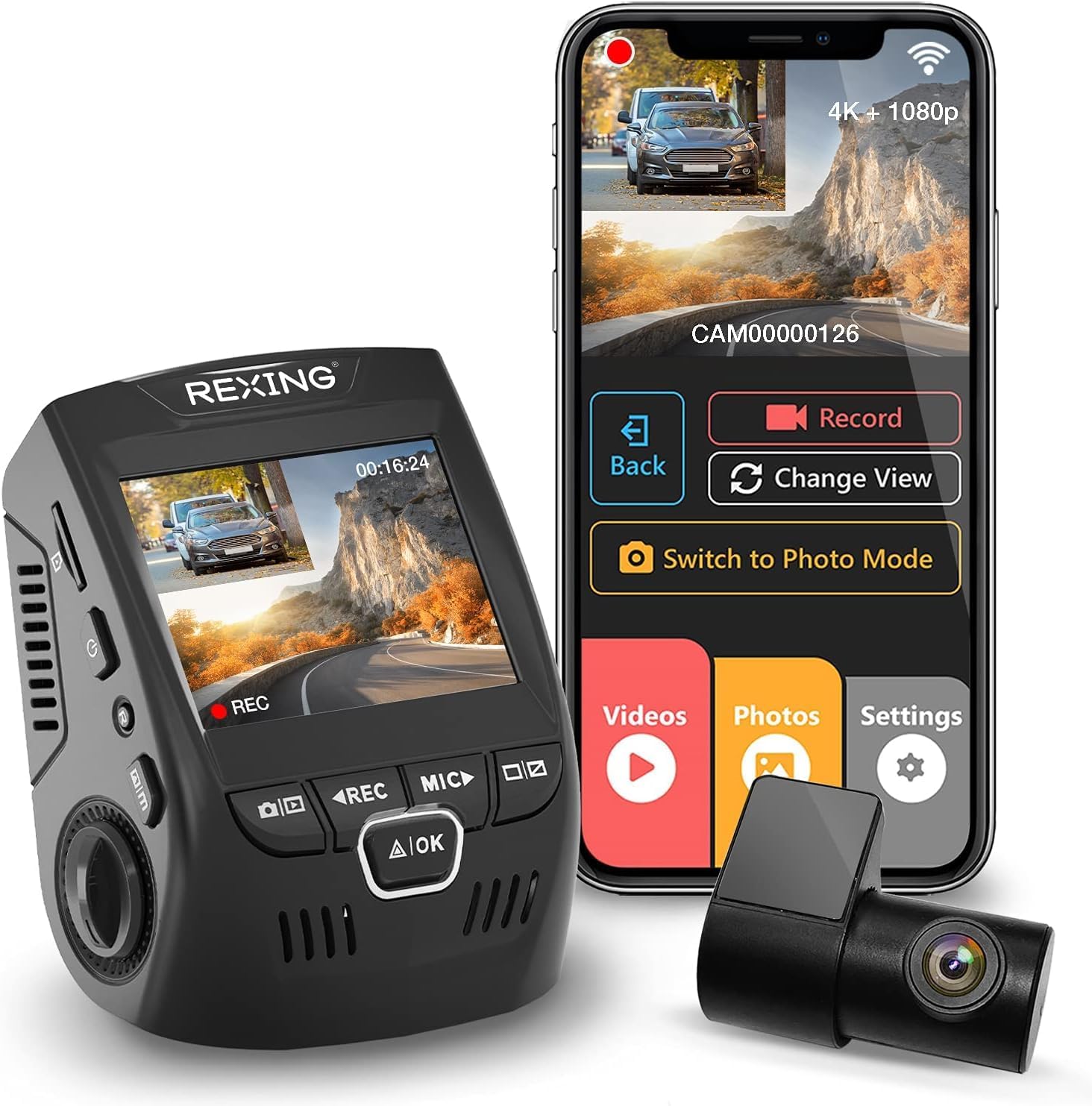
Step 3: Recalibrate the G-Sensor
In the 622GW settings menu, navigate to Setup > G Sensor. The default is Medium, but most modern SUVs and EVs with stiff suspension need Low to register a real-world fender-bender. Trucks and lifted vehicles need High because road vibration constantly trips Medium. After changing, drive 10 minutes on a normal road. If you see G-sensor events logging from potholes, raise it one notch. If a hard brake doesn't log anything, lower it.
Step 4: Test Emergency Contacts and Medical Profile
Inside MyNextbase Connect, go to Emergency SOS > Profile. Every contact must show a green verified checkmark. Unverified contacts are silently skipped during a real incident. Also confirm your blood type, allergies, and vehicle registration are filled in — the Nextbase response partner uses this data to brief paramedics, and an incomplete profile sometimes triggers a fallback path that doesn't dispatch.
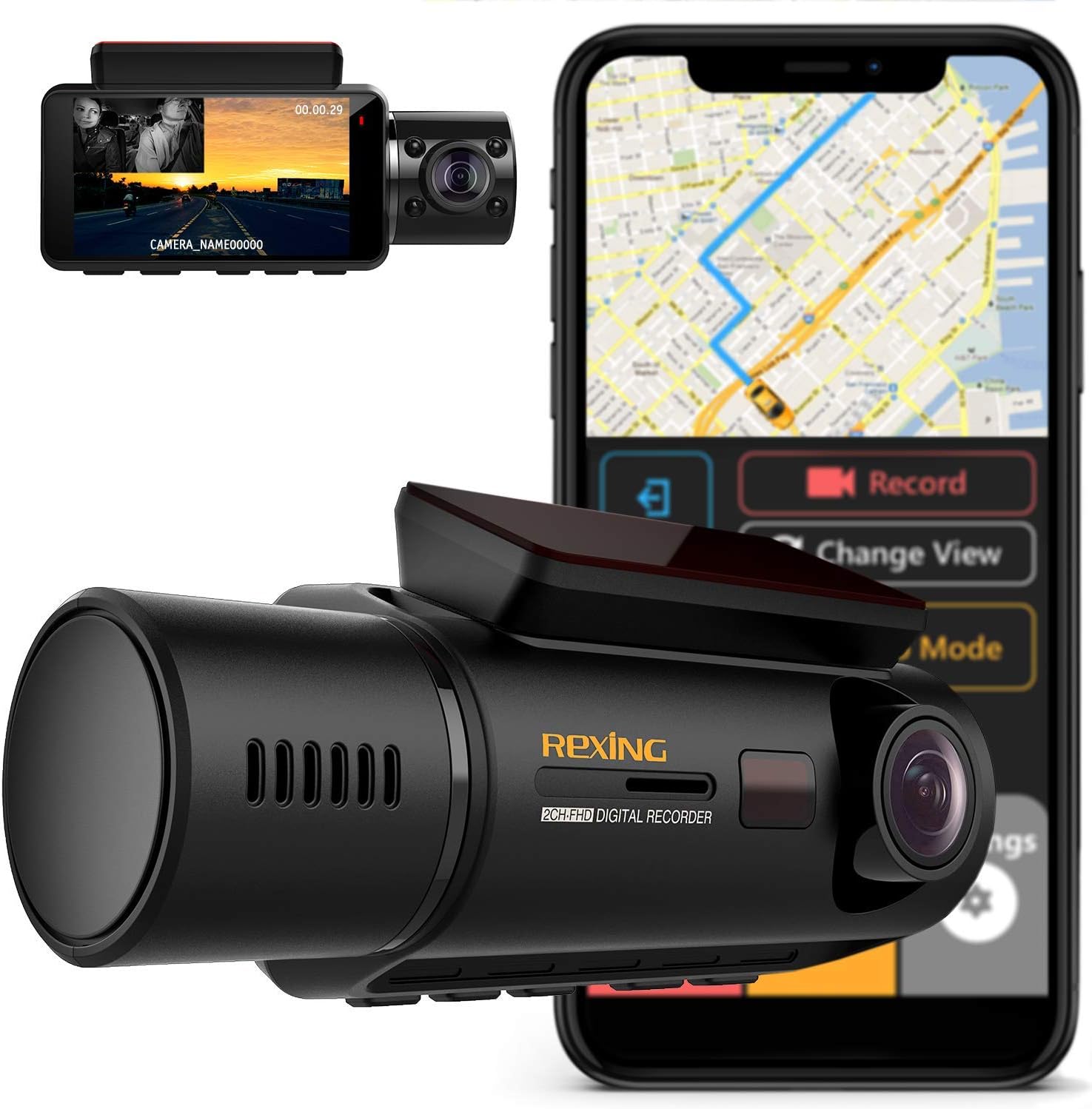
Step 5: Run the Built-in SOS Test
The app has a dedicated SOS Test mode under Emergency SOS > Test System. Run it with the camera powered, your phone within Bluetooth range, and the vehicle on. A successful test ends with a confirmation push notification within 30 seconds. If the test fails, the app will tell you exactly which link broke — GPS, BLE, contacts, or response server.
Step 6: Replace the Hardwire Kit Capacitor (Last Resort)
If you've ruled out all software causes, the 622GW's internal supercapacitor may have degraded. On a hard impact, the camera loses 12V power instantly and runs on the cap for the 4 seconds needed to flush the SOS packet and final video to the SD card. A weak cap dies before the packet sends. Symptoms: the camera reboots after impact instead of saving a protected clip. Nextbase covers this under their 2-year warranty — open a ticket with your serial number rather than buying a third-party cap.
When to Replace the 622GW Instead of Fixing It
If you've worked through all six steps and SOS still fails, or if your 622GW is past its warranty window and the supercapacitor is the culprit, replacement is more economical than repair. The 622GW launched in 2020 and the 2026 dashcam market has moved on substantially — STARVIS 2 sensors, 4K-on-front-and-rear configurations, and built-in LTE for true standalone emergency alerts are now standard at lower price points. For more on the standalone-vs-tethered SOS debate, see our guide on dashcams with built-in LTE emergency alerts in 2026.
2026 Replacement Picks: Dash Cams With Better Impact Detection Than the 622GW
| Model | Channels | Sensor | SOS / Impact Alert | Best For |
|---|---|---|---|---|
| Vantrue N4 Pro S | 3 (front/cabin/rear) | Triple STARVIS 2 | App-based + parking mode collision | Rideshare drivers |
| ROVE R2-4K DUAL | 2 (front/rear) | STARVIS 2 | G-sensor + emergency lock | Daily commuters |
| REDTIGER 4K F&R | 2 (front/rear) | STARVIS 2 | G-sensor lock + WiFi alert | Budget upgrade |
| 3-Channel 4K (B0GX692JCS) | 3 | 4K front | G-sensor protected files | Full coverage on a budget |
| VNV 4K+2.5K | 2 | GalaxyCore | G-sensor lock | Entry-level shoppers |
Vantrue N4 Pro S 4K 3-Channel Dash Cam — Best All-Round Replacement
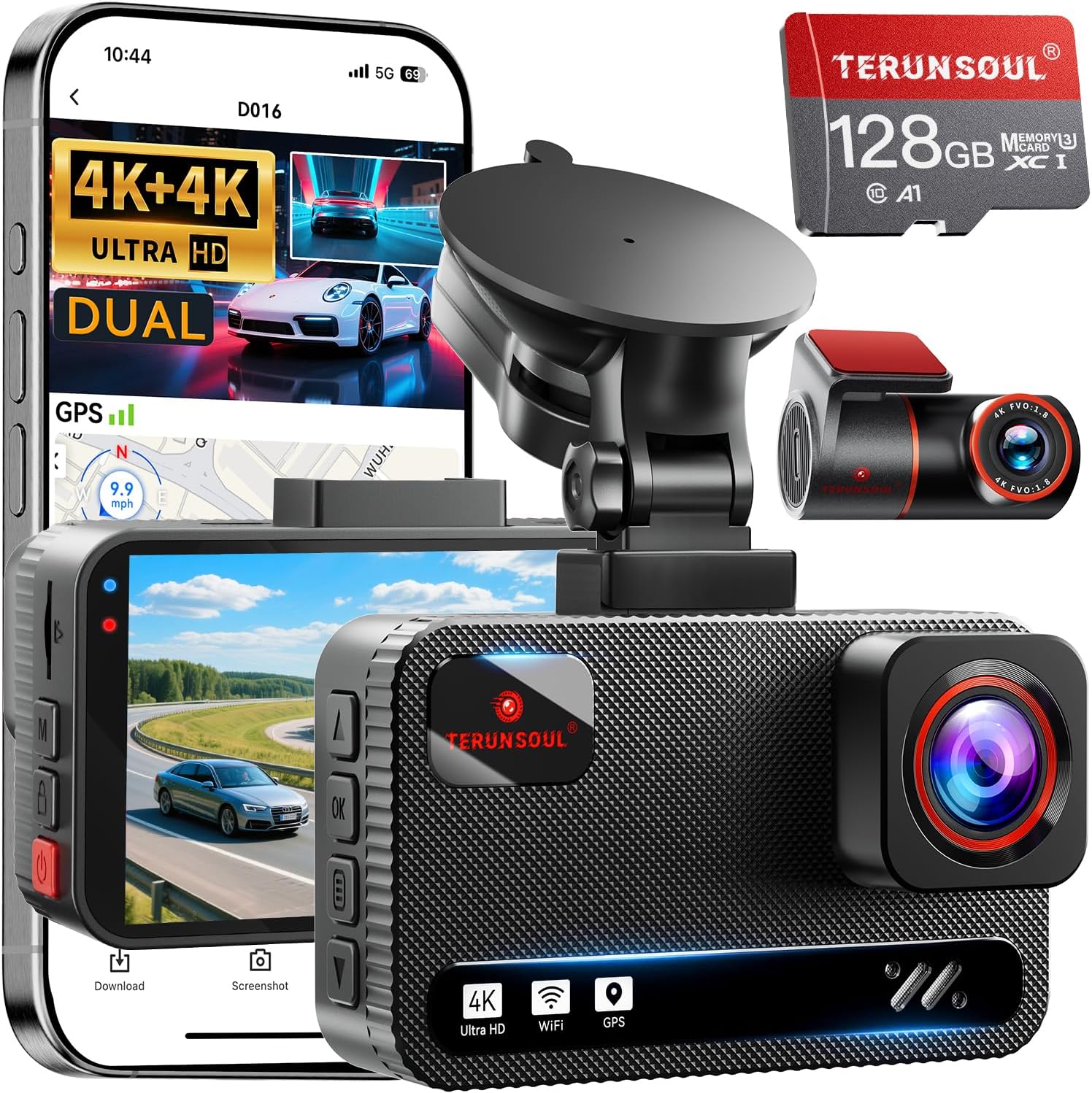
The Vantrue N4 Pro S uses three Sony STARVIS 2 sensors and a refined G-sensor algorithm that's far less prone to false-positives than the 622GW's older 3-axis chip. The 24/7 parking mode with a separate hardwire kit captures impacts even when you're parked — a scenario the 622GW handles poorly because it depends on your phone being nearby to push the SOS alert. If your 622GW failed because the supercap couldn't survive impact, the N4 Pro S's larger buffer and direct-to-card emergency lock is the cleanest upgrade. Check the Vantrue N4 Pro S on Amazon.
ROVE R2-4K DUAL — Best Direct 622GW Replacement
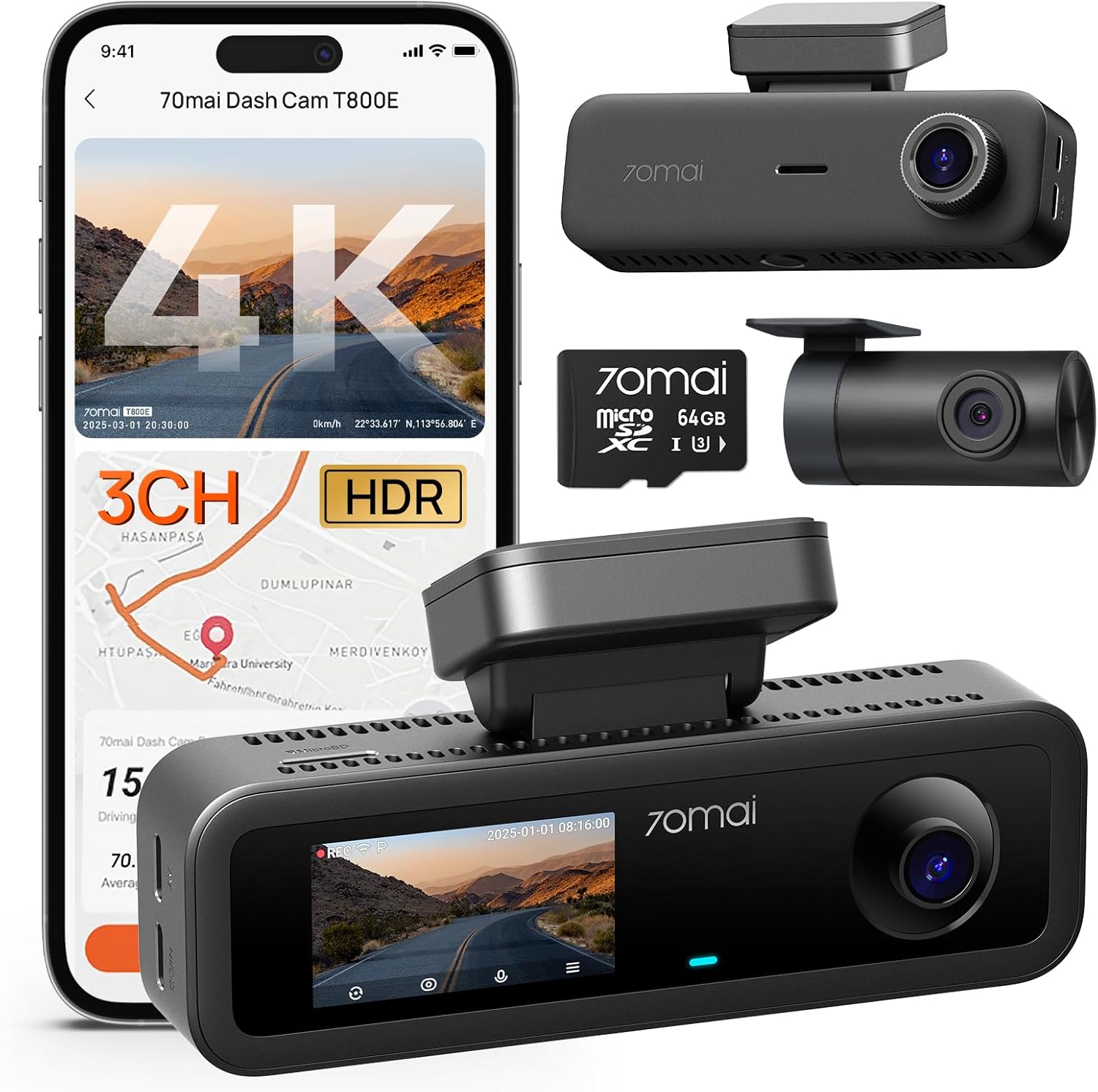
The ROVE R2-4K DUAL is the closest 1:1 replacement for the 622GW form factor and price band. It uses a STARVIS 2 sensor, 128GB card included, and a G-sensor system that emergency-locks the clip directly to the SD card without depending on a phone handshake. That alone solves the 622GW's #1 failure mode. WiFi pairing is more stable than the 622GW's BLE setup, and the included rear camera covers angles the 622GW required a separate purchase for. Check the ROVE R2-4K DUAL on Amazon.
REDTIGER 4K Front and Rear — Best Budget STARVIS 2 Pick
If you want the impact-detection reliability of STARVIS 2 at a sub-$150 entry point, the REDTIGER 4K is the value pick of 2026. G-sensor sensitivity is configurable across three levels just like the 622GW, but the firmware is actively maintained and the impact-lock writes to the card before the camera can lose power. Read our deeper take in the REDTIGER vs ROVE 2026 comparison. Check the REDTIGER 4K on Amazon.
4K 3-Channel Dash Cam (128GB Included) — Best for Full Cabin Coverage
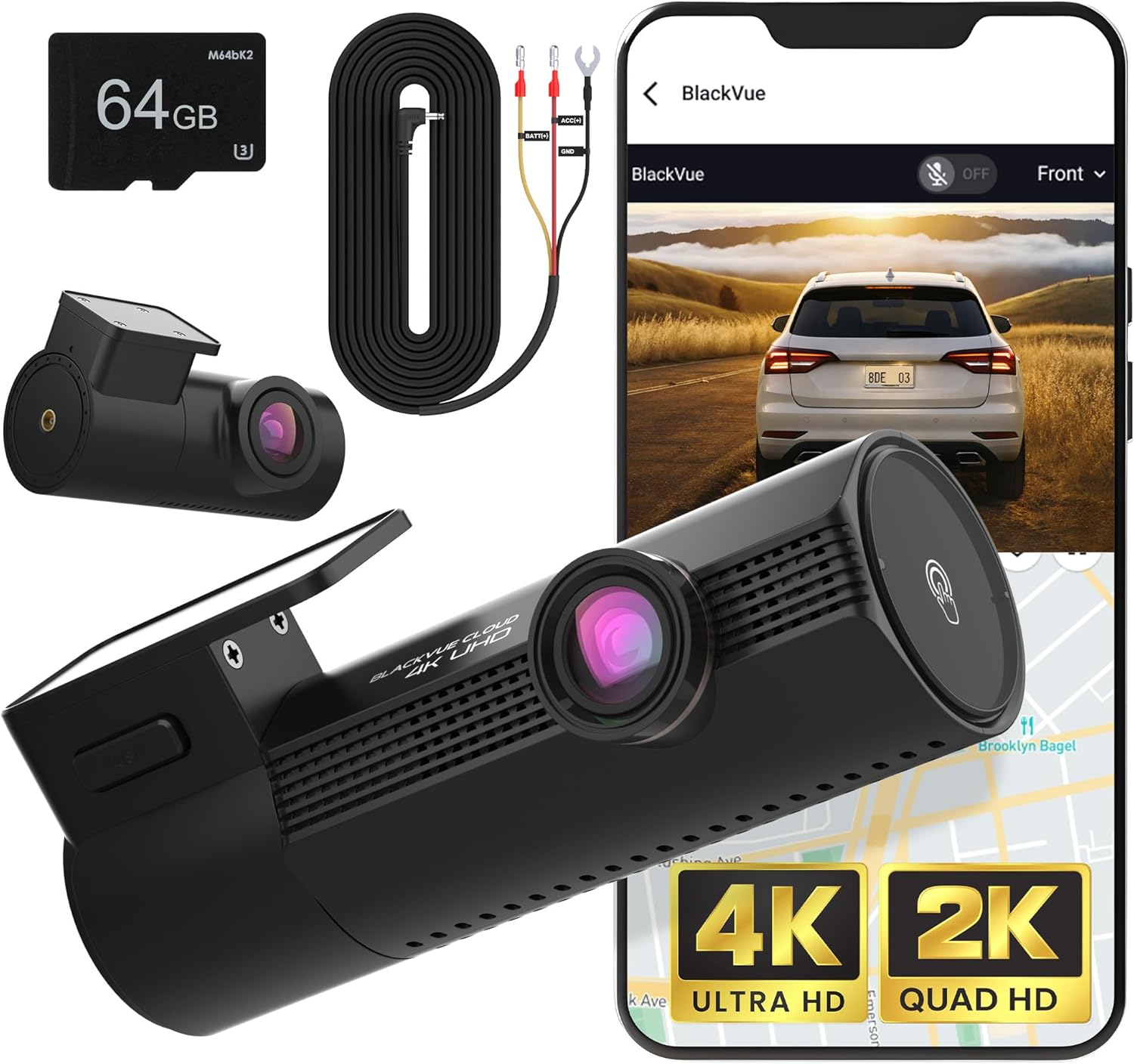
For Uber, Lyft, taxi, and delivery drivers who need the third interior channel that the 622GW never offered without a separate accessory, this 3-channel 4K unit ships with 128GB storage and a hardened G-sensor system designed for fleet use. Impact events trigger a protected file across all three channels simultaneously. Check the 3-channel 4K dash cam on Amazon.
VNV 4K+2.5K Dash Cam — Best Sub-$100 Replacement
If the 622GW has died and you just need a working dash cam with reliable impact-event recording while you decide on a long-term upgrade, the VNV 4K+2.5K with GalaxyCore sensor and 64GB included covers the basics. The G-sensor is single-axis sensitivity (low/med/high) and the protected-file system writes directly to the card. Check the VNV 4K+2.5K on Amazon.
What the 622GW Got Wrong — And What 2026 Cameras Fixed
The 622GW's Emergency SOS architecture pioneered phone-tethered emergency response in dash cams, but it had three structural weaknesses. First, it required an active BLE connection at the moment of impact — if your phone was in a glovebox Faraday-style or running low on battery, SOS never fired. Second, the supercapacitor power reserve was sized for graceful shutdown, not for the multi-second packet transmission a successful SOS requires. Third, the firmware update cadence slowed dramatically after 2023, leaving known BLE bugs unpatched.
2026-generation cameras either eliminate the phone dependency entirely (LTE-equipped models) or write the impact-locked clip directly to the SD card before any network handshake, so the worst-case outcome is still a recovered video file rather than a missed event. For a full breakdown of how impact detection has evolved, see our 2026 dash cam G-sensor technology guide.
Frequently Asked Questions
Why does my Nextbase 622GW SOS test work but real impacts don't trigger an alert?
The test mode uses simulated G-sensor input, so it bypasses the actual sensitivity threshold. If your real-world G-sensor is set to High but the impact registered below 2G (a typical low-speed fender bender), the camera never classified it as an emergency. Drop sensitivity to Low or Medium and rerun. Also confirm the camera had 12V power at the moment of impact — a loose hardwire fuse will pass the powered test but fail when the vehicle's accessory circuit dropouts during the crash.
How do I know if my 622GW supercapacitor is failing?
Three telltale signs: the camera reboots instead of cleanly powering down when you turn off the ignition, the date and time reset between drives, and protected files from G-sensor events are truncated or corrupt. A healthy supercap holds enough charge for 4-5 seconds of post-power-loss operation. If yours dies in under 2 seconds, it's time for warranty replacement or a new camera.
Does Nextbase Emergency SOS work without a subscription in 2026?
The first year of SOS service is included with the 622GW purchase. After that, Nextbase requires a paid subscription to maintain the emergency response partner connection. If your SOS stopped working entirely (not just on impact), check your subscription status in MyNextbase Connect — lapsed subscriptions silently disable the feature without an obvious in-camera warning.
Can I retrofit LTE Emergency SOS to my Nextbase 622GW?
No. The 622GW hardware has no cellular modem and the form factor doesn't accommodate an add-on. Your options are to keep using the phone-tethered SOS (with all six fix steps above applied) or upgrade to a 2026 camera with built-in LTE or a model that writes impact-locked clips to the card without requiring any network handshake.
What G-sensor sensitivity should I use on the 622GW for highway driving?
For highway-heavy driving in a normal sedan or crossover, Medium is correct. For stiff-suspension performance cars or EVs, drop to Low or you'll get false-positive lock-ups from expansion joints that fill your SD card with junk clips. For pickup trucks and lifted vehicles, stay on Medium — High will trigger constantly on washboard roads.
Why won't the 622GW pair with iOS 18 or Android 15?
Both 2026 mobile OS releases tightened BLE security requirements. Older 622GW firmware (pre-2.3) uses a deprecated pairing handshake that newer OS versions reject. Update firmware first, then delete the device from your phone's Bluetooth settings completely, force-quit MyNextbase Connect, and re-pair from scratch. If pairing still fails, the issue is the 622GW's BLE radio chip itself — a known late-life failure mode.
Are there any dash cams with truly standalone Emergency SOS (no phone required)?
Yes, several 2026 models ship with built-in 4G LTE modems and direct emergency dispatch partnerships, eliminating the phone-tethering weakness entirely. They cost more upfront and require a monthly cellular plan, but they're the only dash cams that will reliably summon help if you're knocked unconscious or your phone is destroyed in the impact. See our 2026 LTE-equipped dash cam roundup for current picks.
Key Takeaways
- Choosing the right how to fix Nextbase 622GW Emergency SOS not triggering after impact means matching capacity and output ports to your actual devices
- Always check actual watt-hours (Wh), not just watts — runtime depends on Wh, not peak output
- Also covers: Nextbase 622GW SOS not working fix
- Also covers: 622GW emergency response feature broken
- Also covers: Nextbase SOS smartphone pairing issue
- Compare price-per-Wh across models to find the best value for your budget