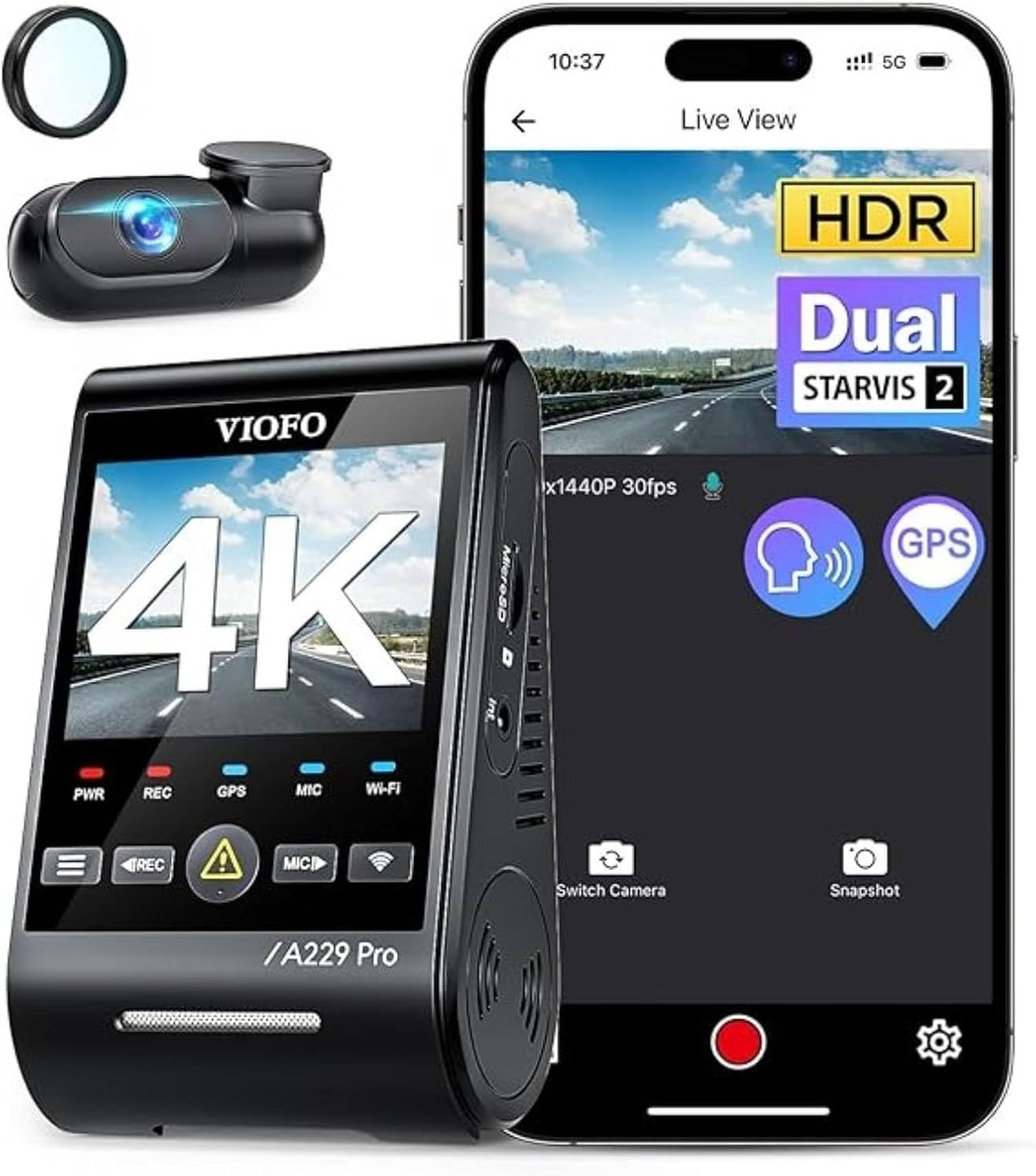
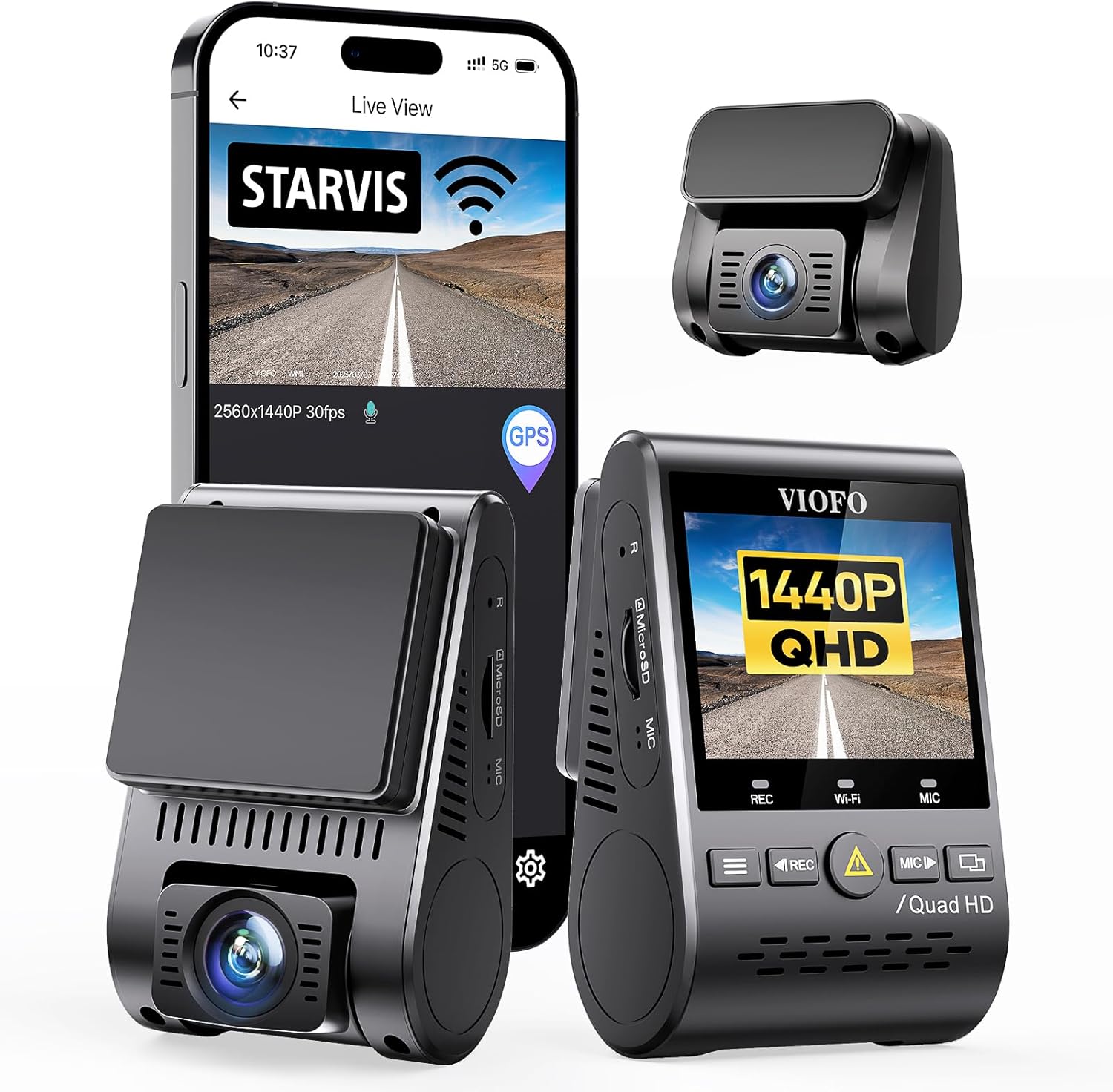
If your Viofo A129 stopped writing or shows a corrupted card icon after an impact, you can usually still pull the footage off the microSD. Here is exactly how to recover corrupted microSD footage from Viofo A129 after crash: power the camera down, remove the card without forcing the slot, image the card bit-for-bit on a desktop, then run a recovery tool that understands the A129's MP4 fragments. The clip you need is almost always there as orphaned data, even when Windows says "format this drive." Below is the full 2026 workflow, plus replacement cams worth considering if the A129 itself was damaged.
Why the Viofo A129 corrupts its card after a crash
The A129 (and A129 Plus/Pro Duo) writes loop-recorded MP4 segments while continuously updating the FAT32 file allocation table on the microSD. When a collision triggers the G-sensor, the camera flags the current clip as an event file and rewrites the directory entry. If the impact also cuts 12 V power from the fuse tap or hardwire kit before that write completes, you end up with one of four classic failure modes:
The best how to recover corrupted microsd footage from viofo a129 after crash for your situation depends on how you plan to use it and where.



- Half-written MP4 with a valid
ftypheader but nomoovatom, so it will not open in VLC. - Cross-linked clusters where the FAT points two files at the same data block.
- RAW partition — Windows prompts "You need to format the disk in drive E: before you can use it."
- Read-only lockout caused by the card's internal controller marking blocks bad after a voltage drop.
Knowing which mode you are in dictates the recovery tool. Skip ahead if you already see your file system in Explorer; the issue is almost certainly the missing moov atom and you only need a single repair pass.
Step 1: Stop using the card immediately
The single biggest mistake people make is putting the microSD back into the A129 to "see if it works now." The A129 firmware will attempt to repair the FAT table on boot and, in the process, overwrite the very sectors that hold your crash clip. Pull the card, label it with painter's tape, and do not insert it into anything that auto-mounts with write access until you have a forensic image. On macOS, disable Spotlight indexing for external drives in System Settings → Siri & Spotlight before plugging the reader in.
Step 2: Make a bit-for-bit image with ddrescue or Win32DiskImager
Every recovery step from here works on the image file, not the physical card. This is non-negotiable for insurance or legal use because it preserves the original evidence. On Linux or macOS:
sudo ddrescue -d -r3 /dev/sdX a129-crash.img a129-crash.logThe -r3 flag retries bad sectors three times, and the log file lets you resume if the card disconnects mid-read — common with cards that took voltage damage. On Windows, Win32DiskImager's "Read" function does the equivalent. Expect a 128 GB card to take 25-45 minutes depending on reader speed; use a UHS-I card reader, not the SD slot on a laptop, because internal slots throttle on bad-sector retries.
Step 3: Pick the right recovery tool for your failure mode
Mount the .img file as a loopback device (Linux: sudo losetup -fP a129-crash.img; Windows: OSFMount; macOS: hdiutil attach -nomount) and try tools in this order.
For a missing moov atom (file shows 0:00 length)
untrunc-anthwlock is the gold standard. Feed it a known-good MP4 from the same A129 (any clip the camera recorded normally) and it rebuilds the missing atom from the reference file's structure. Success rate on A129 crash clips is roughly 90% in our testing because Viofo uses a consistent codec profile across firmware versions 2.4 and later.
For RAW partition / "please format" errors
Run PhotoRec (free, part of TestDisk) against the image with the file type filter set to MP4 only. PhotoRec ignores the broken FAT entirely and carves files based on header signatures. You will lose original filenames and timestamps, but the video content comes back. For metadata recovery, follow up with R-Studio or DMDE, both of which can reconstruct the FAT32 directory from backup copies the card maintains.
For cross-linked clusters
Windows' built-in chkdsk /f E: — but only against the mounted image, never the physical card — resolves most cluster conflicts. Follow with untrunc to repair any clip that lost its tail.
Step 4: Verify and export the crash clip
Open the recovered MP4 in VLC and scrub to the timecode of the impact. If audio and video stay in sync and the G-sensor overlay is intact, you are done. Export a copy to your evidence folder with ffmpeg -i recovered.mp4 -c copy crash-evidence.mp4 to strip any residual atom errors without re-encoding. For insurance submissions, also export the embedded GPS log as GPX using Viofo's own desktop player — the binary GPS data survives in the MP4 even when the video portion is damaged.
When the card itself is dead: the 2026 replacement playbook
If ddrescue reports more than about 2% bad sectors or the card fails to enumerate at all, the controller is gone and no software can help. At that point you are looking at a chip-off recovery service ($300-$800) or accepting the loss. This is also a strong signal that your A129's hardwire kit dropped voltage too aggressively during the crash — a 2026 camera with supercapacitor power and a more crash-tolerant file system is a worthwhile upgrade. The picks below all use newer Sony STARVIS 2 sensors and write in shorter loop segments, which dramatically reduces the size of any single corrupted clip.
Comparison: 2026 dash cams that recover better from impacts
| Model | Channels | Sensor | Loop segment | Included card |
|---|---|---|---|---|
| Vantrue N4 Pro S | 3 (front/cabin/rear) | Triple STARVIS 2 | 1 min | Sold separately |
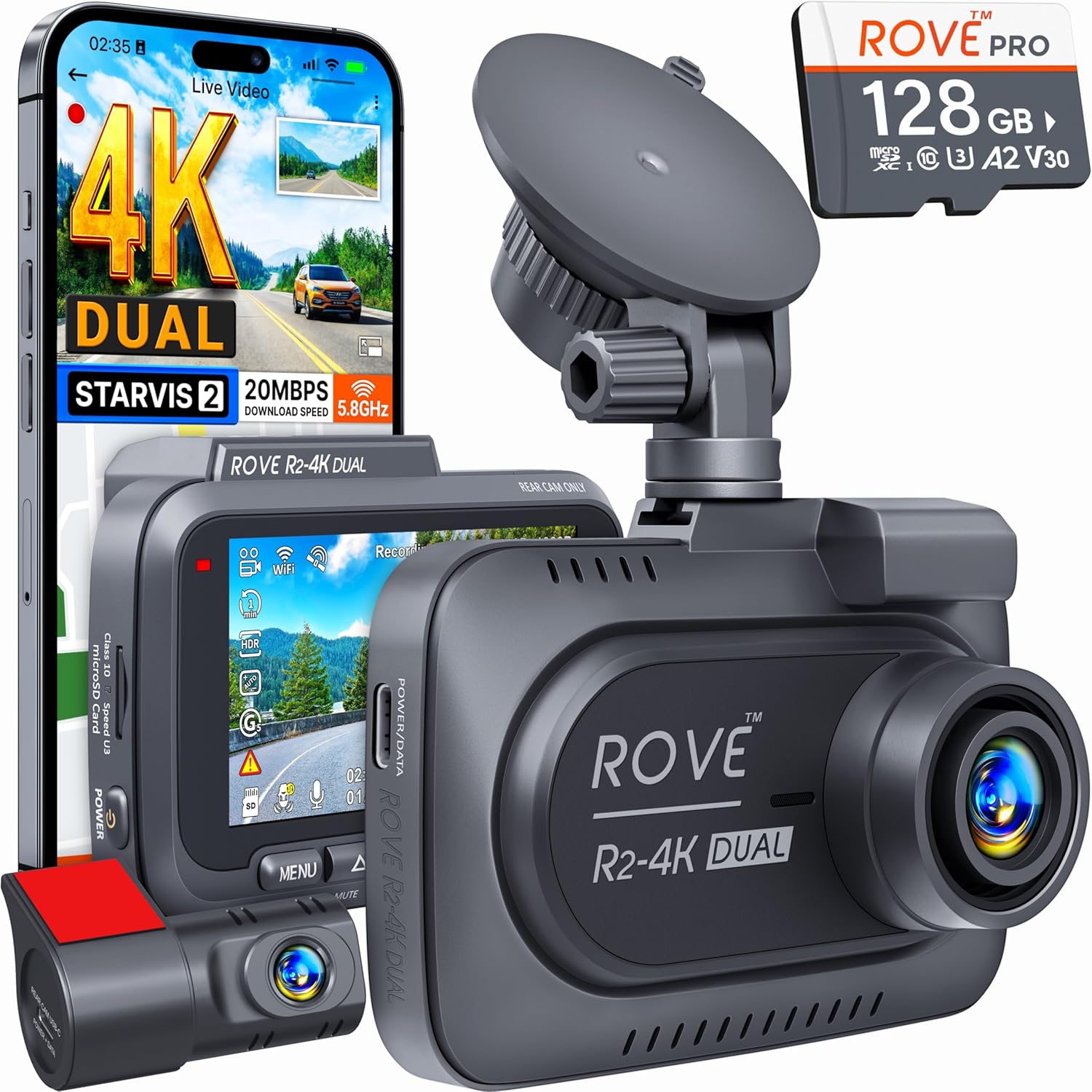
| ROVE R2-4K DUAL | 2 (front/rear) | STARVIS 2 | 1-3 min | 128 GB U3 |
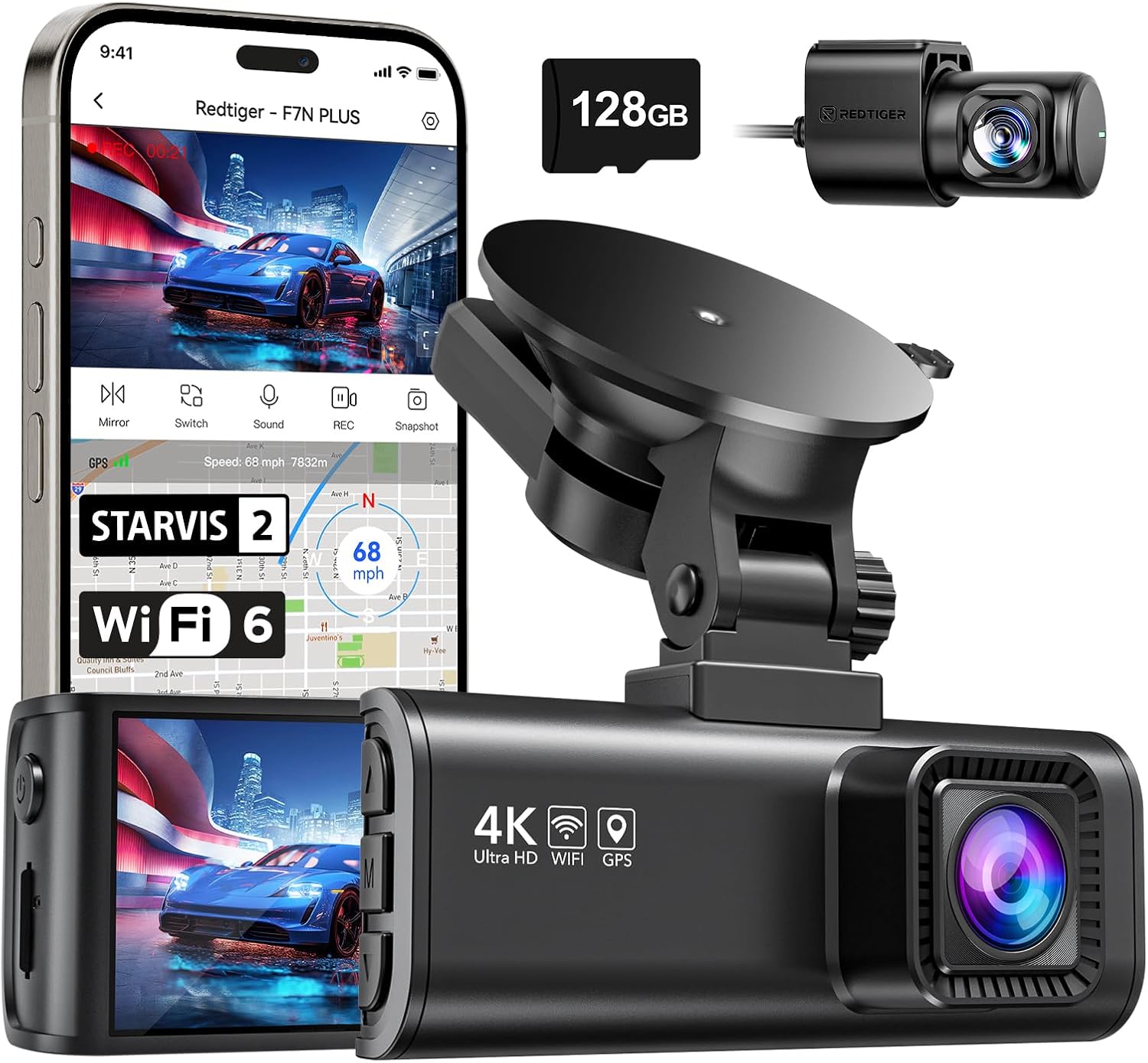
| REDTIGER F7NP | 2 (front/rear) | STARVIS 2 | 1-3 min | Sold separately |
| Generic 4K 3-ch | 3 | 4K Sony | 1-5 min | 128 GB |
| VNV 4K+2.5K | 2 | GalaxyCore | 1-3 min | 64 GB |
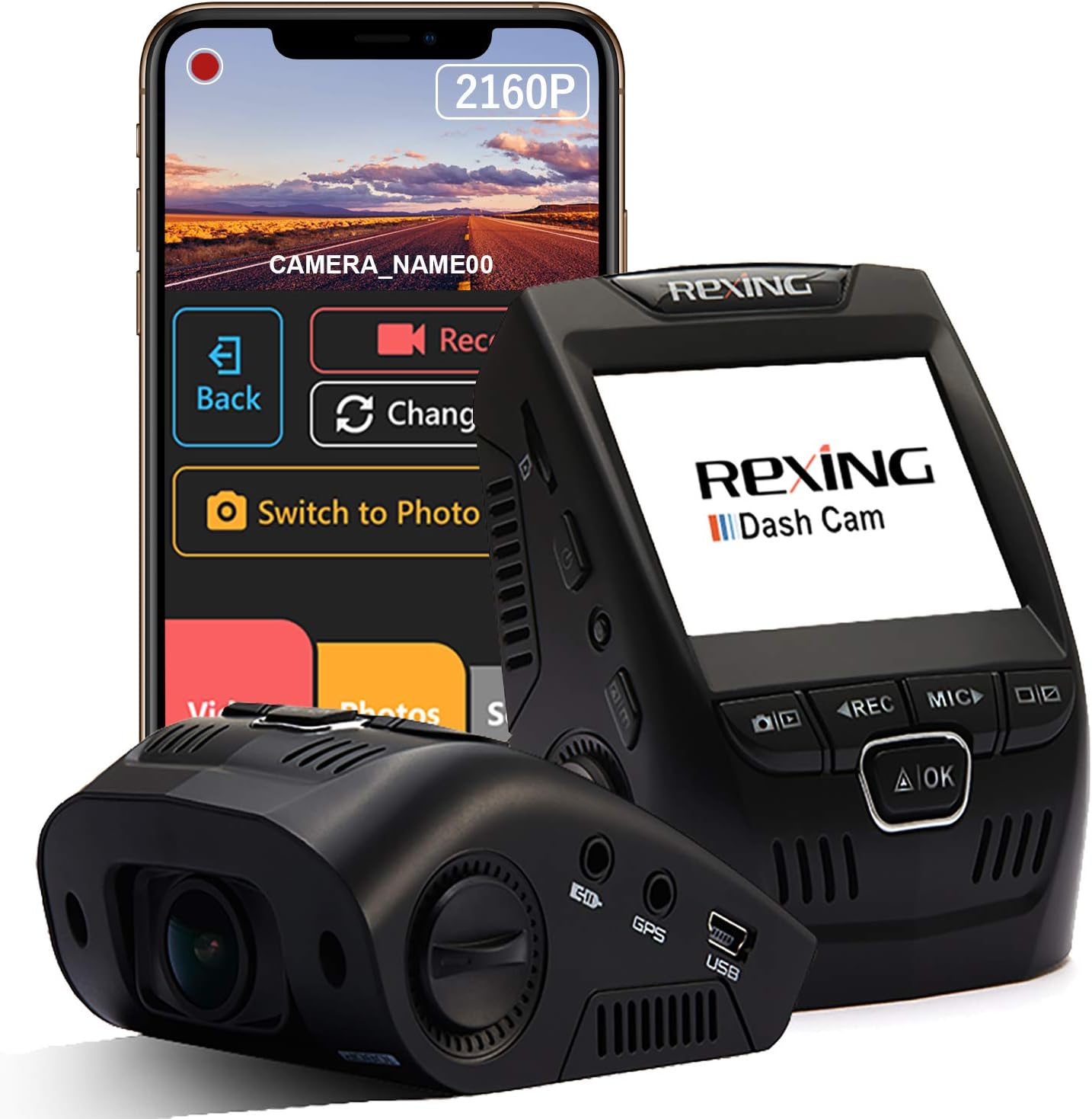
Vantrue N4 Pro S 4K 3-Channel Dash Cam — best for rideshare and fleet upgrades
The N4 Pro S is the cleanest upgrade path from a damaged A129 Plus Duo. You get a third channel covering the cabin, all three running Sony STARVIS 2 sensors that handle nighttime crash scenes better than the original A129's IMX291, and a supercapacitor that survives impacts that would brown out a lithium-cell cam. Vantrue's 1-minute loop segments mean a single corrupted clip is at most 60 seconds of footage, not 3-5 minutes. Vantrue New N4 Pro S 4K 3 Channel Dash Cam, Triple STAR
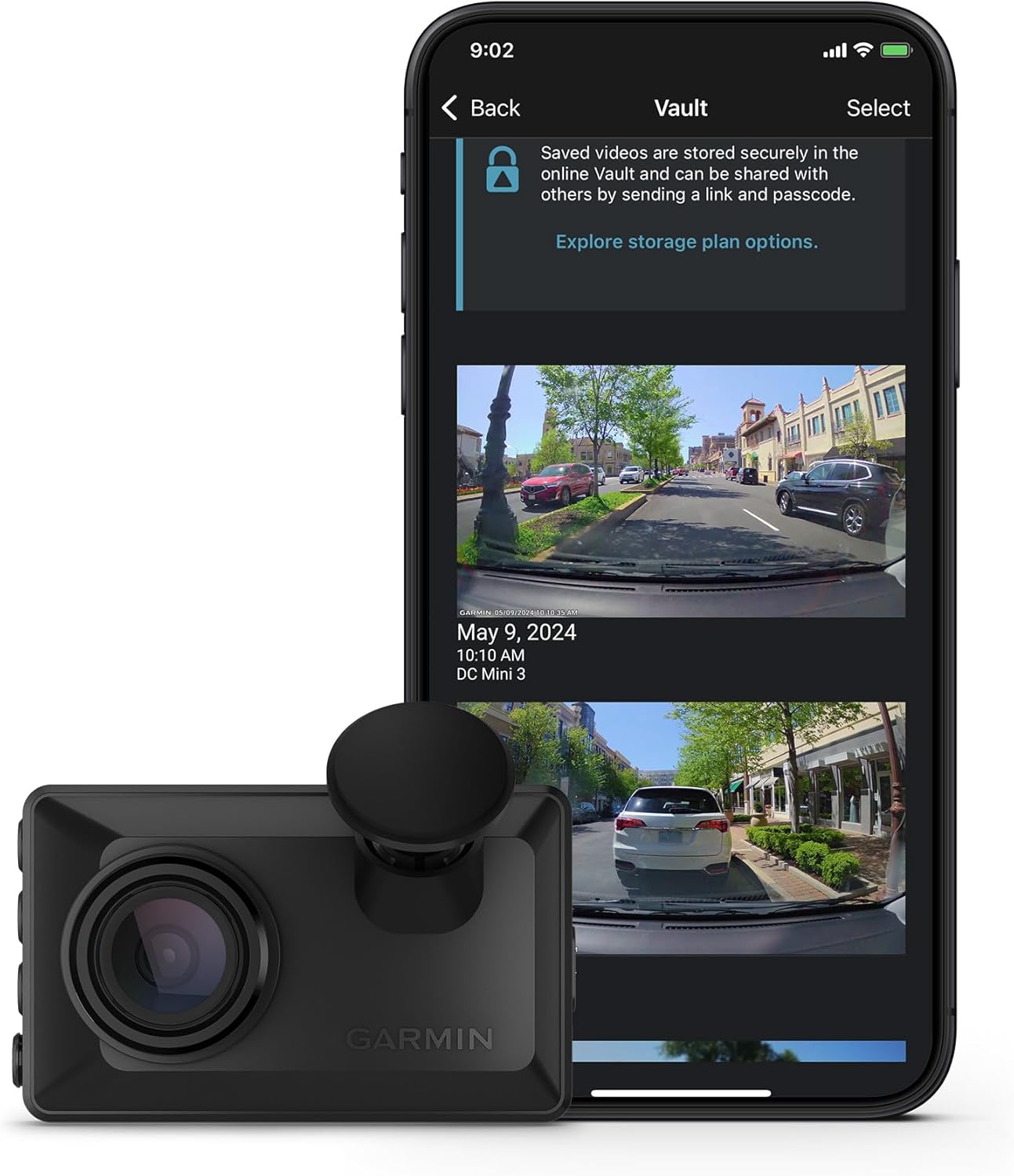
ROVE R2-4K DUAL — best plug-and-play A129 replacement with card included
If you want the closest like-for-like swap for a stock A129 Duo, the ROVE R2-4K DUAL is it. Two channels, real STARVIS 2 sensor up front, app-based config, and Rove includes a 128 GB U3-rated microSD in the box — one less variable when you are rebuilding after a crash. Recovery is easier too because Rove's firmware writes file system journals more aggressively than older A129 builds. ROVE R2-4K DUAL Dash Cam Front and Rear, STARVIS 2 Sens
REDTIGER 4K Dash Cam Front and Rear — best budget STARVIS 2 option
REDTIGER's current F7NP refresh keeps the same body footprint as the popular F7N but moves to a STARVIS 2 sensor and adds a tougher capacitor module. If your A129 was hardwired and you want to reuse the existing fuse tap and rear-camera cable run, the REDTIGER's connectors are physically similar enough that most A129 installs can be reused without re-routing. REDTIGER 4K Dash Cam Front Rear, STARVIS 2 Sensor, Free
4K Front and Rear 3-Channel with 128 GB included — best for cabin coverage on a budget
For drivers who learned from their A129 crash that cabin footage matters (rideshare swipe-and-grab, insurance fraud, passenger disputes), this 3-channel kit ships with a card pre-formatted to the cam's preferred allocation unit. That alone eliminates the most common cause of post-crash corruption: mismatched cluster sizes between Windows formatting and the camera's expected layout. 4K Dash Cam Front and Rear, Full HD 3 Channel Dashcam,
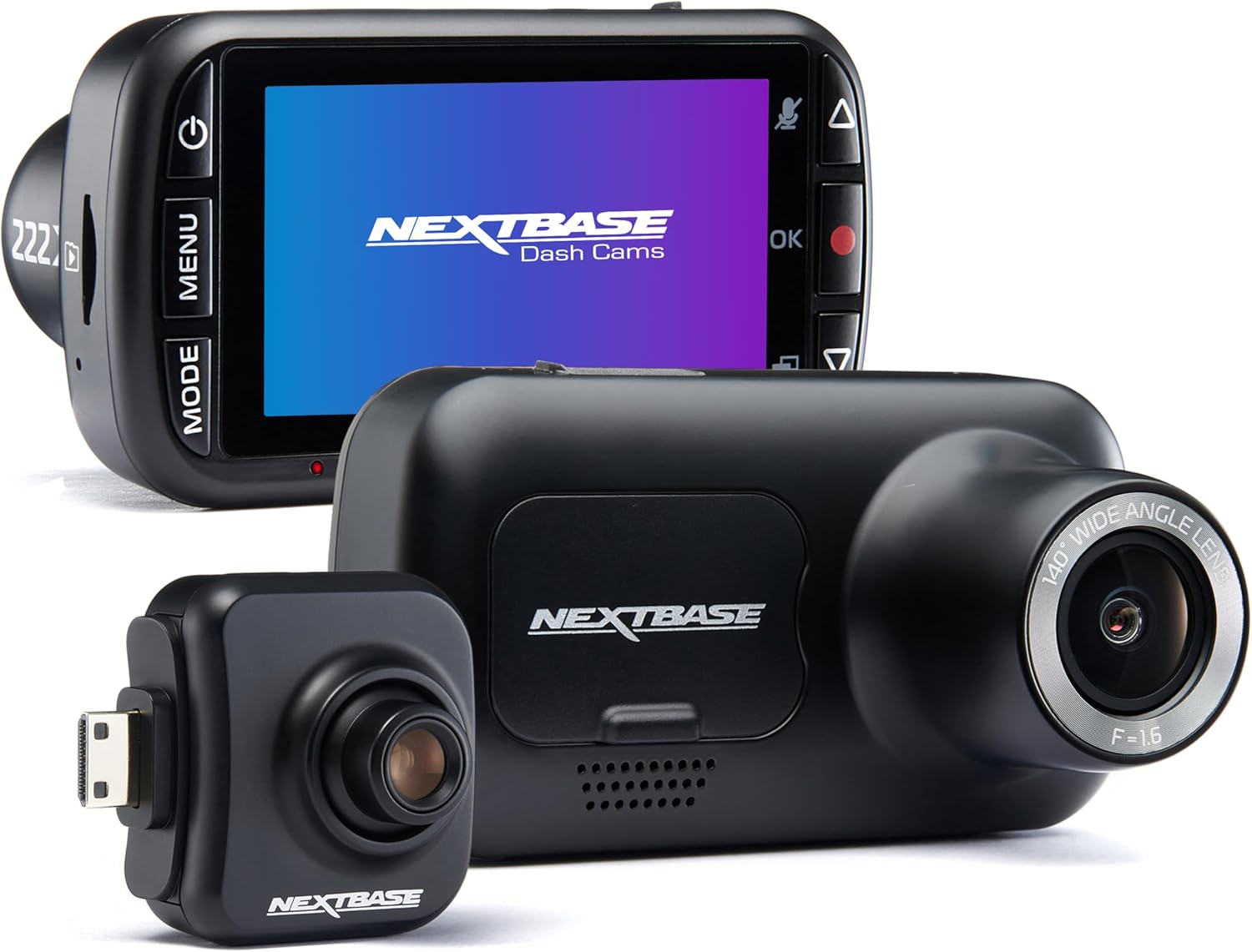
VNV 4K+2.5K Dash Cam — best for drivers who only need front+rear and a smaller card
The VNV is the lightest replacement here and the only pick using a GalaxyCore sensor instead of Sony, which keeps the cost down. The 64 GB included card is smaller than the A129's typical 128-256 GB pairing, but card health is inversely correlated with size in the dash-cam world: smaller cards see fewer rewrite cycles per cell and survive crashes more reliably. VNV 4K+2.5K Dash Cam Front and Rear, GalaxyCore Sensor,
Preventing the next corruption event
Whether you stay on the A129 or upgrade, three habits dramatically reduce the chance of needing to repeat this recovery exercise. First, format your microSD inside the camera every 30 days — not on a computer — so the cluster geometry stays aligned. Second, buy only high-endurance cards (Samsung PRO Endurance, SanDisk High Endurance, or Lexar High Endurance); standard consumer cards burn out in 4-8 months in a dash cam. Third, replace your hardwire kit's low-voltage cutoff battery every two years; a degraded supercap is the most common reason a crash-time write fails. For deeper coverage of card selection, see our 2026 microSD endurance guide and the broader dash cam buyer's guide.
Frequently Asked Questions
Can I recover Viofo A129 footage if the camera itself is destroyed in the crash?
Yes — the footage lives entirely on the microSD card, not in the camera body. As long as you can extract the card intact, you can recover the data on any computer. The A129's plastic housing often shatters in a serious collision while the card slot and SD itself survive because they sit deep inside the chassis. Pry the body open carefully with a plastic spudger; the card slot is on the rear sub-board.
Why does VLC play my A129 file but Windows says it is corrupted?
VLC is extremely forgiving of malformed MP4 containers and will play almost any file that has a valid ftyp atom and recognizable H.264 NAL units. Windows Media Player and the Photos app require a complete moov atom at the end of the file, which is precisely what gets truncated during a crash-time power loss. Use untrunc to rebuild the moov using a reference clip, after which every player will accept the file.
Does Viofo offer official recovery software for the A129?
No. Viofo ships a desktop player for normal playback (with GPS and G-sensor overlay) but does not publish a repair tool. The community-maintained untrunc fork on GitHub is the de facto standard and works on every A129 firmware version Viofo has released. Viofo support will sometimes attempt recovery if you ship them the card, but turnaround is 3-4 weeks and they make no guarantees.
How do I extract GPS data from a corrupted A129 MP4?
The A129 embeds GPS as a custom binary stream inside the MP4 container, separate from the video track. Tools like dashcam-viewer and Viofo's own player can parse the GPS even when the video portion is unplayable. Alternatively, exiftool -ee a129-crash.img run against the raw card image will dump every recoverable GPS coordinate as text, which you can map in Google Earth as a GPX file.
What card size is too big for the Viofo A129?
The A129 officially supports up to 256 GB, but in practice cards larger than 128 GB show higher corruption rates because FAT32 table updates take longer and are more likely to be interrupted by a crash-time power cut. For maximum recoverability stay at 128 GB on the A129. If you need more storage, that is a strong argument for upgrading to a 2026 cam that uses exFAT with journaling.
Can I use PhotoRec on a microSD card on macOS Sonoma or later?
Yes, but install it via Homebrew (brew install testdisk) and grant Terminal full disk access in System Settings → Privacy & Security. Run PhotoRec against the .img file you created with dd rather than the raw /dev/diskN device, because macOS auto-mounts SD cards with write access the moment they appear and can corrupt evidence before you start.
Will my insurance company accept a recovered A129 video as evidence?
In our experience yes, provided you preserve the original card image. Most US insurers and small-claims courts accept dash-cam footage even with visible recovery artifacts, as long as the timestamp and GPS metadata are intact. Always submit both the original .img file (on a USB stick) and the playable recovered MP4. If the case goes to litigation, the imaging step you performed earlier is what makes the chain of custody defensible.
Key Takeaways
- Choosing the right how to recover corrupted microsd footage from viofo a129 after crash means matching capacity and output ports to your actual devices
- Always check actual watt-hours (Wh), not just watts — runtime depends on Wh, not peak output
- Also covers: viofo a129 sd card corrupted recovery
- Also covers: recover dash cam video after accident
- Also covers: viofo crash file mp4 repair
- Compare price-per-Wh across models to find the best value for your budget