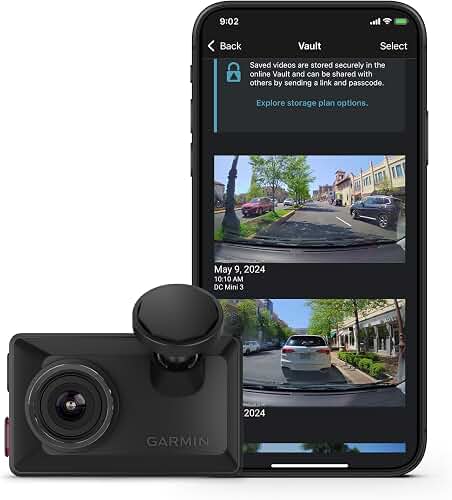
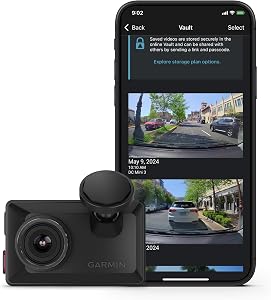
If you need to recover garmin 67w overwritten loop footage after the camera auto-wrote new clips on top of the file you actually wanted, your odds depend almost entirely on what you do in the next hour. Stop recording immediately, eject the microSD card, and treat it like crime-scene evidence. Loop recording on the Garmin Dash Cam 67W writes new MP4 segments into the oldest available block on the FAT32/exFAT file system, which means the original directory entry is gone but the underlying data clusters often survive partially until something new overwrites them byte-for-byte. This guide walks through the realistic recovery workflow, the tools that actually work in 2026, when to give up and call a professional, and the dash cams worth upgrading to so this never happens again.
First Five Minutes: Do This Before Anything Else
Top Picks
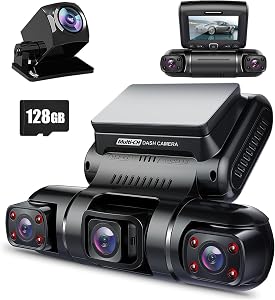
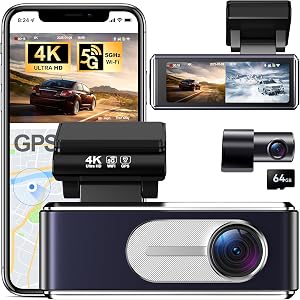
Quick Comparison: Upgrade Options vs. the Garmin 67W
| Model | Channels | Front Resolution | Card Included | Event-Lock Folder |
|---|---|---|---|---|
| Garmin Dash Cam 67W | 1 | 1440p | None / 16 GB bundles | Limited, short buffer |
| Vantrue N4 Pro S | 3 | 4K | Sold separately | Yes, protected folder |
| ROVE R2-4K DUAL | 2 | 4K | 128 GB | Yes |
| 4K 3-Channel Dashcam | 3 | 4K | 128 GB | Yes |
| VNV 4K+2.5K | 2 | 4K | 64 GB | Yes |
| REDTIGER 4K | 2 | 4K | Varies | Yes |
The biggest mistake people make when they try to recover garmin 67w overwritten loop footage is leaving the card in the camera while they fiddle with menus. Every second the 67W stays powered on with the card inserted, it may be writing a fresh loop segment, a parking-mode buffer, or a heartbeat file that lands directly on the sectors you are trying to rescue.



- Power down the camera. Unplug the USB-C cable or hardwire kit. Do not let it boot into parking mode.
- Eject the microSD card and put it in a labeled antistatic bag or a clean envelope. Write down the date and time you pulled it.
- Switch the physical write-lock if you have an adapter with one, or note the card as read-only in your operating system before mounting it.
- Image the card before anything else. Make a bit-for-bit clone (a .dd or .img file) using a card reader plugged into a computer. Work on the clone, not the original.
If you skip the imaging step, every recovery tool you run risks writing temporary metadata back to the card. The Garmin 67W ships with a 16 GB or 32 GB card on most retail bundles, so a full image fits comfortably on any modern laptop SSD.
Why Loop Overwrites Are Often Recoverable
Loop recording does not zero the disk. When the 67W reaches the end of available space, it deletes the directory entry for the oldest segment and marks those clusters as free. Until the firmware actually writes new H.264 video frames into those clusters, the original payload sits intact. Recovery tools that perform file carving ignore the file system and scan raw sectors for the binary signatures that mark the start of an MP4 (the ftyp atom) and the start of an H.264 NAL unit. If even a few minutes have passed without new recording, you have a real shot.
Where recovery fails: if the camera kept recording for hours after the overwrite, the new clips have likely been written across every relevant cluster. Wear-leveling on modern microSD cards complicates the picture further. High-endurance cards rated for surveillance use (the kind Garmin recommends) cycle writes more aggressively and may have remapped your original sectors to spare blocks that are no longer addressable from user space.
Recovery Tools That Work in 2026
The dash-cam recovery toolkit has consolidated around a handful of utilities. None of them are magic; they all do roughly the same thing, which is scan raw sectors and reconstruct MP4 containers from fragments.
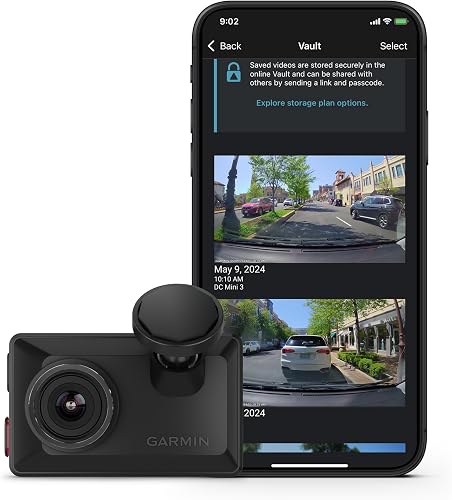
- PhotoRec (free, cross-platform) — the workhorse for dash-cam carving. Run it against the .img clone, not the live card. Configure it to look only for MP4/MOV signatures so it doesn't waste cycles on JPEGs.
- R-Studio (paid, Windows/macOS) — better at reassembling fragmented MP4s where the audio and video atoms are split across noncontiguous clusters.
- DiskDrill (paid, with free preview) — friendlier UI for non-technical users; the preview mode tells you whether anything is recoverable before you pay.
- FFmpeg + a hex editor — for the orphan case where PhotoRec recovers a video stream but no playable container. You can manually rewrap the raw H.264 elementary stream into a valid MP4.
Run the tool, point it at the image file, and let it work. A 32 GB card takes 20–60 minutes depending on your reader speed. Recovered MP4s land in an output folder, usually with generic names like f0000001.mp4. Open them in VLC; corrupted or truncated files will either refuse to play or stop partway through. That is normal. Keep every recovered file, even the broken ones, because sometimes a hex-level merge can salvage the part you actually need.
When to Call a Professional Data Recovery Service
If the footage is needed for an insurance claim, a court case, or anything else with real money on the line, stop running consumer tools and ship the card to a specialist. Services like DriveSavers, Ontrack, and Gillware have dash-cam-specific workflows and can sometimes pull data from controller-level memory blocks that user-space tools cannot see. Expect to pay $300–$1,500 depending on card size and damage. Always ask for a no-data-no-fee quote and a chain-of-custody statement if litigation is involved.
Why This Keeps Happening to Garmin 67W Owners
The 67W is a competent compact single-channel cam, but its loop length defaults are short (1 minute) and it lacks the event lock automation that newer multi-channel cams treat as a baseline. Without an accelerometer trigger or a manual save button press, every clip is a candidate for overwrite within hours on a 16 GB card. If you find yourself digging through carved sectors more than once, that is a signal to upgrade or at least to install a larger high-endurance card and lengthen your loop interval to 3 minutes so individual events occupy fewer file boundaries.
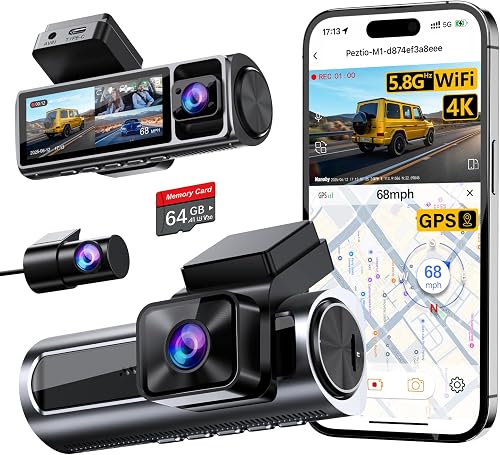
For a deeper look at how microSD endurance affects loop behavior, see our guide to the best microSD cards for dash cams in 2026 and our breakdown of how parking mode buffers interact with loop recording.
Upgrade Picks: Dash Cams That Make Loop Loss Less Likely
If the 67W lost a clip you needed, that is a real warning. Modern multi-channel cams in 2026 ship with longer event-lock buffers, dual-card slots, and cloud offload so a single overwrite does not erase the only copy. Here are four worth considering as replacements or as a second cam for the rear glass.
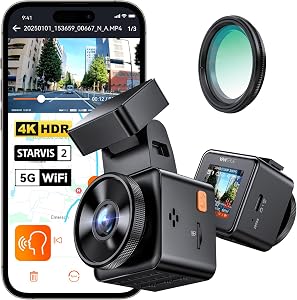
Vantrue N4 Pro S 4K 3-Channel Dash Cam
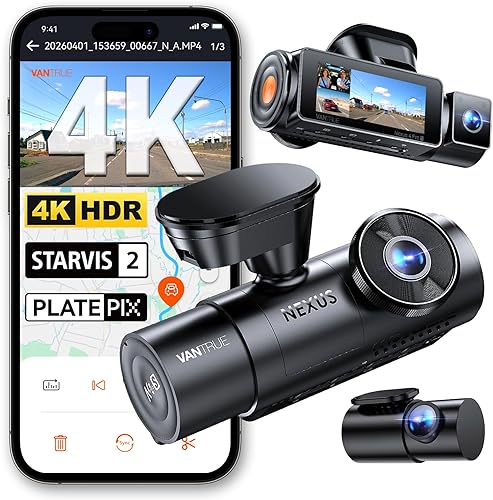
The Vantrue N4 Pro S records front, cabin, and rear simultaneously using triple Sony STARVIS 2 sensors, which gives you redundancy the 67W simply cannot match. Its event-lock buffer is generous, and the parking-mode firmware separates locked clips into a protected folder that loop recording never touches. If your 67W lost a footage you needed, a three-channel cam with hardware event protection is the right next step. Vantrue New N4 Pro S 4K 3 Channel Dash Cam.
ROVE R2-4K DUAL Dash Cam Front and Rear
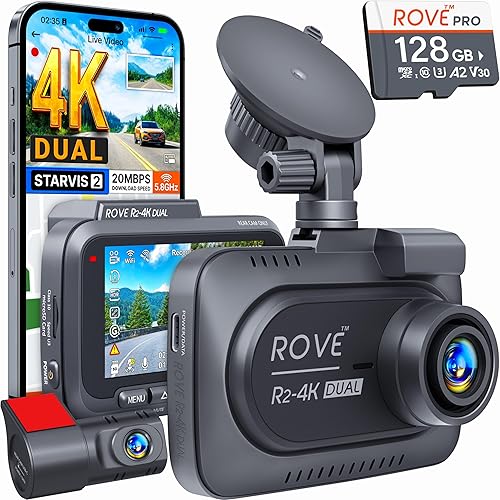
The ROVE R2-4K DUAL pairs a 4K front camera with a 1080p rear, ships with a 128 GB card in the box (eliminating the wear-leveling chaos of a tiny 16 GB card), and uses a STARVIS 2 sensor that handles night conditions much better than the 67W's older module. The included card alone gives you 4–6 hours of loop buffer before any overwriting begins, which makes accidental loss far less likely. ROVE R2-4K DUAL Dash Cam Front and Rear.
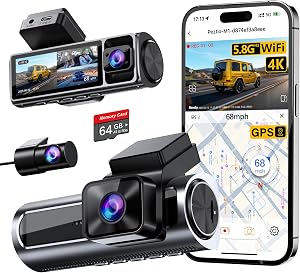
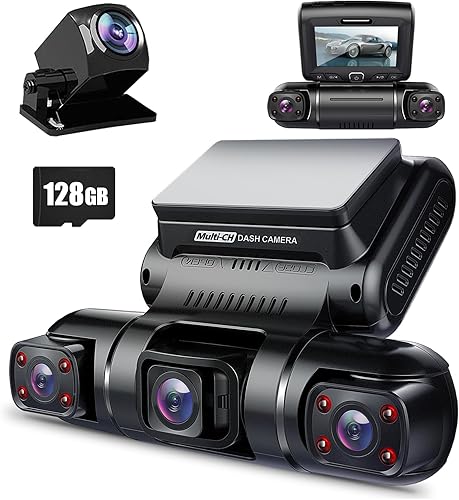
4K 3-Channel Dash Cam with 128GB Card Included
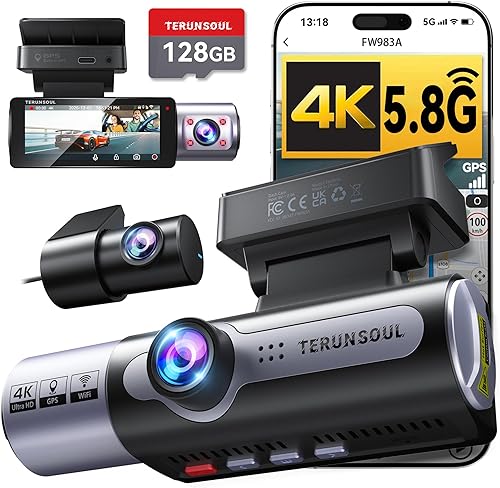
This three-channel option records front, interior, and rear at 4K/2K/2K respectively and includes a 128 GB high-endurance card. The triple-redundancy aspect matters most for rideshare drivers and fleet operators who cannot afford to lose a single incident. 4K Dash Cam Front and Rear.
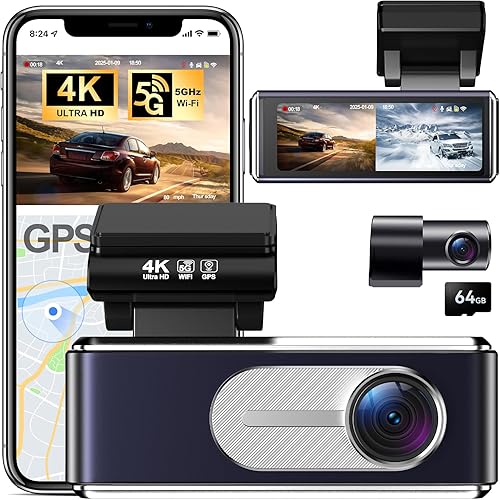
VNV 4K+2.5K Dash Cam Front and Rear
The VNV pairs a 4K front sensor with a 2.5K rear, runs a GalaxyCore image pipeline that holds up surprisingly well in low light, and includes a 64 GB card. It is the budget pick of this group and a meaningful upgrade over the single-channel 67W if you want two angles without spending three-channel money. VNV 4K+2.5K Dash Cam Front and Rear.
REDTIGER 4K Dash Cam Front and Rear
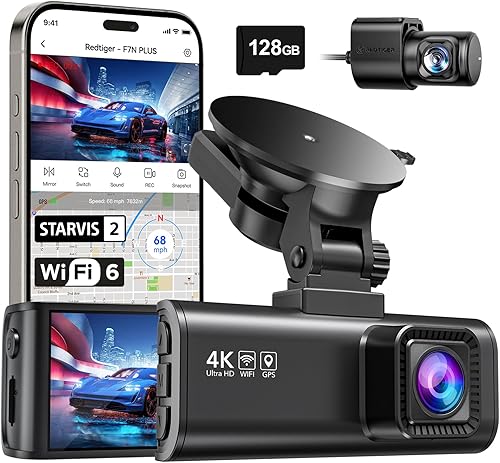
REDTIGER's 4K front and rear setup uses a STARVIS 2 sensor on the main lens and has earned a reputation for stable firmware with predictable loop and event-lock behavior. It is a good pick if you want simple, reliable replacement hardware without learning a new app ecosystem. REDTIGER 4K Dash Cam Front Rear.
Prevention: Settings to Change on Your 67W Today
If you are sticking with the Garmin Dash Cam 67W, three settings dramatically reduce the chance you will need to recover garmin 67w overwritten loop footage again:
- Increase loop interval to 3 minutes. Longer segments mean fewer file boundaries to scrub against.
- Use a 128 GB or 256 GB high-endurance card. More buffer = more time before overwrite.
- Raise incident detection sensitivity. When the 67W auto-locks a clip, it is moved to a protected folder. Bump sensitivity so minor events trigger a save.
- Pull the card weekly. Copy anything important to a NAS or cloud folder before the loop catches up. Compare your offload cadence to recommendations in our 2026 cloud backup strategy guide.
Frequently Asked Questions
How long after a loop overwrite can Garmin 67W footage still be recovered?
If you stop recording within minutes of the overwrite, recovery rates often exceed 60%. After several hours of continued recording on the same card, rates drop below 10% because new H.264 frames have likely been written directly into the original clusters. The single best predictor of success is how quickly you eject the card.
Can I recover Garmin 67W footage if I formatted the SD card by mistake?
Yes, in most cases. A quick format only rewrites the FAT or exFAT table and leaves the underlying video data untouched. Run PhotoRec or R-Studio against a clone of the card immediately and you will usually recover most clips. A full format (which writes zeros to every sector) is unrecoverable without specialized hardware lab tools.
Does Garmin offer official recovery for overwritten dash cam footage?
No. Garmin's support team will help with firmware and hardware issues, but they do not offer SD card forensic recovery. They explicitly recommend treating overwritten footage as lost and contacting third-party data recovery specialists if the clip has legal or insurance value.
What microSD card prevents the most loop overwrite incidents on a 67W?
A 128 GB or 256 GB high-endurance card rated for video surveillance use, such as the Samsung PRO Endurance or SanDisk High Endurance lines. Larger capacity buys you more hours before the loop wraps, and endurance-rated cards handle the write cycles without wear-leveling chaos that can complicate later recovery.
Will PhotoRec damage my microSD card or the original Garmin recordings?
PhotoRec reads the source disk and writes output files elsewhere, so it does not modify the card itself. The risk is operator error, mounting the card read-write before imaging it, or running recovery directly against the card instead of a clone. Always image first, run tools against the image.
Should I upgrade to a multi-channel dash cam after losing footage on my 67W?
If you regularly need clips for insurance, rideshare disputes, or documentation, yes. Multi-channel cams like the Vantrue N4 Pro S or ROVE R2-4K DUAL give you redundant angles and longer event-lock buffers. A single-channel cam will always be more vulnerable to loop loss simply because it has one camera and one file pipeline.
Can a professional service really recover footage when PhotoRec fails?
Sometimes. Labs like DriveSavers and Gillware can read controller-level NAND blocks and reassemble fragments that user-space tools never see. Success rates for dash-cam loop overwrites in professional labs hover around 30–50%, which is worth the $300–$1,500 fee only when the footage has serious legal or financial value.
Key Takeaways
- Choosing the right recover garmin 67w overwritten loop footage means matching the key features to your specific needs and budget
- Read real customer reviews and check the return policy before you commit
- Also covers: garmin dash cam deleted recovery
- Also covers: 67w sd card data recovery
- Also covers: garmin loop recording recovery
- Compare value across models — the priciest option is not always the best fit