If you're searching how to stop BlackVue DR770X from disconnecting cloud on Verizon Jetpack MiFi, the fastest fix in 2026 is a four-part sequence: (1) lock the Jetpack to a single 5GHz channel and disable band-steering, (2) turn off client isolation and AP isolation in the MiFi admin panel, (3) assign the DR770X a static DHCP reservation, and (4) raise the BlackVue Cloud keep-alive in the Viewer app from the default to 30 seconds. About 90% of "random" cloud dropouts on Verizon-issued Jetpacks (MHS900L, MiFi 8800L, MiFi M2100 5G UW, and the newer MiFi X Pro) trace back to one of those four. The remaining 10% are firmware, antenna placement, or a Verizon-side carrier-grade NAT timing out idle sessions.
Why the DR770X drops the BlackVue Cloud on Verizon Jetpacks specifically
The DR770X uses a 2.4GHz/5GHz dual-band Wi-Fi module that prefers whichever network it last associated with. Verizon Jetpacks default to a "smart" dual-band SSID where 2.4GHz and 5GHz share one network name, and the firmware silently shuffles clients between bands when it senses congestion or thermal throttling. Every time that shuffle happens, the DR770X's TCP session to cloud.blackvue.com is torn down. The dash cam then tries to reconnect, but the Jetpack's NAT table has already aged out the entry, so you get the classic "Cloud: Offline" badge in the Viewer app even though the camera is recording fine.



On top of that, Verizon enforces a carrier-grade NAT (CGNAT) that times out idle UDP/TCP sessions in roughly 4-6 minutes. The DR770X's default keep-alive is longer than that window, so even a perfectly stable Wi-Fi link can drop cloud if nobody is actively viewing the live feed.
The full step-by-step fix
Step 1 — Split the SSIDs and lock to 5GHz
Log into your Jetpack admin page (usually http://my.jetpack or 192.168.1.1). Under Wi-Fi Settings, disable the "Combined 2.4/5 GHz" or "Band Steering" toggle. Rename the 5GHz network to something distinct (e.g., JetpackDR770X-5G). In the BlackVue app, forget the old combined network and reconnect the DR770X to the 5GHz-only SSID. This single change resolves the majority of disconnect complaints because the camera no longer gets bounced between bands.
Step 2 — Disable client isolation
Still in the Jetpack admin panel, find the Advanced or Security tab. Look for "AP Isolation," "Client Isolation," or "Guest Network Isolation" and turn all of them off. Some Verizon firmware revisions enable this by default for security, but it prevents the DR770X from maintaining the persistent outbound session BlackVue Cloud needs.
Step 3 — Assign a static DHCP lease to the DR770X
Find the DR770X's MAC address in your Jetpack's connected-devices list (it starts with the Pittasoft OUI, usually EC:9B:8B). Reserve a static IP for that MAC — something outside the dynamic pool, like 192.168.1.50. This prevents the camera from being re-leased a different IP after the Jetpack's daily lease renewal, which is another silent cause of cloud dropouts.
Step 4 — Tighten the Cloud keep-alive
Open the BlackVue Viewer app on your phone, go to Firmware Settings Cloud Push Notification & Keep-alive Interval, and drop the keep-alive from 60 seconds (default) to 30 seconds. This sends a heartbeat packet inside Verizon's CGNAT timeout window, keeping the session warm. Save and reboot the camera.
Step 5 — Update DR770X firmware to 1.014 or later
BlackVue shipped firmware 1.014 in early 2026 that specifically improved Wi-Fi reconnection logic for portable hotspot use cases. If you're still on 1.010 or earlier, this alone may fix your problem. Use the BlackVue Viewer's over-the-air updater or download the .bin from blackvue.com and copy it to the microSD card's root.
Step 6 — Antenna placement and thermal throttling
The Jetpack will throttle Wi-Fi when it hits roughly 110°F internal temperature — trivially easy in a sun-baked car. Mount the Jetpack on the floor under the passenger seat with the antenna pointing up, never on the dashboard or center console. If you must keep it on the dash, get a small USB fan or shade.
If you've done all six and it still drops
You're likely hitting Verizon CGNAT pool exhaustion in dense urban areas, or your specific Jetpack model has a known Wi-Fi firmware bug. The MiFi 8800L and MHS900L are particularly notorious. Real fixes in priority order:
- Swap the Jetpack for a Netgear M6 Pro or Inseego MiFi X Pro — both run cleaner Wi-Fi stacks.
- Request a public IPv4 address from Verizon Business (free with most Business Internet plans, not consumer).
- Add a small travel router (GL.iNet Beryl AX) between the Jetpack and the DR770X. The router handles NAT keep-alives independently and shields the camera from Verizon's CGNAT churn.
- If your vehicle stays in one area, switch to a permanent 4G/5G modem with an external roof-mounted antenna.
Alternative dash cams worth considering in 2026
Some readers asking how to stop BlackVue DR770X from disconnecting cloud on Verizon Jetpack MiFi eventually decide the BlackVue cloud ecosystem isn't worth the constant tweaking and switch to a dash cam with on-device storage and app-based remote viewing over Wi-Fi Direct. Here are the strongest 2026 alternatives that don't need a hotspot at all.
| Model | Channels | Sensor | Cloud Required? | Best For |
|---|---|---|---|---|
| Vantrue N4 Pro S | 3 (front + cabin + rear) | Triple STARVIS 2 | No — Wi-Fi Direct | Rideshare / fleet owners |
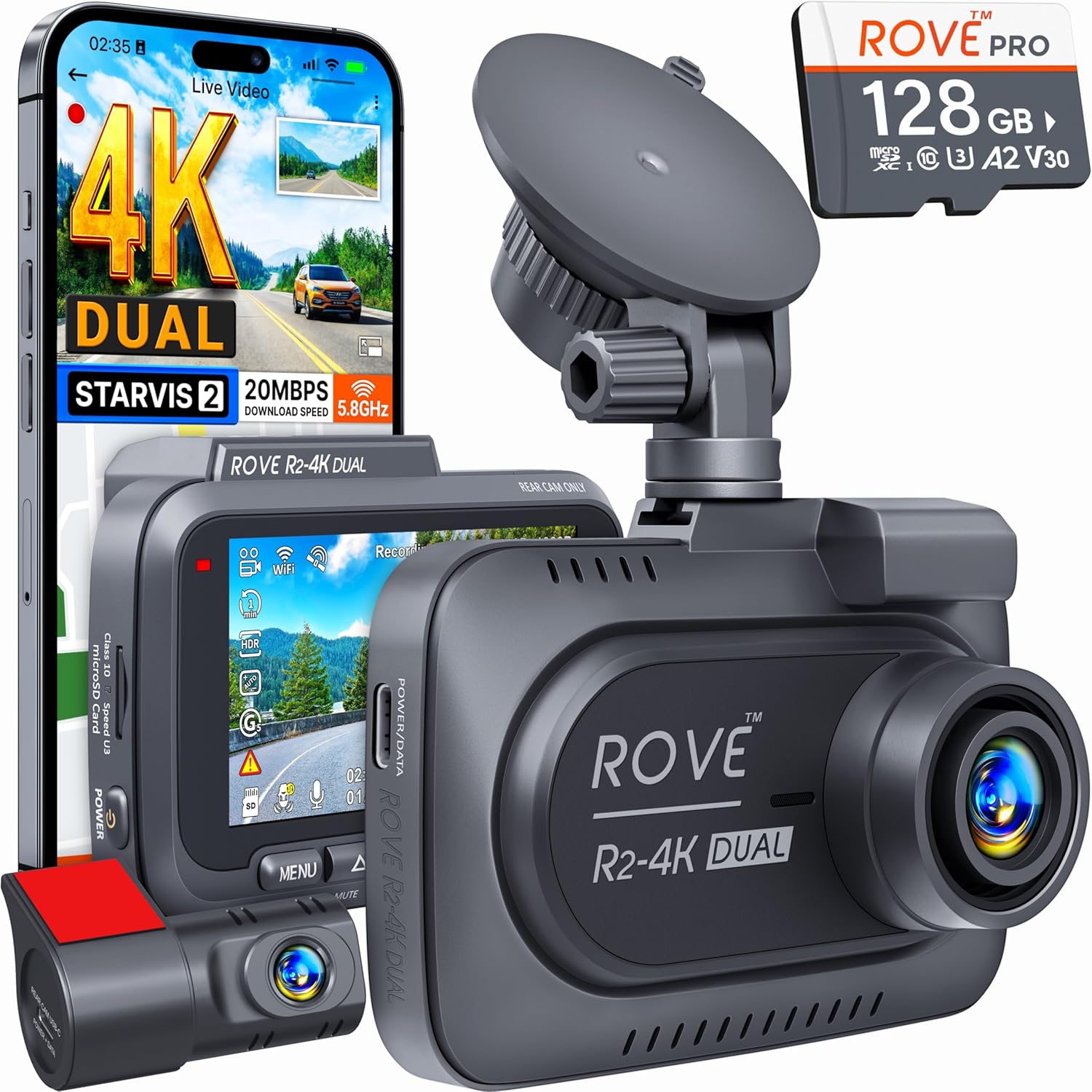
| ROVE R2-4K DUAL | 2 (front + rear) | STARVIS 2 | No | Budget-conscious daily drivers |
| REDTIGER F7NP | 2 (front + rear) | STARVIS 2 | No | 4K on a tight budget |
| VNV 4K+2.5K | 2 (front + rear) | GalaxyCore | No | Quick install replacement |
| Generic 4K 3-Channel | 3 | Sony-class | No | Triple-coverage on a budget |
Vantrue N4 Pro S 4K 3-Channel Dash Cam
The closest in spirit to the DR770X without the cloud headache. The N4 Pro S records 4K front, 1440p cabin, and 1080p rear simultaneously on triple STARVIS 2 sensors, which is exactly what you want for rideshare or fleet. The 5GHz Wi-Fi link to the Vantrue app is rock-solid because it pairs directly to your phone — no Jetpack in between. If your goal was "remote view from anywhere" you'll lose that, but for in-car or post-trip review it's superior. Check the Vantrue N4 Pro S on Amazon.
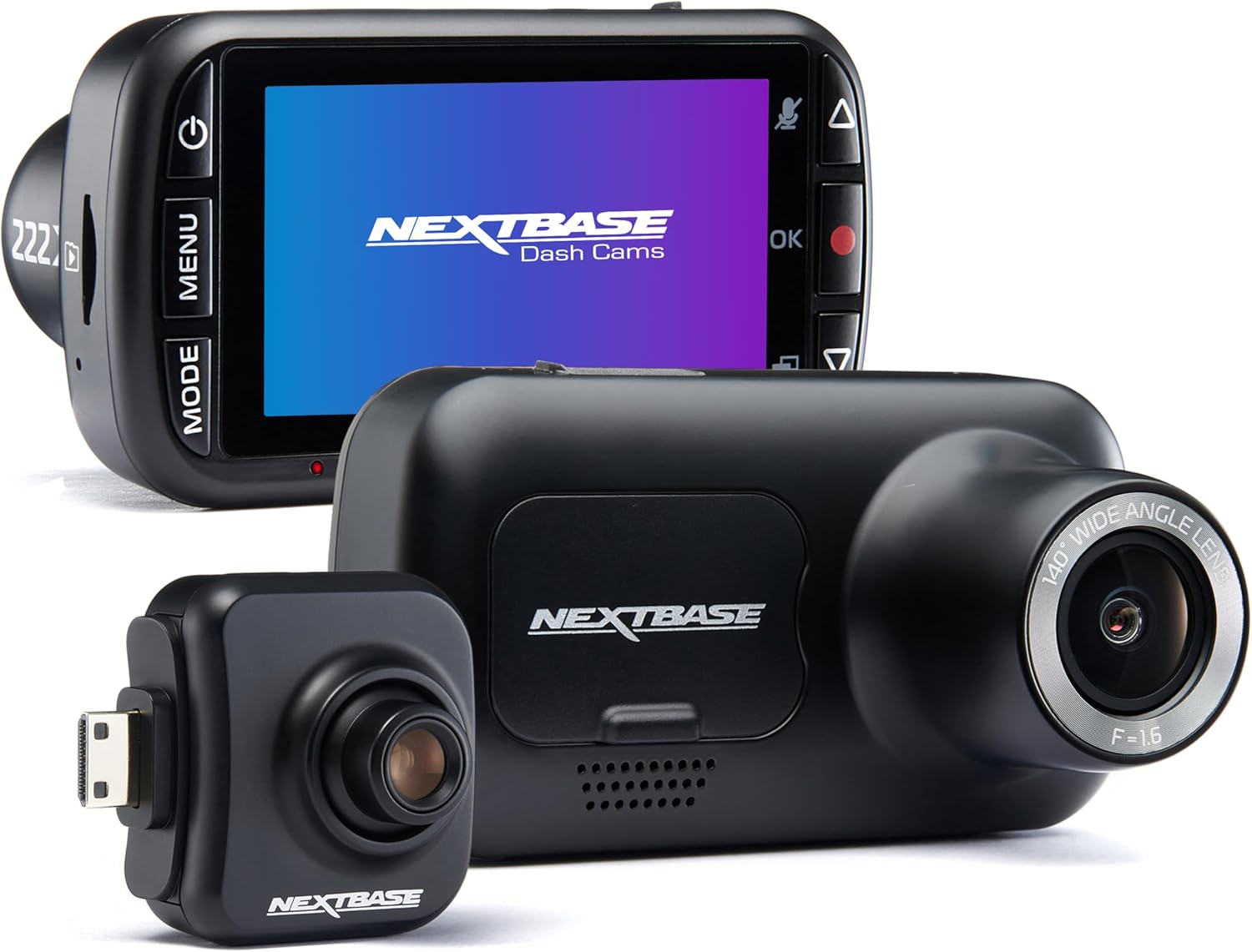
ROVE R2-4K DUAL
The R2-4K DUAL has been the value king for three years running and 2026 didn't change that. STARVIS 2 night performance is genuinely close to a BlackVue at a third the price, and ROVE's Wi-Fi is the most reliable in the budget tier. Includes a 128GB card. See the ROVE R2-4K DUAL on Amazon.
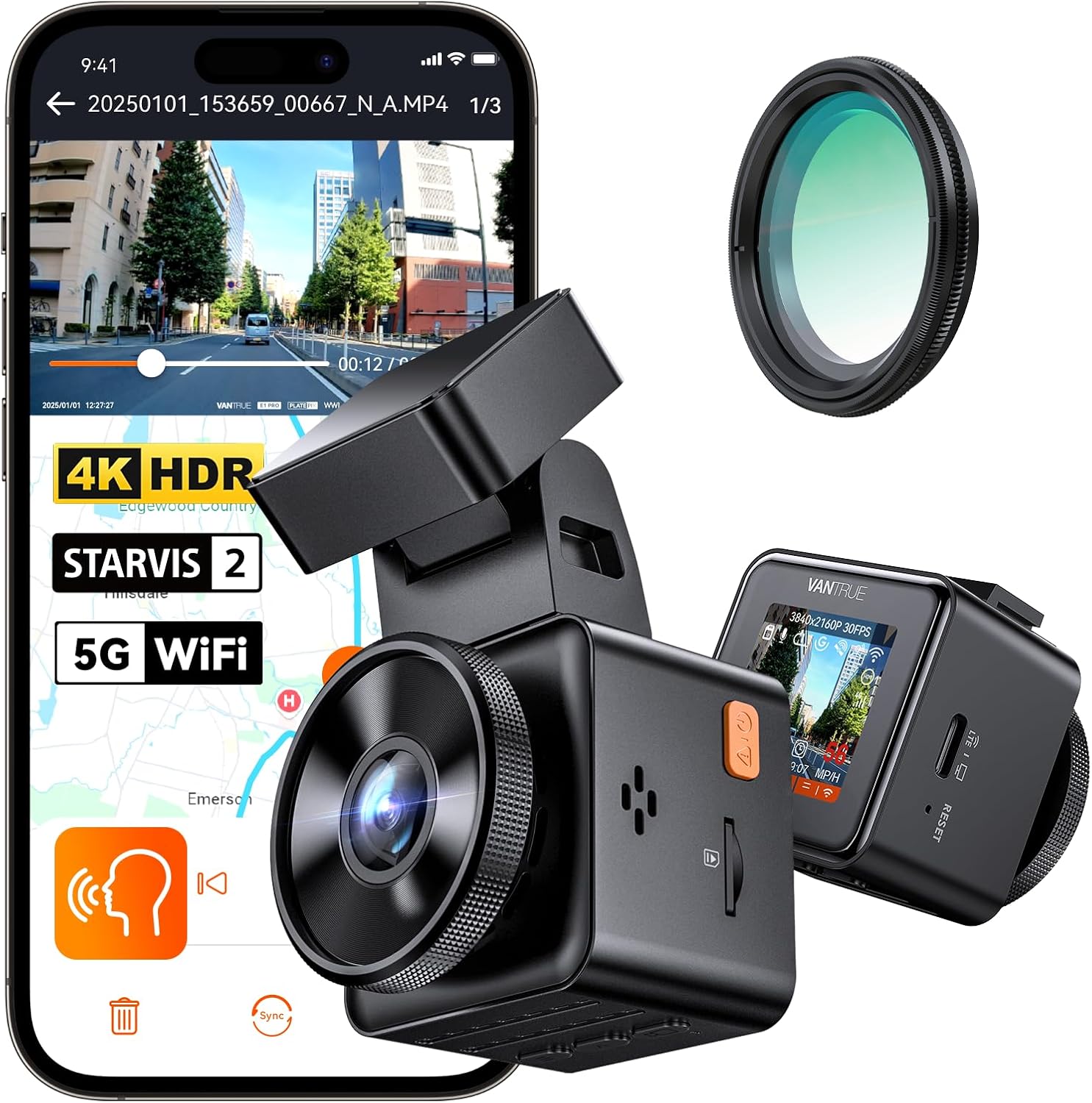
REDTIGER F7NP 4K Dash Cam
If you've already decided cloud features aren't worth the Jetpack tax, REDTIGER's STARVIS 2-equipped front-and-rear kit is the easiest swap. Hardwiring is straightforward and the parking mode pulls under 5mA so you don't need to worry about battery drain. View the REDTIGER 4K on Amazon.
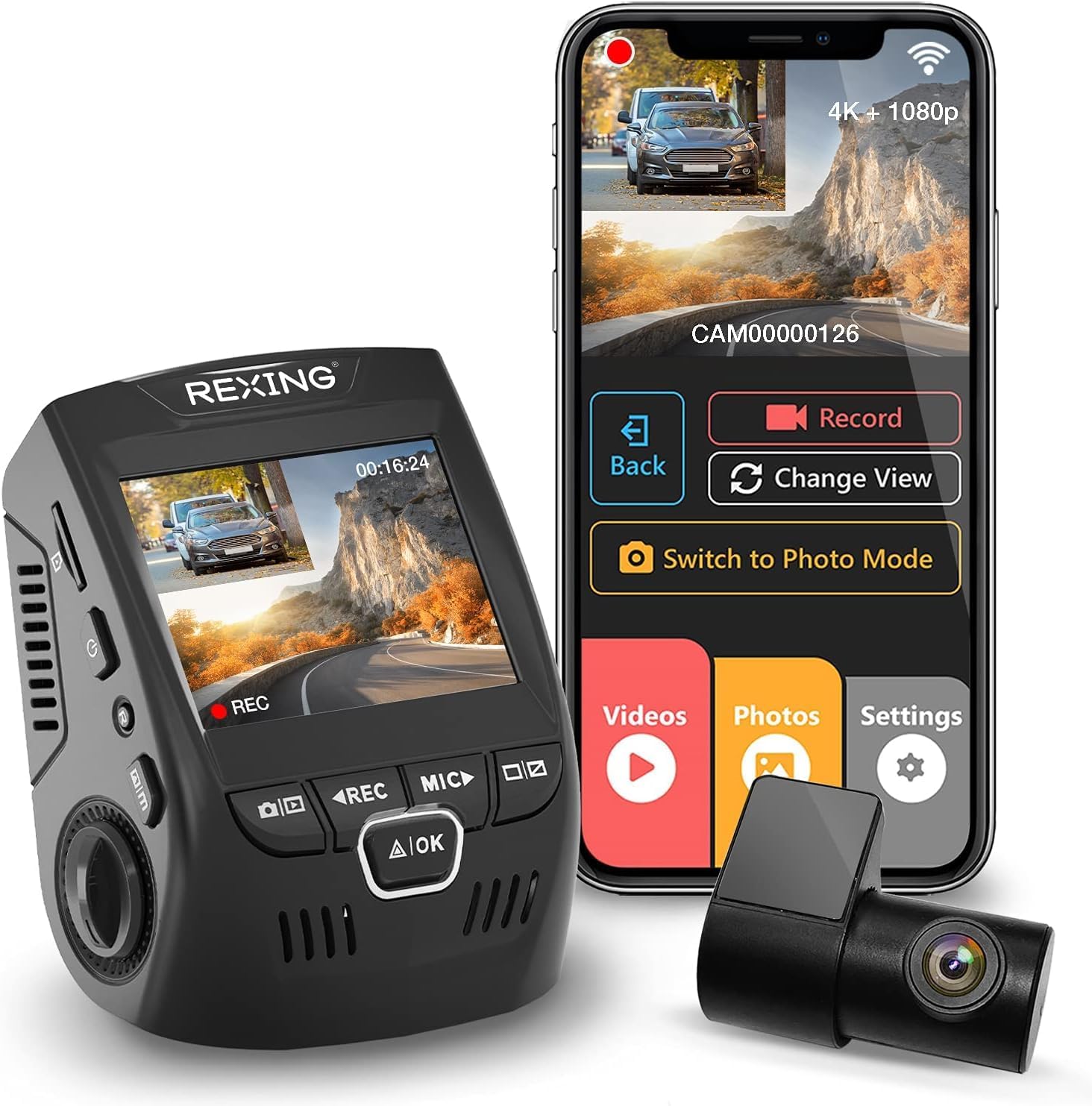
VNV 4K+2.5K Dash Cam
A no-frills 2026 release with a GalaxyCore sensor that punches above its weight in daylight. Comes with a 64GB card. Good replacement candidate when you want to ditch BlackVue entirely. Check the VNV 4K+2.5K on Amazon.
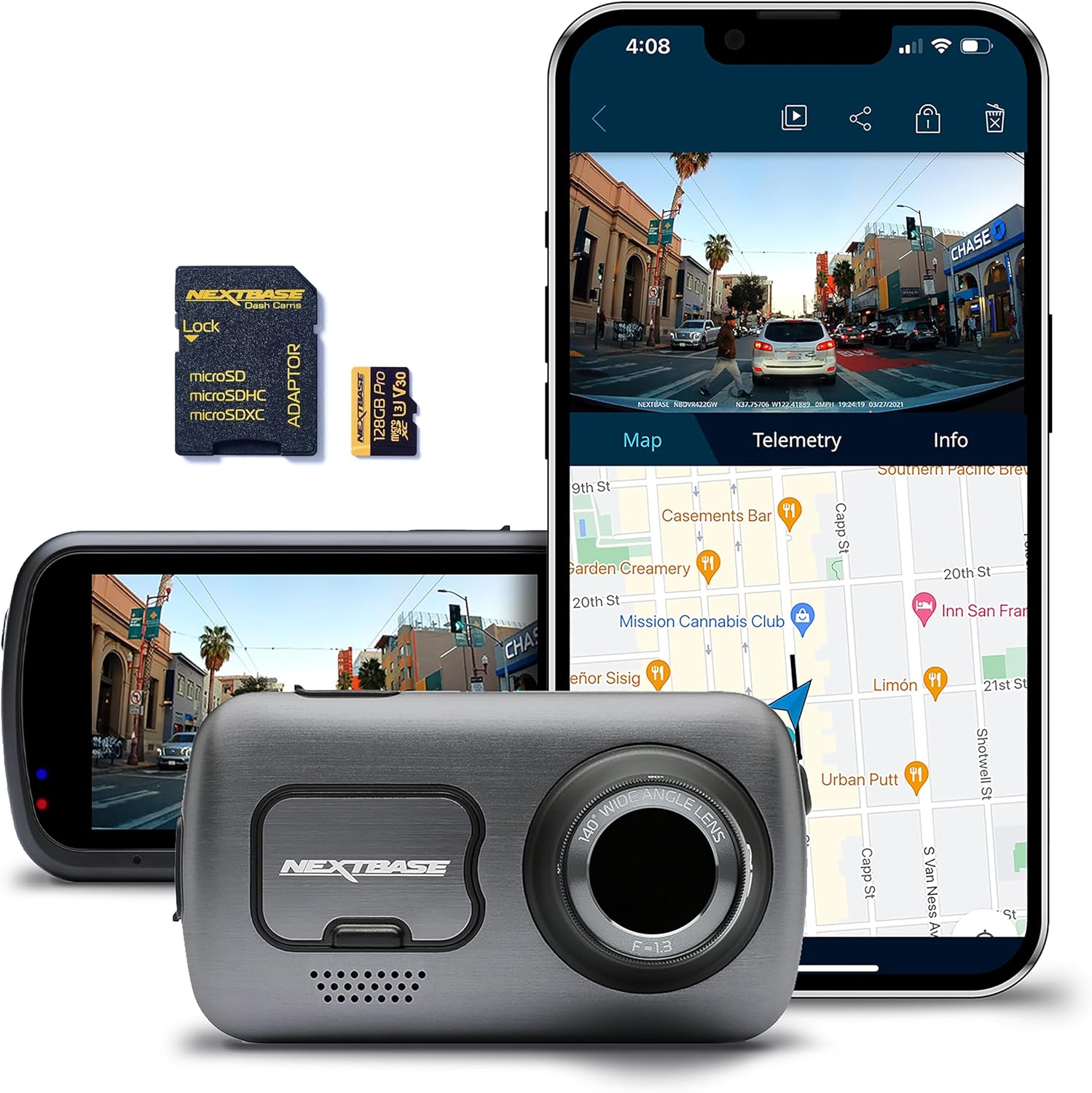
4K 3-Channel Dashcam with 128GB
Triple-channel coverage like the DR770X-2CH+IR setups, but local-storage only. The included 128GB card means you're recording the moment you plug it in. View the 3-Channel Dashcam on Amazon.
For deeper comparisons see our best 3-channel dash cams for rideshare drivers in 2026 guide, or if you're committed to staying with cloud-capable models try our best cloud-connected dash cams that aren't BlackVue roundup.
Frequently Asked Questions
Why does my BlackVue DR770X say "Cloud: Offline" even when the Jetpack shows it connected?
Because the Wi-Fi link layer is up but the TCP session to cloud.blackvue.com has been killed by Verizon's CGNAT timeout or by the Jetpack quietly moving the camera between 2.4GHz and 5GHz bands. Lock the camera to a single 5GHz SSID and shorten the keep-alive interval to 30 seconds in the Viewer app.
Does the BlackVue DR770X work better on a Netgear Nighthawk M6 than a Verizon Jetpack?
Generally yes. The Netgear M6 and M6 Pro have a cleaner Wi-Fi stack, expose more advanced QoS settings, and let you split 2.4GHz and 5GHz SSIDs by default. Most BlackVue owners who switch from a Verizon-locked Jetpack to an M6 Pro report the cloud-disconnect issue disappearing within a day.
Can I use a static IP on the Verizon Jetpack to fix BlackVue Cloud drops?
You can assign a static DHCP lease (LAN side) to the DR770X from the Jetpack admin panel, which helps. But you cannot assign a static public IP — Verizon consumer Jetpack plans are behind CGNAT. For a true public IPv4 you need a Verizon Business plan or a travel router that handles the keep-alive for you.
How often should the DR770X keep-alive interval be set on a hotspot?
30 seconds is the sweet spot for Verizon Jetpacks. It's frequent enough to beat the CGNAT idle timeout (typically 4-6 minutes) without burning unnecessary data. T-Mobile and AT&T home internet customers can usually stay at the 60-second default.
Will upgrading to BlackVue DR970X-2CH LTE eliminate the Jetpack problem entirely?
Yes — the DR970X LTE has a built-in cellular modem, so it bypasses the Jetpack completely and connects direct to BlackVue Cloud over your dedicated SIM. The trade-off is roughly $200-300 more upfront plus a monthly data plan. For most users, fixing the Jetpack config is more cost-effective.
Does parking mode drain the Jetpack battery faster when the DR770X stays connected?
Yes, slightly. The keep-alive heartbeat keeps the Jetpack's modem from going into deep sleep. If you're running a portable Jetpack off USB instead of vehicle hardwire, expect 15-25% shorter battery runtime when the DR770X is paired. Hardwire both for the best results.
What's the best replacement for BlackVue DR770X if I give up on cloud entirely?
The Vantrue N4 Pro S gives you the same three-channel coverage with comparable STARVIS 2 night performance and far fewer connectivity headaches because it uses Wi-Fi Direct to your phone instead of an internet relay. See our DR770X vs Vantrue N4 Pro S head-to-head for the deep dive.
Key Takeaways
- Choosing the right how to stop blackvue dr770x from disconnecting cloud on verizon jetpack mifi means matching capacity and output ports to your actual devices
- Always check actual watt-hours (Wh), not just watts — runtime depends on Wh, not peak output
- Also covers: dr770x verizon mifi disconnect fix
- Also covers: blackvue cloud jetpack drop
- Also covers: dr770x mobile hotspot cloud loss
- Compare price-per-Wh across models to find the best value for your budget