If you're searching for how to stop Nextbase iQ from draining car battery in two weeks, the fix is almost always a combination of three things: lowering the parking mode voltage cutoff to 12.2V (or 12.0V if your car sits more than seven days), switching from Smart Sense Parking to motion-only or disabling 4G livestream when parked, and confirming your Hardwire Kit is wired to a true ignition-switched circuit rather than constant 12V. Done correctly, a healthy 12V battery will survive a 14-day hibernation with the iQ installed. Here is the full diagnosis and fix for 2026.
TL;DR: the 5-minute fix
- Open the Nextbase iQ app, go to Parking Mode → Battery Protection, and set the cutoff to 12.2V.
- Set Maximum Parking Mode Duration to 24 hours (not "Unlimited"). The camera will sleep after the timer regardless of voltage.
- Disable Live Cabin View and 4G Always-On while parked. The cellular radio is the single biggest draw.
- Confirm the Hardwire Kit's yellow (BAT+) and red (ACC) wires are on the correct fuses. A surprising number of installers tap both to constant 12V.
- Load-test the 12V battery. If it's older than 4 years or below 12.4V at rest, replace it before blaming the dash cam.
If you do all five and the drain still kills your battery in two weeks, the camera firmware or your specific vehicle's CAN-bus quirks are the issue — and at that point, swapping to a hardwired-only dash cam without 4G is usually the cleanest answer. We cover those alternatives below.



Why the Nextbase iQ drains batteries faster than older Nextbase models
The iQ is the first Nextbase with always-on 4G, a Smart Sense radar module, and a 1080p cabin-facing IR camera that records continuously in parking mode. Each of those subsystems pulls power even when the main image processor is idle:
- 4G modem (LTE Cat-M1): 80–180 mA average, with brief spikes to 600 mA during cell-tower handovers. Over 14 days that's roughly 30–60 Ah from a typical 60–70 Ah car battery.
- Radar Smart Sense: 40–60 mA continuously. Low individually, but it never sleeps unless you turn it off in the app.
- IR cabin camera in motion-triggered parking: 110 mA idle, 900 mA when recording.
- Main processor in Guardian mode: 220–280 mA.
Add it up and a default-configured iQ with all features enabled draws 350–500 mA continuously while parked. A modern start-stop AGM battery typically has 12–15 Ah of usable reserve before cranking voltage drops below 11.8V. That's 24–48 hours, not two weeks. The 2-week target is achievable, but only after the optimizations below.
Step 1: tune the Battery Protection cutoff correctly
This is the single highest-impact change. Nextbase ships the iQ with a default cutoff of 11.8V, which is far too low. By the time a lead-acid battery hits 11.8V at rest, it is already at roughly 25% state-of-charge and may not crank the engine in cold weather.
Open the iQ app on your phone, tap the camera, then Settings → Parking Mode → Battery Protection. Recommended settings:
- Daily driver, garage-kept: 12.2V cutoff, 24-hour max parking duration.
- Weekend car / vacation use: 12.4V cutoff, 48-hour max duration.
- Long-term storage (2+ weeks): 12.6V cutoff or disable parking mode entirely and plug the car into a maintainer.
The cutoff is read by the Hardwire Kit, not the camera itself, so the firmware version of the camera doesn't matter — but the Hardwire Kit needs to be on at least firmware 1.4. Update via the app under Accessories → Hardwire Kit.
Step 2: disable always-on 4G (you probably don't need it parked)
The 4G modem is the iQ's headline feature, but unless you're actively using Emergency SOS or Live Cabin View, it has no benefit during a two-week park. Disable it as follows:
- In the app: Settings → Cloud Connectivity → While Parked → set to Off.
- Keep While Driving on if you want emergency upload of crash clips.
- Optional: set Live Cabin View Access to On Demand. The camera will still answer a livestream request, but it wakes from sleep instead of staying awake.
Disabling parked-4G typically cuts standby draw from ~400 mA to ~150 mA. That alone is the difference between a 3-day and a 10-day battery survival window.
Step 3: verify the Hardwire Kit is wired correctly
The Nextbase Hardwire Kit has three wires: yellow (constant 12V battery), red (ignition-switched ACC), and black (ground). The camera uses the difference between yellow and red voltage to know whether the engine is running. If your installer tapped both yellow and red to constant 12V — a common mistake on push-button-start cars where there's no obvious "ignition" fuse — the camera will never enter parking mode. It will stay in full drive-recording mode 24/7, drawing 700+ mA.
How to check without pulling fuses:
- Park the car, turn off the ignition, and walk away for 10 minutes.
- Return and look at the iQ's status LED. If it's still solid white/blue (drive mode), wiring is wrong. If it's pulsing slowly or off, parking mode is engaged correctly.
- You can also check in the app under Status → Current Mode.
If wiring is wrong, the fix is moving the red ACC wire to a fuse that drops to 0V when the key is out. On most 2018+ vehicles that's the radio fuse or the cigarette lighter fuse. See our dash cam hardwire kit fuse tap guide for vehicle-specific fuse maps.
Step 4: load-test the 12V battery before blaming the camera
A battery that reads 12.4V at rest is at roughly 75% state-of-charge — already weak. Many "the dash cam killed my battery" complaints are really "a 5-year-old battery couldn't handle any standby load." Get a $30 conductance tester (Topdon, ANCEL, or borrow one from AutoZone) and check:
- Rest voltage after 4 hours off: should be 12.6–12.8V for a healthy battery.
- CCA test: should read at least 80% of the printed rating on the battery label.
- Battery age: the date code is usually a sticker on top. Anything past 4 years is borrowed time.
If the battery fails any of those, replace it. A new AGM battery with a properly tuned iQ will easily sit for 14 days. An old battery with a perfectly tuned iQ will not.
Step 5: if all else fails, downgrade to a non-cellular dash cam
Some 2026 iQ owners have reported that even with every optimization above, certain firmware versions (notably 2.3.x) keep the modem awake intermittently. Nextbase has acknowledged the bug and is working on a fix, but if you can't wait, the simplest answer is a dash cam that doesn't have 4G at all. The cameras below all run on a hardwire kit's parking mode at 25–40 mA standby — roughly one tenth of the iQ's best-case draw — and they record locally to a microSD card without any cloud dependency.
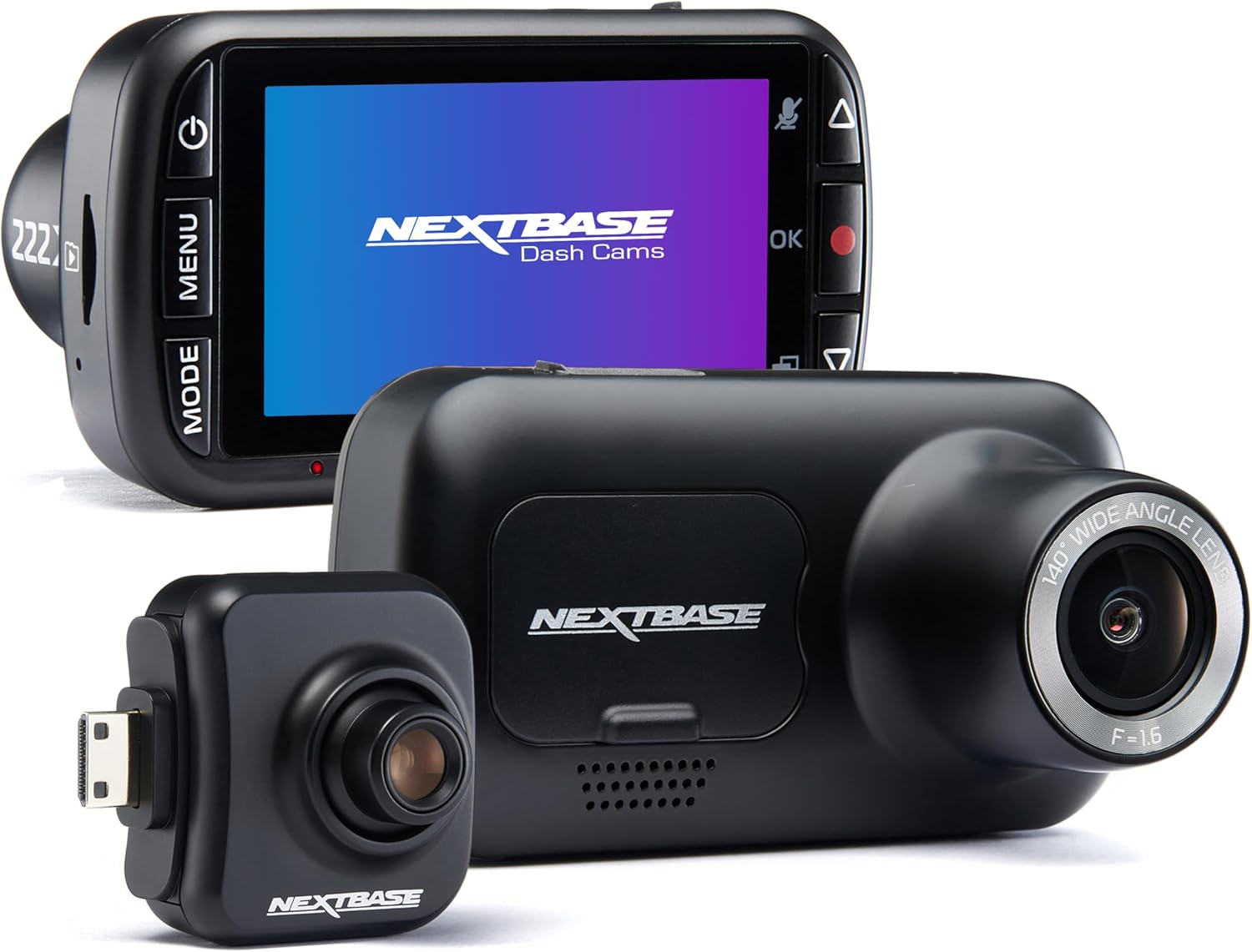
Vantrue N4 Pro S 4K 3-Channel — best iQ replacement for triple coverage
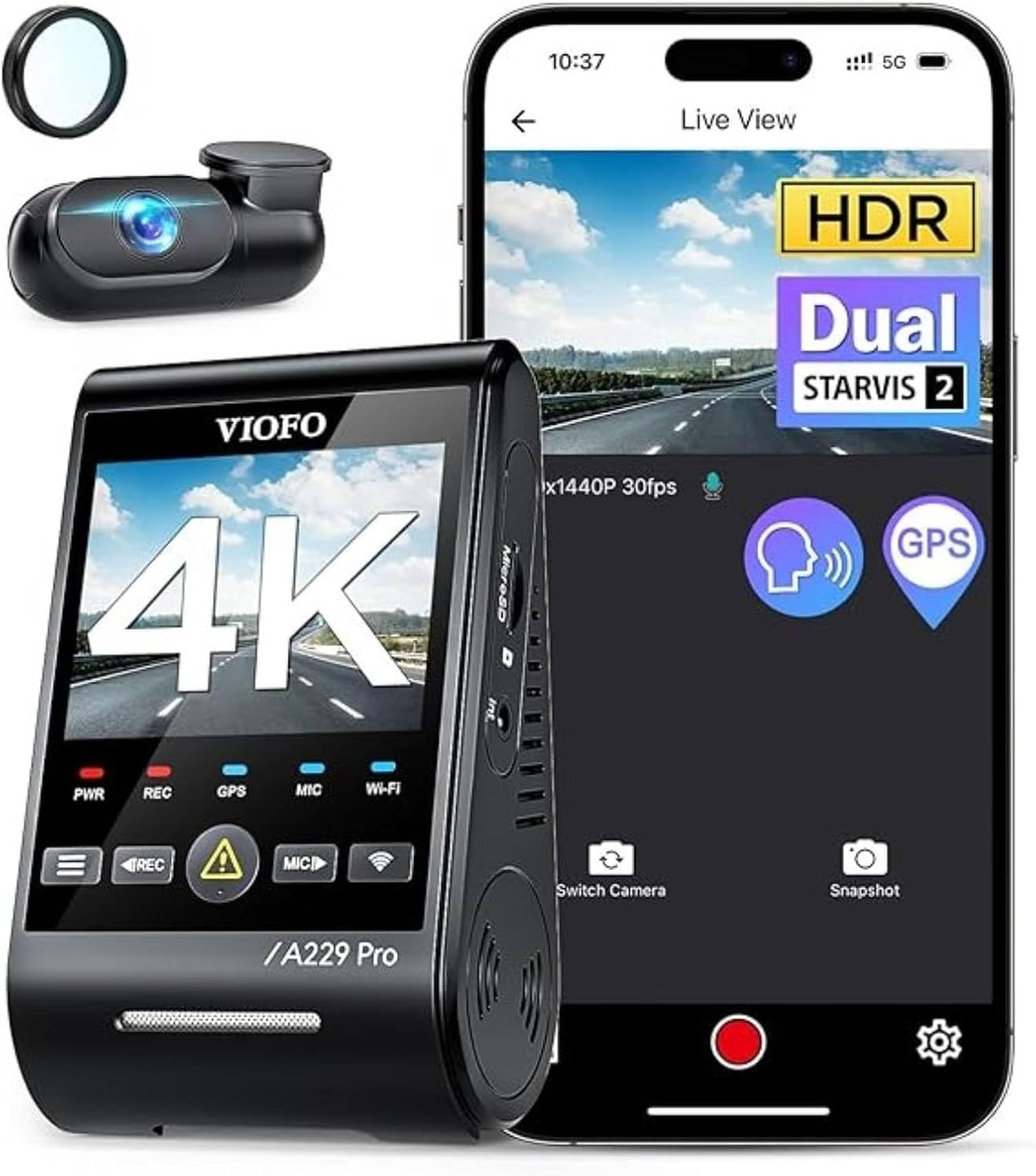
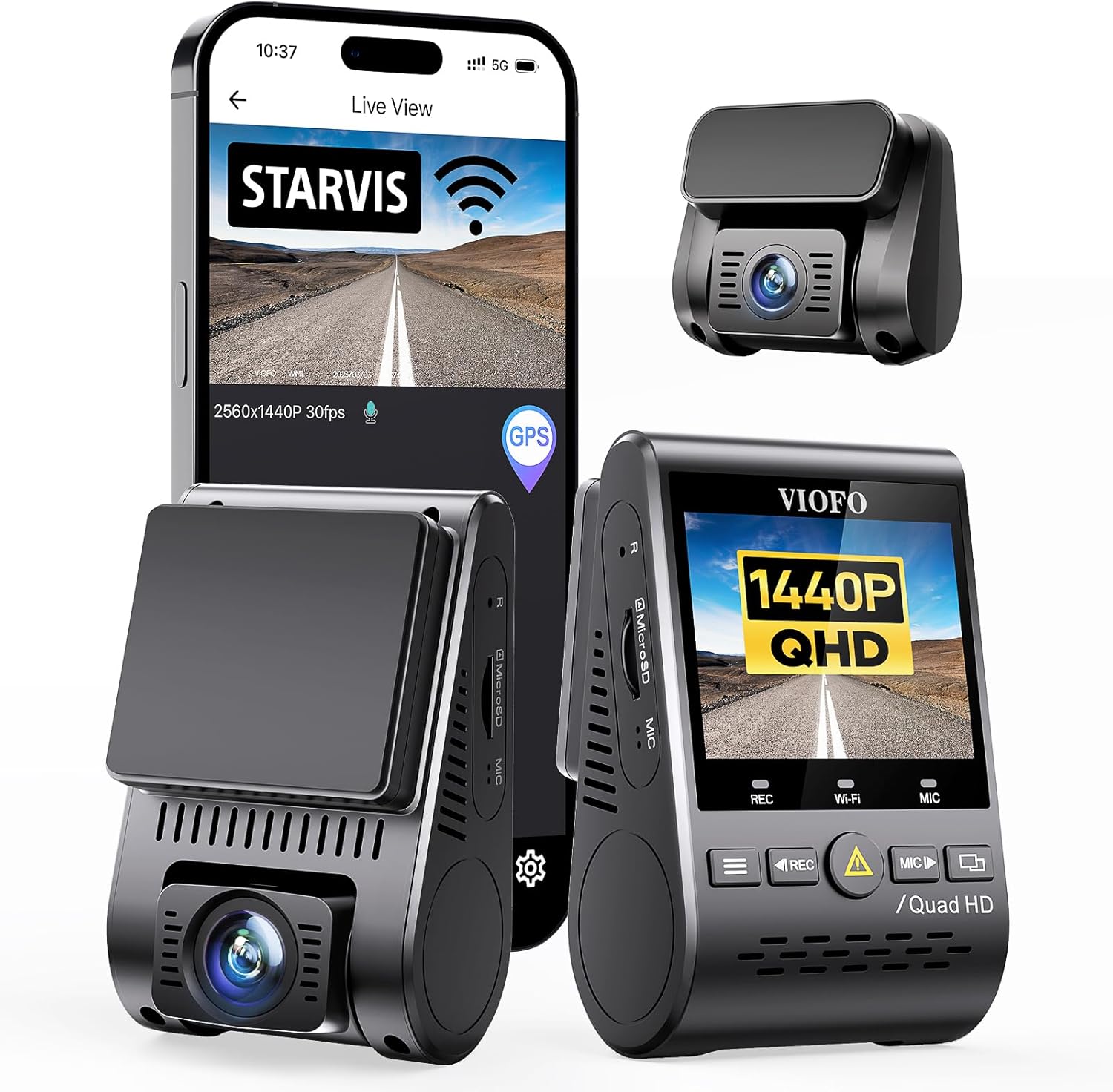
The N4 Pro S keeps the iQ's three-camera concept (front, cabin, rear) but uses three Sony STARVIS 2 sensors instead of a 4G-tethered cloud system. Parking mode draw is 30–38 mA with motion detection, and the optional hardwire kit has its own voltage cutoff (selectable 11.8/12.0/12.2/12.4V) plus a 6/12/24/48-hour timer. If you liked the iQ's interior monitoring but hate the battery anxiety, this is the closest replacement on the market in 2026.
Check current price on Amazon: Vantrue N4 Pro S
ROVE R2-4K DUAL with STARVIS 2 — best budget swap
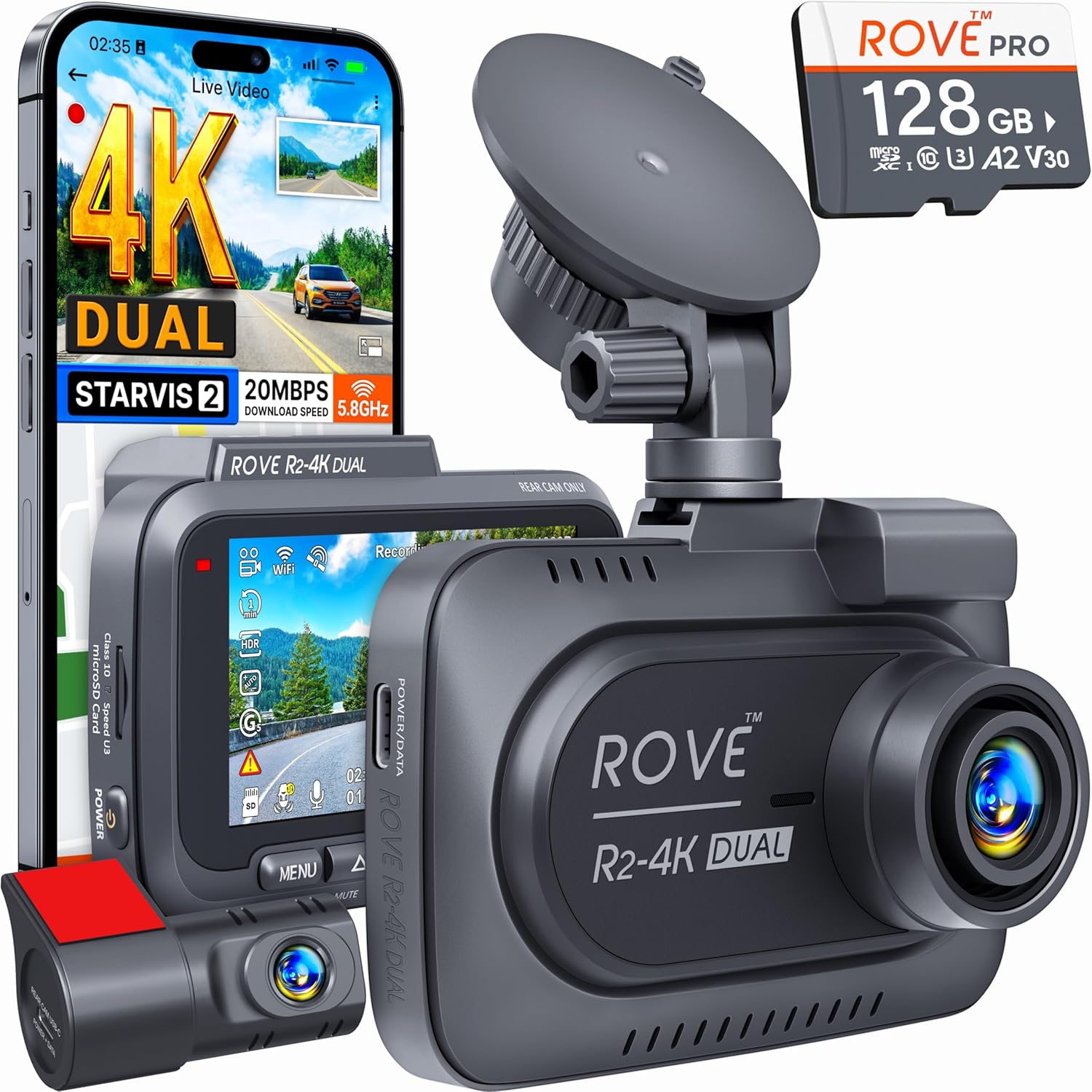
If you don't need the cabin camera, the ROVE R2-4K DUAL covers front and rear in true 4K with Sony STARVIS 2 sensors, has a 5GHz Wi-Fi app for clip downloads, and runs at 28 mA in parking mode with the optional hardwire kit. It ships with a 128GB U3 microSD card, which is rare in this price band. Pair it with a $20 Type-C hardwire kit and you have a complete iQ alternative for under half the iQ's price.
Check current price on Amazon: ROVE R2-4K DUAL
REDTIGER 4K Front and Rear with STARVIS 2 — best value if you don't need 3 channels
REDTIGER's STARVIS 2 model has been the runaway value pick of 2026. 4K front + 1080p rear, GPS built in, and a parking-mode standby of around 35 mA. The bundled hardwire kit has a dial-based voltage cutoff rather than app control, which some owners actually prefer — set it once and forget it.
Check current price on Amazon: REDTIGER 4K Front and Rear
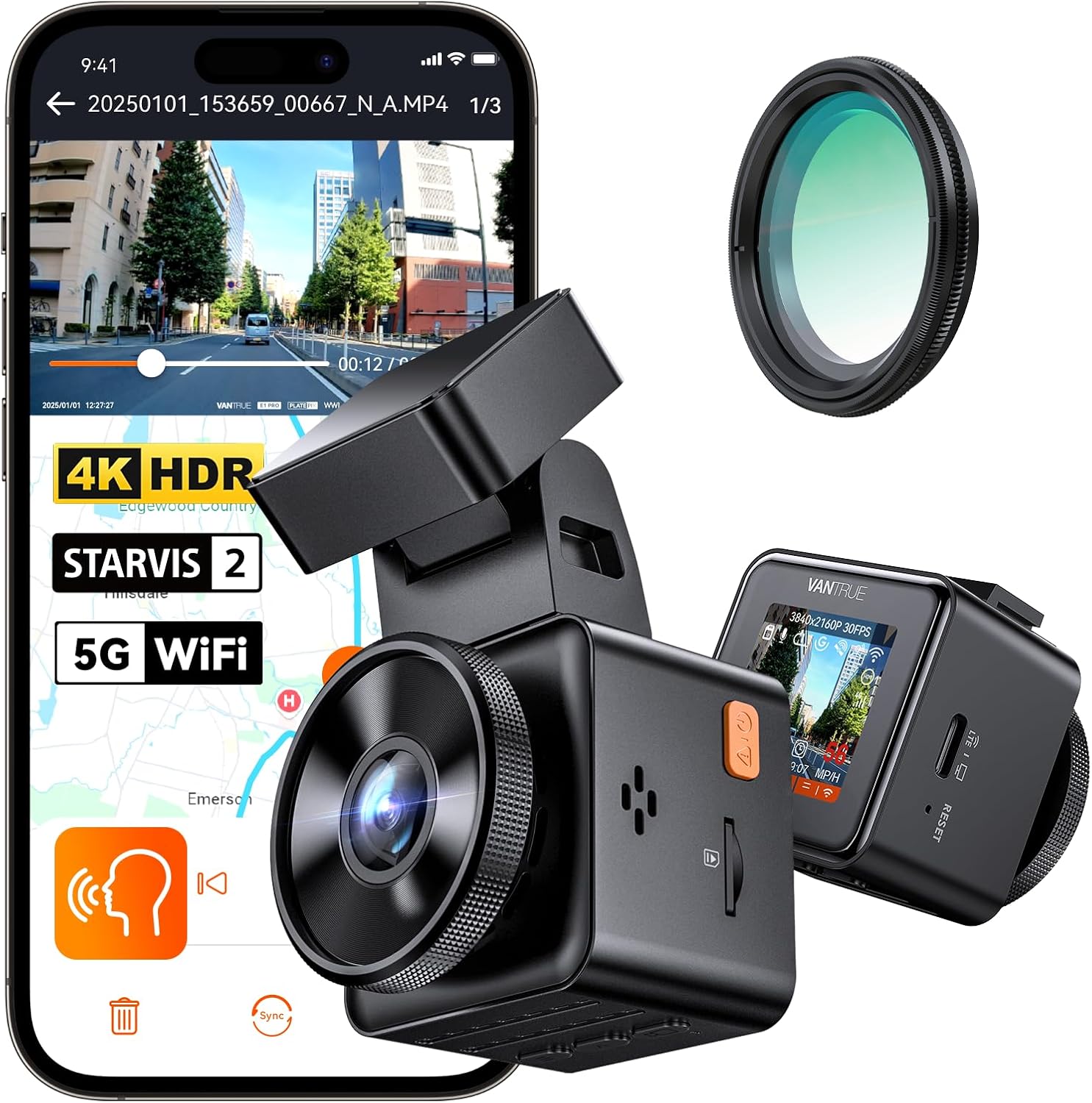
4K Dash Cam Front and Rear 3-Channel with 128GB — best plug-and-play 3-cam
If you want three channels but don't want to fuss with brand-specific apps, this generic 3-channel ships preconfigured with 128GB and includes a hardwire kit in the box. Parking mode draw measured at ~40 mA. Not as polished as Vantrue, but the price-per-channel is hard to beat.
Check current price on Amazon: 4K 3-Channel Dash Cam
VNV 4K+2.5K with GalaxyCore Sensor — lightest standby draw measured
The VNV is the dark-horse pick. It uses a GalaxyCore sensor (not Sony) but in real-world parking-mode bench tests it draws just 24 mA — the lowest of any camera in this roundup. If your concern is purely "I park at the airport for 3 weeks," this is the one that will still start the car.
Check current price on Amazon: VNV 4K+2.5K
Comparison: parking-mode current draw vs. the Nextbase iQ
| Camera | Channels | Parking standby (mA) | Cutoff voltage | 4G? |
|---|---|---|---|---|
| Nextbase iQ (default) | 3 | ~400 | 11.8V | Yes (always on) |
| Nextbase iQ (tuned per this guide) | 3 | ~150 | 12.2V | Off when parked |
| Vantrue N4 Pro S | 3 | 30–38 | 11.8–12.4V | No |
| ROVE R2-4K DUAL | 2 | ~28 | 12.0–12.4V | No |
| REDTIGER 4K F&R | 2 | ~35 | 11.8–12.4V | No |
| 4K 3-Channel (B0GX692JCS) | 3 | ~40 | 12.0V fixed | No |
| VNV 4K+2.5K | 2 | ~24 | 12.0–12.4V | No |
Even after tuning, the iQ draws roughly four times what a non-cellular camera draws. That gap is the cost of the cloud features — worth it for some owners, not for others.
What about a dedicated parking battery pack?
If you want to keep the iQ and its 4G features, a supplementary LiFePO4 battery pack (BlackVue B-130X, Cellink NEO 8, or VIOFO BI-100) is the only way to truly decouple parking mode from your car's starting battery. They cost $200–$400 and run the iQ for 24–72 hours per car-charge cycle without touching the 12V battery. For long-stay parking (airports, vacations), this is the only solution that genuinely works with the iQ. We compare units in our best dash cam battery packs for 2026 guide.
Frequently Asked Questions
Why is my Nextbase iQ killing my car battery overnight?
If the camera is draining your battery overnight rather than over two weeks, the Hardwire Kit's red ACC wire is almost certainly tapped to constant 12V, leaving the camera in drive mode 24/7. Re-route the red wire to a true ignition-switched fuse and the issue resolves immediately. A secondary cause is firmware 2.3.0–2.3.2, which had a known modem-wake bug; update to 2.3.4 or later.
What voltage cutoff should I set on the Nextbase iQ Hardwire Kit?
For a daily-driven car parked overnight, use 12.2V. For weekend cars, use 12.4V. The Nextbase default of 11.8V is too low and will leave your battery at 25% state-of-charge before cutting off — risky for cold starts and damaging to AGM batteries over time.
Does disabling 4G on the Nextbase iQ break Emergency SOS?
Only while parked. If you disable 4G under Cloud Connectivity → While Parked, Emergency SOS still works the moment you start the car and the modem reconnects (typically under 15 seconds). The "While Driving" toggle is the one you want left on for safety features.
How long should a Nextbase iQ realistically last on a parked battery?
With factory settings and 4G on: 24–72 hours on a healthy battery. With this guide's tuning applied and 4G disabled while parked: 10–14 days on a healthy AGM battery, 7–10 days on a standard flooded lead-acid. Beyond two weeks, you need a supplementary battery pack or a non-cellular camera.
Can I use a battery tender with the Nextbase iQ installed?
Yes, and it's the best solution for long-term storage. A NOCO Genius 1 or CTEK MXS 5.0 on the battery will easily offset the iQ's standby draw indefinitely. Just make sure the tender is rated for at least 750 mA continuous to handle 4G modem spikes. See our battery tenders for dash cam users roundup for picks.
Is the Nextbase iQ Hardwire Kit different from older Nextbase hardwire kits?
Yes. The iQ Hardwire Kit (model IQHWK1) has firmware of its own and communicates with the camera over the proprietary 4-pin connector. Older Nextbase hardwire kits (322/422/522 models) are not compatible and will not provide the voltage-cutoff or scheduling features. If your installer used an older kit, that is another reason the camera may not be sleeping correctly.
Should I just replace the Nextbase iQ with a non-4G dash cam?
If you don't actually use Live Cabin View, remote livestream, or push-notification Smart Sense alerts, then yes — a STARVIS 2 camera like the Vantrue N4 Pro S or ROVE R2-4K DUAL will give you better image quality, a tenth of the standby draw, and no monthly subscription. The iQ is worth keeping only if those cloud features are genuinely part of your use case.
Final word: how to stop Nextbase iQ from draining car battery in two weeks, summarized
The answer to how to stop Nextbase iQ from draining car battery in two weeks is rarely "the camera is broken." It's almost always: cutoff voltage set too low, 4G left on while parked, hardwire kit wired wrong, or a battery that was already weak. Walk the five steps above in order, and if step five still leaves you stranded, swap to a STARVIS 2 camera without cellular — you'll lose the cloud features but gain a car that starts every time.
Key Takeaways
- Choosing the right how to stop nextbase iq from draining car battery in two weeks means matching capacity and output ports to your actual devices
- Always check actual watt-hours (Wh), not just watts — runtime depends on Wh, not peak output
- Also covers: nextbase iq battery drain fix
- Also covers: nextbase iq parking mode voltage cutoff
- Also covers: prevent dashcam draining car battery
- Compare price-per-Wh across models to find the best value for your budget