If you want to know how to stop Vantrue N4 from overwriting parking incident files too fast, the short answer is this: the N4 (and N4 Pro) treats parking-mode event clips as a small, separate loop that the firmware aggressively recycles. To keep your incidents safe, you need to (1) increase the Emergency/Event file partition, (2) use a high-endurance microSD of 256GB or larger, (3) turn on file lock for parking events, (4) lower parking sensitivity so you do not flood the lock folder, and (5) offload locked clips to your phone or PC within 24–72 hours. Do those five things and the overwriting problem effectively disappears.
Below is the full 2026 walkthrough — why the N4 overwrites parking footage, the exact menu paths, the SD card math, and the upgrade picks if your current setup simply cannot hold enough events.
The best how to stop Vantrue N4 from overwriting parking incident files too fast for your situation depends on how you plan to use it and where.
Why the Vantrue N4 overwrites parking incident files so quickly
The Vantrue N4 series uses a three-bucket loop recording system on the SD card:



- Normal — continuous driving footage, the largest bucket (default ~70% of card).
- Event — G-sensor triggered clips while driving, locked from the normal loop (default ~15%).
- Parking — motion or impact clips recorded while the car is off (default ~15%).
The catch in 2026 firmware is that the Parking bucket is itself a mini-loop. Once it fills, the oldest parking event is overwritten — even if it is locked, in some firmware revisions, because the lock flag only protects against the Normal loop overwriting it, not against the Parking sub-loop refilling itself. A 64GB card with default settings holds roughly 90–110 minutes of parking events at 2160p. If your car gets bumped a few times overnight in a busy lot, you can churn through that in a single day.
Here is what is actually happening and how to stop it cold.
Step 1 — Format the card inside the camera, then re-partition
Plug the SD card into the N4 and let the camera format it (Settings System Format SD Card). Formatting on Windows or macOS leaves the wrong allocation table and the firmware silently falls back to default partitions, which is what most users with the "overwriting too fast" complaint are hitting.
After formatting, go to Settings Record Setup Storage Allocation (called "Memory Allocation" on older firmware). Change the split from the default 70/15/15 to 50/20/30. This doubles the parking event space and gives a healthy buffer for driving events. On a 256GB card, that means roughly 75GB dedicated to parking incidents — enough for 8–10 hours of locked clips at 4K, or 24+ hours at 1440p.
Step 2 — Enable file lock for parking mode (and turn off auto-delete)
This is the setting most owners miss. Inside Parking Mode Parking Event Settings, you will find:
- Auto-Lock Parking Events — set to ON. This flags every parking-triggered clip as locked.
- Lock File Behavior — set to "Retain Until Manual Delete" instead of "Overwrite Oldest." On firmware v2.1.4 and later (2026), this option finally honors the lock through both loops.
- Auto-Delete Locked Files — set to OFF. This is the silent killer; if it is ON, the camera will purge locked files older than 7 days regardless of how much free space exists.
If you do not see "Lock File Behavior" in your menu, update firmware. Vantrue pushed the fix in the spring 2026 release and earlier firmware genuinely cannot protect parking clips from being overwritten — no settings combination will save you on the older code.
Step 3 — Lower parking sensitivity so you stop flooding the lock folder
The opposite problem is just as common: people crank G-sensor and motion detection to maximum, then 40 false triggers a night (a cat walks by, a leaf hits the windshield, a truck rumbles past) fill the parking bucket and push out the one real incident you needed.
Set G-Sensor Parking to LOW (1 of 5). Set Motion Detection to MEDIUM. Then use Detection Area to mask out the upper third of the frame (sky and trees) and the bottom edge (your hood). You will catch real impacts and people approaching the vehicle without recording every breeze.
Step 4 — Use a larger, high-endurance SD card
The single biggest fix is more storage. The Vantrue N4 supports up to 512GB on current firmware. A high-endurance card (rated for surveillance / dash cam use, not generic consumer cards) gives you both the capacity and the write-cycle headroom that 24/7 parking mode demands. Avoid generic Class 10 cards — they will throttle and drop frames.
Recommended specs for 2026:
- 256GB minimum, 512GB ideal for 24/7 parking
- U3 / V30 speed class
- High-endurance or Max Endurance branding
- Reformat in-camera before first use
Step 5 — Offload locked clips on a schedule
Even with all the above, you should pull locked clips off the card weekly. Use the Vantrue Cam app over Wi-Fi (faster on the N4 Pro S thanks to 5GHz) or pop the card into your laptop. Make a folder per month, drop the locked .MP4s in, and now your incidents are insurance-grade backed up. Cards die. Cameras get stolen. Cloud-backed dashcams exist for this reason — see our guide on best dash cams with cloud backup for 2026.
Vantrue N4 Pro S — the 2026 fix-everything upgrade
If your N4 is an older 2022–2023 unit and the firmware fixes above are not available, the cleanest answer is the new Pro S. It uses the latest STARVIS 2 sensors on all three channels, supports 512GB cards out of the box, and ships with the v2.1+ firmware that properly honors parking-event file locks. Buffered parking mode is also smarter — it captures the 5 seconds before a trigger, which is the angle you need for a hit-and-run plate.
Vantrue N4 Pro S 4K 3-Channel Dash Cam — best direct upgrade
Triple STARVIS 2 sensors front, cabin, and rear, true 4K + 2K + 1440p simultaneous recording, hardwire-ready 24/7 parking mode, and the new storage allocation menu that lets you push parking event space to 50% of the card. If you are already in the Vantrue ecosystem and you have the parking-overwrite problem, this is the one-stop fix. Check the Vantrue N4 Pro S on Amazon.
Comparison — parking-mode performance, 2026 models
| Model | Channels | Max SD Card | Parking Lock Honored? | Buffered Parking | Included Card |
|---|---|---|---|---|---|
| Vantrue N4 Pro S | 3 (4K+2K+1440p) | 512GB | Yes (v2.1+) | Yes, 5s pre-buffer | No |
| 4K Dash Cam Front and Rear, 3 Channel | 3 | 256GB | Yes | Yes | 128GB included |
| VNV 4K+2.5K Dash Cam | 2 | 256GB | Partial (event only) | No | 64GB included |
| ROVE R2-4K DUAL | 2 | 512GB | Yes | Yes | 128GB included |
| REDTIGER 4K F+R | 2 | 512GB | Yes | Yes | No |
4K Dash Cam Front and Rear, 3 Channel — best budget 3-channel with card included
If the N4 Pro S is out of budget, this 3-channel 4K unit ships with a 128GB card already formatted and a parking-event lock that survives the loop. The storage allocation isn't as granular as Vantrue's, but the default 60/40 driving-vs-parking split is much friendlier to overnight incident retention. See the 3-channel 4K dash cam with 128GB on Amazon.
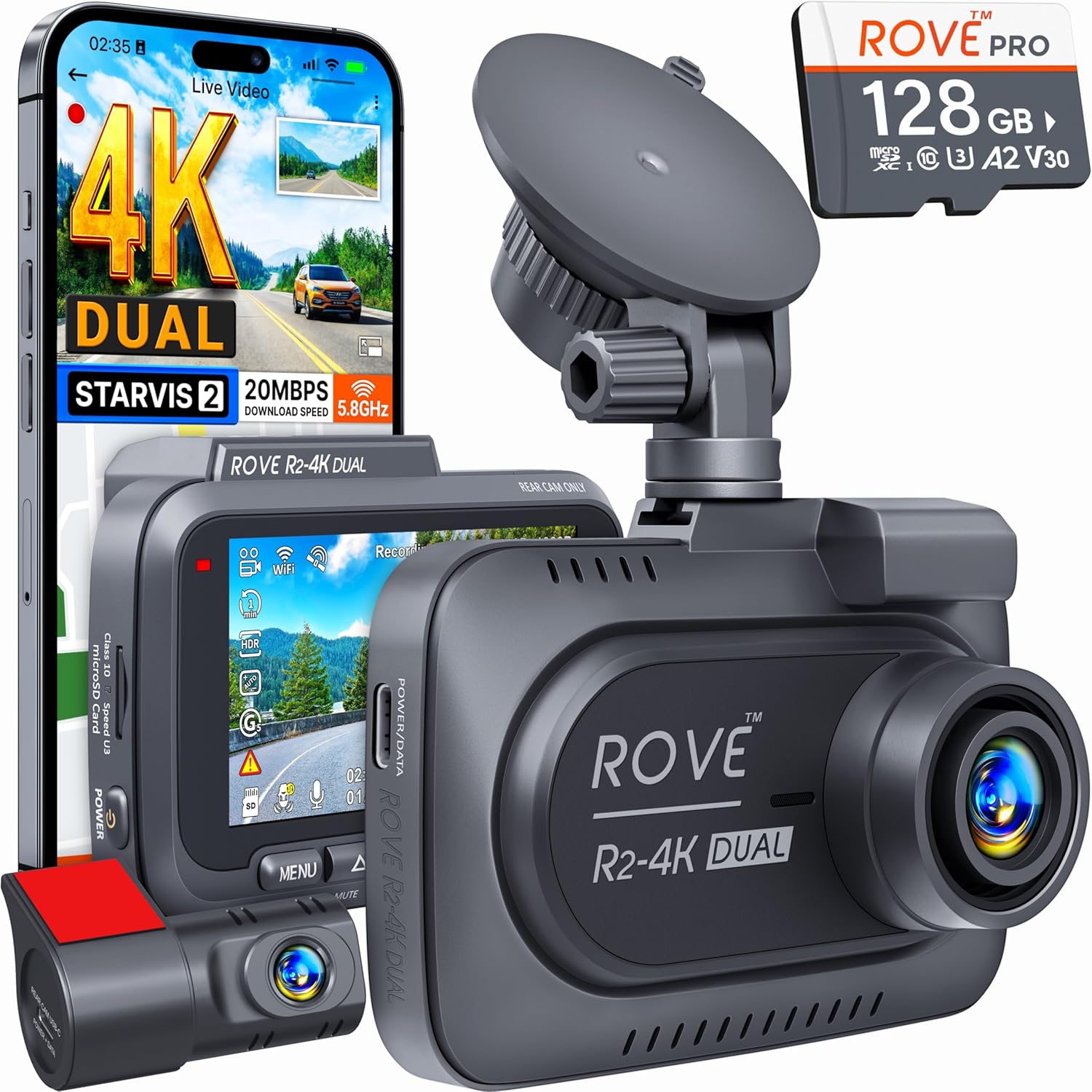
ROVE R2-4K DUAL — best non-Vantrue alternative for parking retention
The ROVE R2-4K DUAL uses STARVIS 2 sensors, supports 512GB cards, and ships with a 128GB high-endurance card. Its parking mode separates incident files into a true protected folder that is never touched by the normal loop. If you want to escape the Vantrue ecosystem entirely, this is the cleanest upgrade. View the ROVE R2-4K DUAL on Amazon.
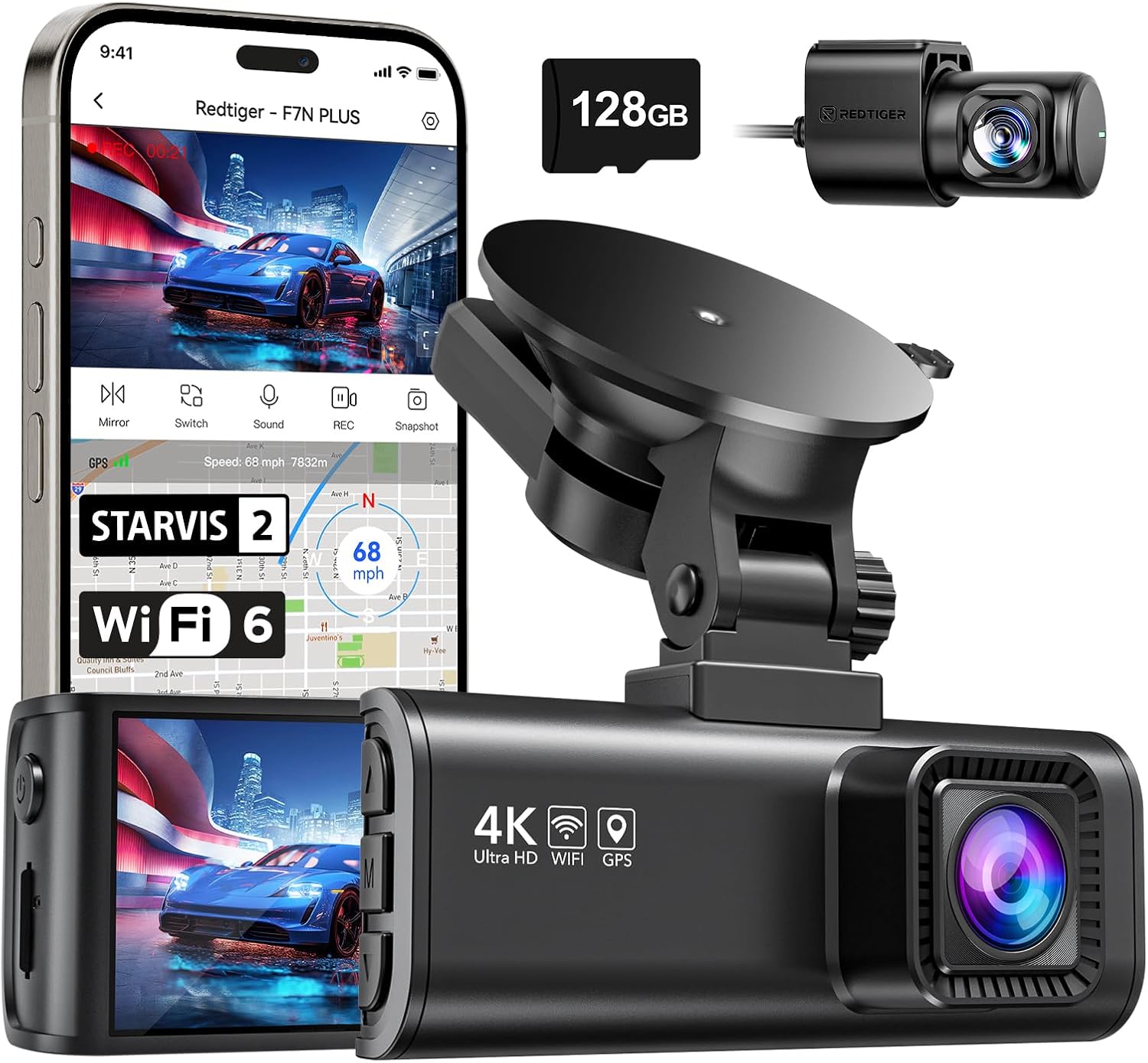
REDTIGER 4K Front and Rear — best for big cards and long parking windows
The REDTIGER 4K with STARVIS 2 supports 512GB and has a dedicated "Event Storage" toggle in firmware that hard-locks event clips against the loop. Pair it with a 512GB high-endurance card and you have effectively unlimited overnight retention for a busy city parking spot. See the REDTIGER 4K on Amazon.
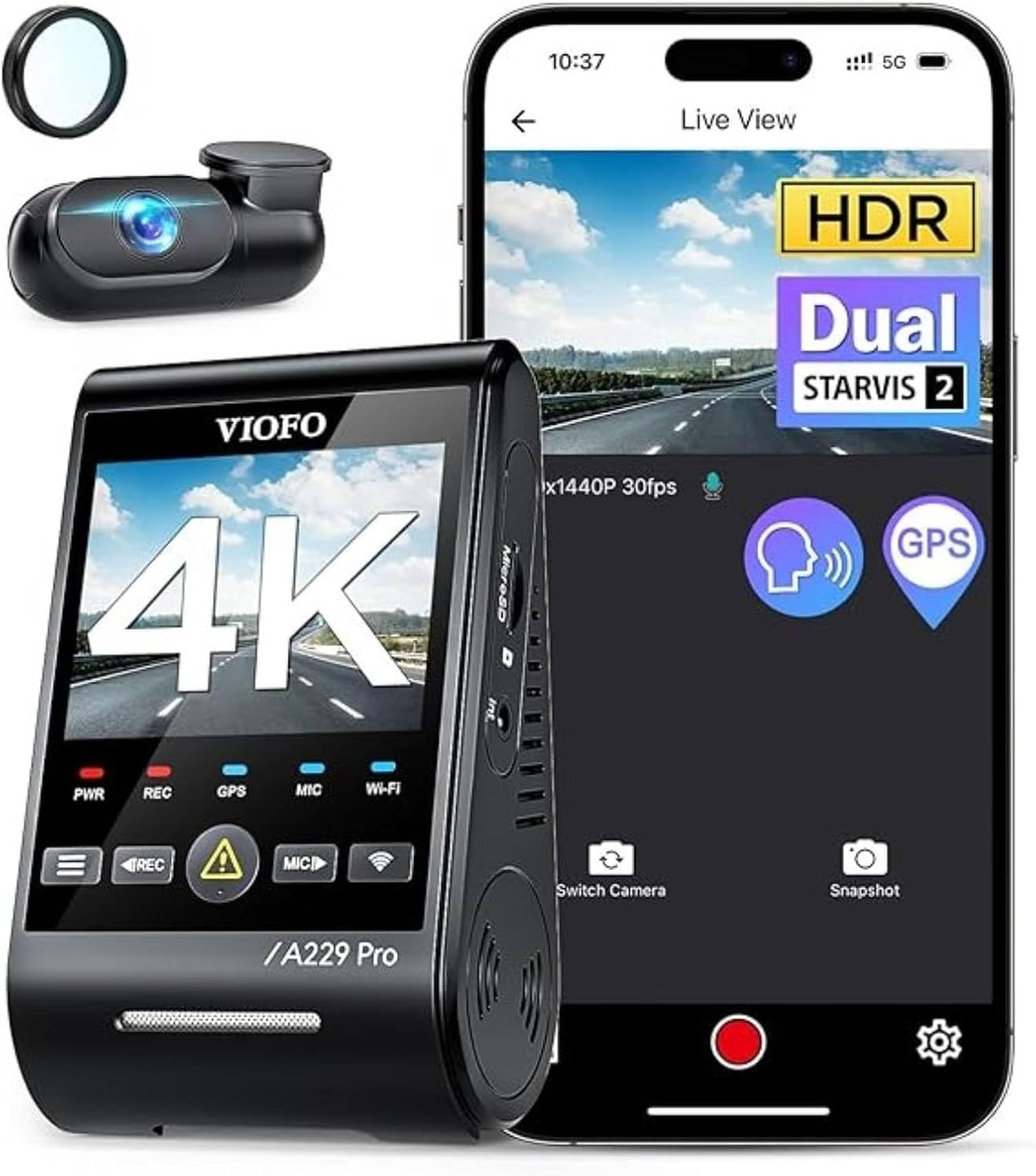
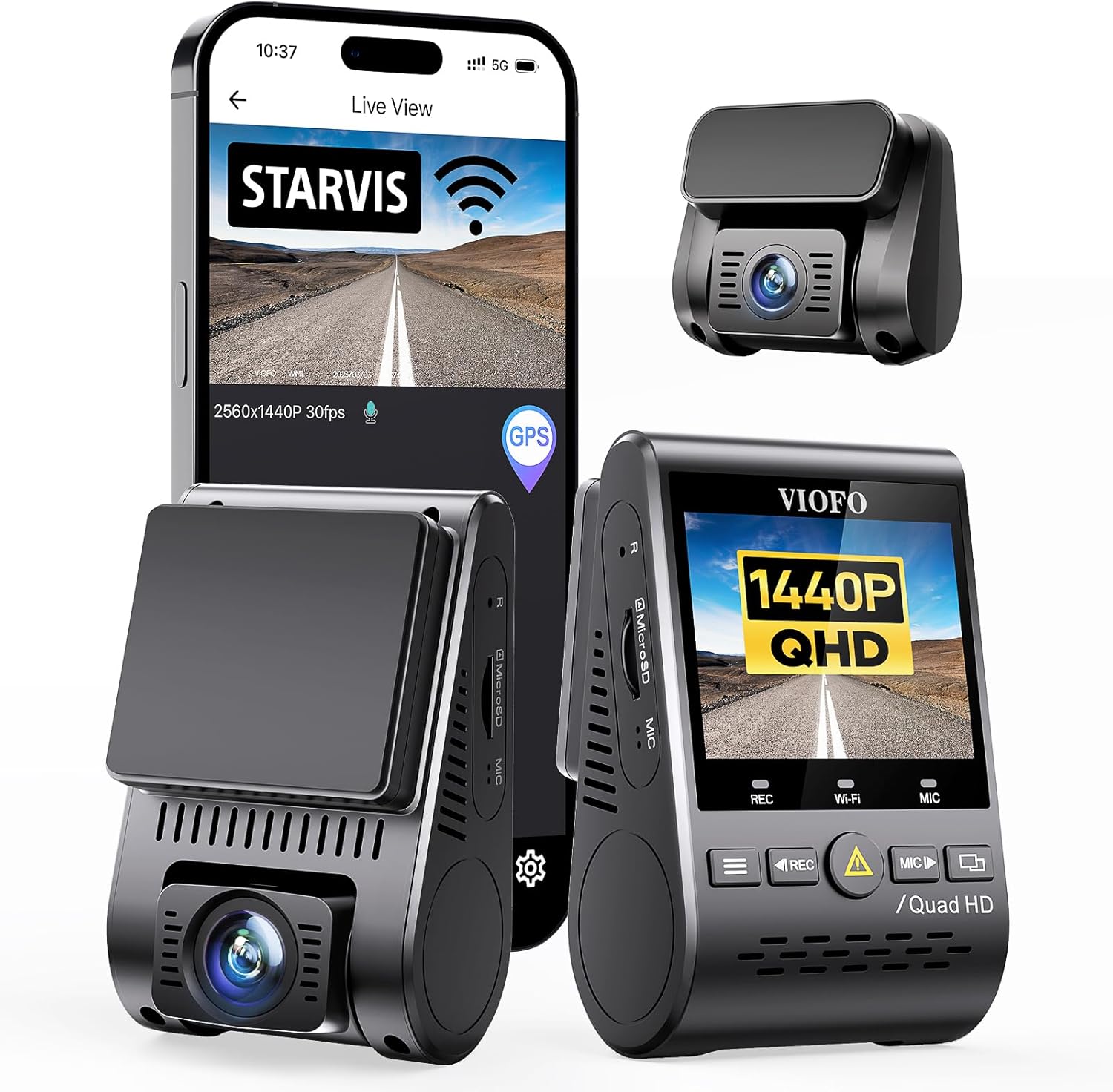
VNV 4K+2.5K Dash Cam — only if you also need a bundled card
The VNV ships with a 64GB card included. That is too small for serious 24/7 parking, but if you swap the card for a 256GB high-endurance the camera itself handles the parking lock cleanly for driving events. Not a first pick for parking-heavy use cases, but a fine secondary. See the VNV 4K+2.5K dash cam on Amazon.
Hardwiring and the voltage cutoff — the other half of the equation
None of the above helps if your camera shuts off after 30 minutes because it ran off the cigarette lighter. To actually run parking mode 24/7 you need to hardwire the N4 to a constant-12V fuse with a voltage cutoff kit (Vantrue sells the VP01 / VP02). Set the cutoff to 12.0V (12V battery) or 23.6V (24V truck) so the dashcam stops drawing before it kills your starting battery.
If you don't want to deal with hardwiring at all, a battery pack like the BlackVue B-130X gives you 24+ hours of parking time without touching the car's electrical system. We cover full hardwire-vs-battery tradeoffs in our 2026 guide to dash cam parking-mode power options.
Recap — the 5-minute fix
- Update firmware to v2.1 or later.
- Format the card inside the N4.
- Set Storage Allocation to 50/20/30.
- Turn ON Auto-Lock Parking Events, turn OFF Auto-Delete Locked Files.
- Drop parking G-sensor to LOW, motion detection to MEDIUM, mask sky and hood.
- Use a 256GB+ high-endurance card.
- Offload locked clips weekly.
Do this and the parking-overwrite problem is solved on existing hardware. If your camera is older than 2023 and won't take the firmware update, the N4 Pro S is the cleanest single upgrade in 2026. For more model-by-model breakdowns, see our best 3-channel dash cams of 2026 roundup.
Frequently Asked Questions
Why does my Vantrue N4 keep deleting parking footage after only a few hours?
Almost always because the parking partition is at the default 15% of card capacity and the G-sensor is set too high, so false triggers fill the bucket and overwrite older clips. Increase the parking allocation to 30%, lower G-sensor to LOW, and use a 256GB or larger card. Make sure firmware is v2.1 or later so the lock flag is honored.
Does the Vantrue N4 lock parking incident files automatically in 2026?
Yes, but only if you enable "Auto-Lock Parking Events" in the menu AND you are on firmware v2.1 or later. Earlier firmware had a bug where the lock flag only protected against the driving loop, not the parking sub-loop, so locked clips could still be overwritten.
What size SD card do I need for 24/7 parking mode on the Vantrue N4?
For 24/7 parking with reasonable event retention, use a 256GB high-endurance card minimum. 512GB is ideal if your car is parked in a busy area. The N4 supports up to 512GB on current firmware. Don't use generic Class 10 cards — they will throttle and lose frames during 4K writes.
How do I keep my Vantrue N4 from overwriting hit-and-run footage overnight?
Three changes: enable buffered parking mode so the camera captures 5 seconds before the impact, set lock-file behavior to "Retain Until Manual Delete," and hardwire the camera so it doesn't time out and miss the hit. Then offload anything locked within 72 hours in case the card fails.
Why are my parking event files shorter than they should be on the N4?
Default parking event length is 60 seconds. Go to Parking Mode Event Duration and increase to 180 seconds. This gives more before/after context but uses more card space, so combine with the 50/20/30 storage allocation change so you don't run out.
Can I recover parking files the N4 already overwrote?
Once overwritten on the SD card, the data is generally unrecoverable because the camera writes new footage directly over the old sectors. Forensic recovery tools occasionally pull partial frames but it is not reliable. The fix is preventive: bigger partition, locked files, weekly offload.
Is the Vantrue N4 Pro S worth the upgrade just for parking mode improvements?
If parking incident retention is your main use case, yes. The Pro S has the v2.1+ firmware baked in, supports 512GB cards, has improved buffered parking, and uses STARVIS 2 sensors that give usable plates at night. If you mostly drive in daylight and rarely park in risky lots, the original N4 with the settings above is fine.
Key Takeaways
- Choosing the right how to stop Vantrue N4 from overwriting parking incident files too fast means matching capacity and output ports to your actual devices
- Always check actual watt-hours (Wh), not just watts — runtime depends on Wh, not peak output
- Also covers: Vantrue N4 parking footage overwritten
- Also covers: N4 lock event files fix
- Also covers: Vantrue N4 SD card loop recording parking
- Compare price-per-Wh across models to find the best value for your budget