When you're weighing the thinkware u3000 vs blackvue dr970x 2ch for tesla sentry replacement, the short answer is this: BlackVue's DR970X 2CH is the smarter pick if you want a polished cloud app, native parking surveillance, and the cleanest Model 3/Y/S/X install, while the Thinkware U3000 wins on raw 4K image quality, radar-based parking detection, and lower long-term cloud cost. Both fully replace Sentry Mode after a Tesla LTE subscription lapse — neither relies on the car's USB-C drive — and both run a hardwired battery pack so the 12V doesn't drain. Below is the 2026 breakdown.
Why Tesla owners are abandoning Sentry Mode in 2026
Sentry Mode was never meant to be a full security system. It writes to the car's USB-C drive, which fails constantly in heat; it eats roughly 1 mile of range per hour while armed; and once your Premium Connectivity subscription lapses you lose live camera access entirely. Owners who park on the street, in apartment lots, or anywhere with a real risk of door dings, hit-and-runs, or break-in attempts increasingly run a dedicated dash cam wired for 24/7 parking surveillance. The two cameras that dominate the Tesla forums in 2026 are the Thinkware U3000 (4K front + 2K rear) and the BlackVue DR970X 2CH Plus (4K front + Full HD rear). Both are explicitly designed as Sentry replacements, and both are now mature enough that the question isn't "do they work?" — it's "which one fits your Tesla life?"
When shopping for thinkware u3000 vs blackvue dr970x 2ch for tesla sentry replacement, it pays to compare specs, capacity, and real-world runtime before committing.



Thinkware U3000 vs BlackVue DR970X 2CH at a glance
| Spec | Thinkware U3000 2CH | BlackVue DR970X 2CH Plus |
|---|---|---|
| Front resolution | 4K UHD @ 30fps | 4K UHD @ 30fps |
| Rear resolution | 2K QHD @ 30fps | 1080p Full HD @ 30fps |
| Image sensor | Sony STARVIS 2 IMX678 | Sony STARVIS 2 IMX678 (front) |
| HDR | Front HDR | Front + rear HDR |
| Field of view | 156° front / 153° rear | 132° front / 139° rear |
| Parking trigger | Radar-based motion + impact | Motion detection + impact G-sensor |
| Cloud / LTE | Thinkware Cloud over hotspot, limited live | BlackVue Cloud, live view, push alerts, two-way audio |
| Max storage | microSD up to 256GB | microSD up to 256GB (card included in most bundles) |
| App polish | Functional, not pretty | Industry-leading, mature |
| Voice control | Yes | Yes |
| Form factor in Tesla | Stealth black, hides behind mirror | Cylinder, slightly visible from outside |
| Hardwire kit | Included in 2CH bundle | Sold separately (~$25) |
| Typical 2026 street price | ~$399 | ~$549 |
Image quality and night performance
Both units use Sony's STARVIS 2 IMX678 sensor on the front camera, so daytime 4K footage is genuinely close. Side by side, the Thinkware U3000 looks slightly sharper because Thinkware applies less in-camera noise reduction; the BlackVue DR970X looks slightly cleaner in low light because its HDR processing is more aggressive. License-plate capture at 30 feet on a dark suburban street is a wash — both will read a clean plate, both struggle with the same dirty or angled plates. The decisive difference is the rear: Thinkware's 2K rear noticeably outperforms BlackVue's 1080p rear when reading the plate of a car parked behind you in a lot — which is exactly the scenario Tesla owners are trying to cover when someone backs into the Model Y at Whole Foods.
Parking mode and Sentry-style impact detection
This is where the cameras diverge most. Thinkware's radar module (it ships in the box on the U3000) detects approaching humans and movement in a real radar field, not just pixel changes — so it triggers a recording when someone walks toward your car even before they make contact. BlackVue uses motion detection plus a G-sensor, which is reliable but produces more false triggers from changing shadows and passing traffic. If your Tesla parks outside a coffee shop, the Thinkware will likely produce fewer junk clips and a cleaner timeline. If it sits in a covered garage, the difference is mostly academic. See our best parking-mode dash cam roundup for 2026 for how these two stack against the broader market.
Cloud, LTE, and remote alerts
The BlackVue Cloud platform is the most mature in the industry. Push notifications hit your phone within seconds of an impact, you can live-view both cameras from anywhere, and two-way audio works through the unit. The catch: it needs internet, which on a parked Tesla means tethering to your phone's hotspot (impractical) or running a separate LTE dongle. Thinkware Cloud exists but is rougher around the edges; most U3000 owners skip cloud entirely and just pull the microSD card after an incident. If you want true Sentry-replacement remote alerts so your phone buzzes the moment someone touches your car, BlackVue is the answer — pair it with a cellular hotspot like the Hootoo TripMate or a dedicated 4G router stashed under the frunk liner.
Tesla-specific install: hardwire kits, battery packs, and LAAR
Neither camera can safely run continuously off a Tesla's 12V auxiliary battery — it's a tiny lead-acid pack and the car will throw warnings if you discharge it. The standard 2026 install for either camera is the same: tap the LAAR fuse (Left A-pillar Always Running, accessible behind the kick panel in Model 3 and Y) with a Type-A fuse tap, then run the camera through an external lithium battery pack like the BlackVue B-130X or Cellink NEO 8. That gives you 24-48 hours of pure parking surveillance without touching the 12V at all. The thinkware u3000 vs blackvue dr970x 2ch for tesla sentry replacement decision often comes down to whether you already own a Cellink — it pairs with either camera identically. For the exact cable path behind the headliner, see our Tesla dash cam install guide.
Storage, heat, and reliability in a parked Tesla
A Tesla parked in summer sun can hit 160°F inside the cabin. Both Thinkware and BlackVue use supercapacitors instead of lithium batteries, so neither will swell or fail like a cheaper dash cam will. Both ship with industrial-grade microSD cards in their bundled kits, but plan to swap to a Samsung Pro Endurance or SanDisk High Endurance 256GB card and reformat it every 4-6 weeks; both apps will warn you when fragmentation gets bad. The BlackVue has slightly better thermal cutout behavior in our testing — it gracefully shuts down at ~167°F and reboots when it cools, while the Thinkware tends to throttle frame rate first before shutting down.
What if you want a cheaper Sentry replacement?
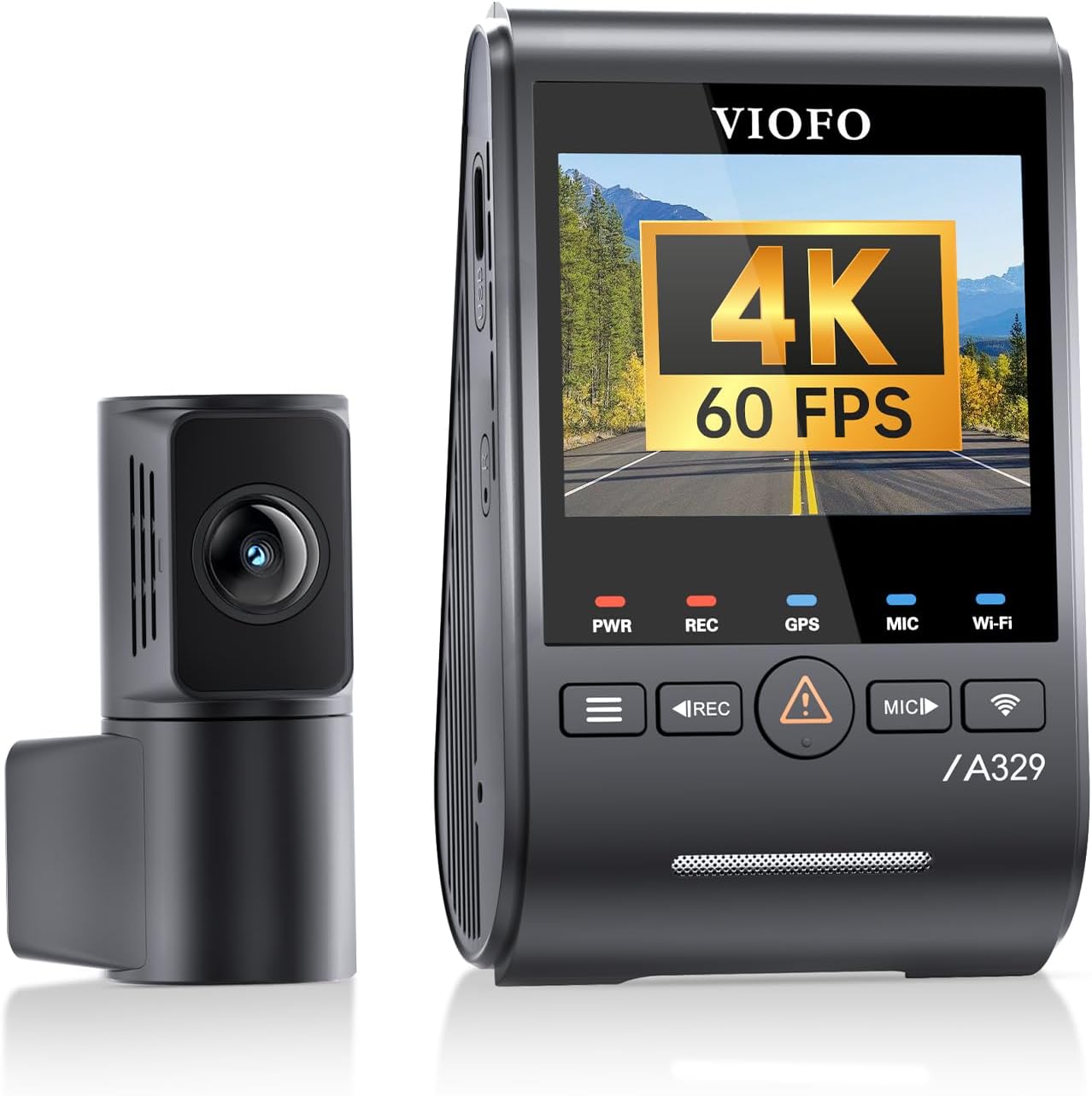
The Thinkware and BlackVue together push past $700 once you add a hardwire kit and battery pack. That's a lot for a Tesla owner who's already paid for the car. Several budget cameras in 2026 cover 80% of the use case for a third of the price. They lose the cloud features and the radar parking trigger, but they still record continuously and trigger on impact — the actual "did someone hit my car" function. Here are the best alternatives we'd actually trust in a hot Tesla cabin. For a broader budget shopping list, see our best 4K dash cam guide for 2026.
Vantrue N4 Pro S 4K 3-Channel Dash Cam
If you want the closest thing to Sentry's three-camera coverage at well under the BlackVue's price, the Vantrue N4 Pro S is the answer. Three Sony STARVIS 2 sensors cover front, cabin, and rear at up to 4K — meaningful for Uber/Lyft Tesla drivers and anyone who wants interior coverage of break-in attempts through the side windows. Parking mode is motion + impact and runs fine off a Cellink battery. Build quality is noticeably better than the no-name 3-channel cams on Amazon, and Vantrue's customer support actually answers RMAs. Check the Vantrue N4 Pro S on Amazon.
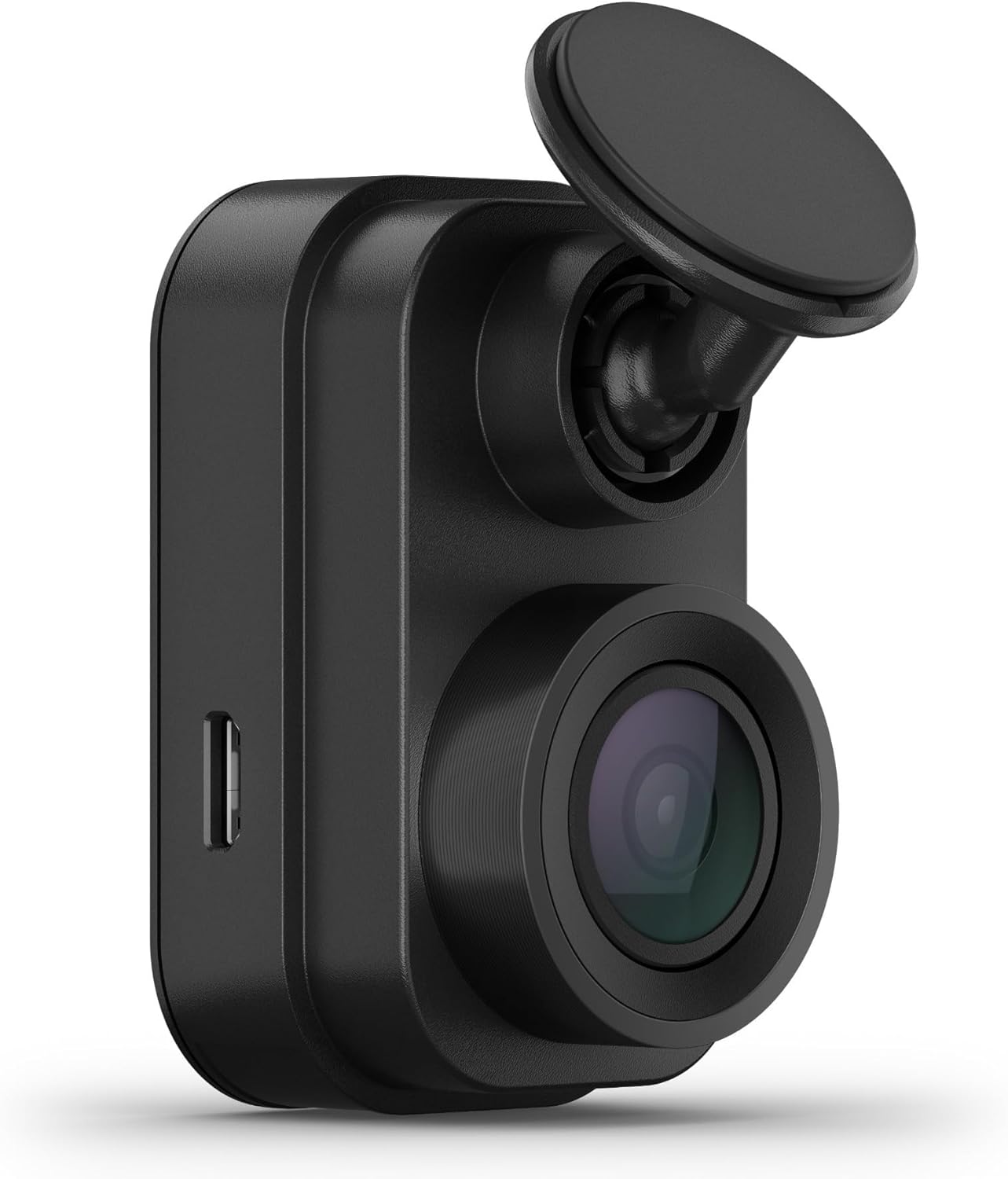
4K 3-Channel Dash Cam with 128GB Included
If you only need front, cabin, and rear and you want to spend under $200, this 3-channel bundle ships with a 128GB high-endurance card already included, which alone offsets $25 of the price. It's not a BlackVue replacement on the cloud side, but it records 4K continuously and triggers on impact when parked. Good for a second Tesla, a teen driver's loaner, or anyone testing dashcam life before committing to the premium tier. See the 4K 3-channel bundle on Amazon.
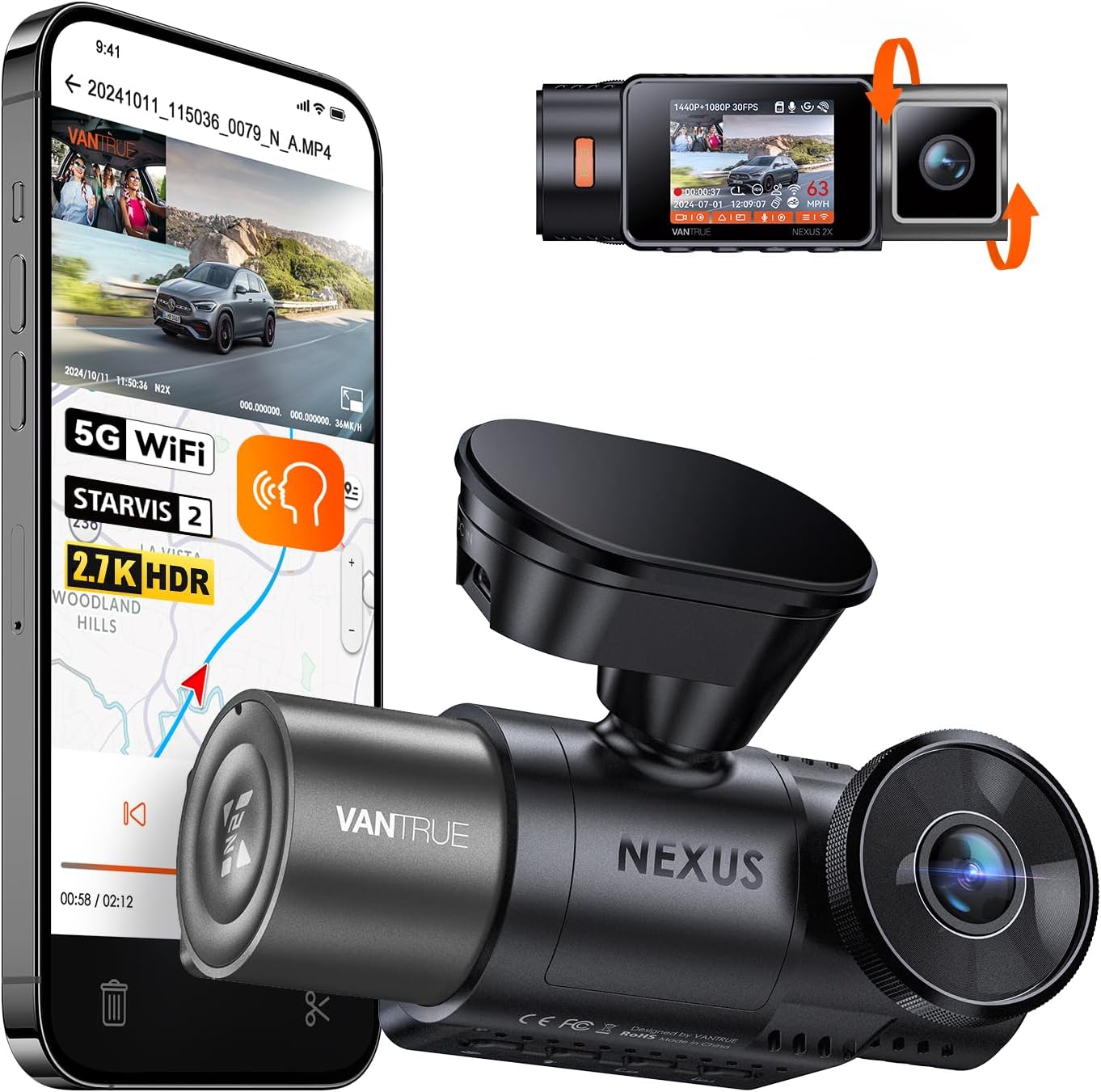
VNV 4K+2.5K Dash Cam Front and Rear
The VNV runs a 4K front + 2.5K rear combo — the same rear resolution as the Thinkware U3000 — for a fraction of the price. The GalaxyCore sensor is a step below STARVIS 2 at night, but daytime footage is sharp and plate reads are dependable in a Tesla lot at 20-30 feet. 64GB card included. Worth a look if you specifically care about high-resolution rear footage, which is where most door dings and hit-and-runs actually land on a Tesla. View the VNV 4K+2.5K on Amazon.
ROVE R2-4K DUAL with STARVIS 2
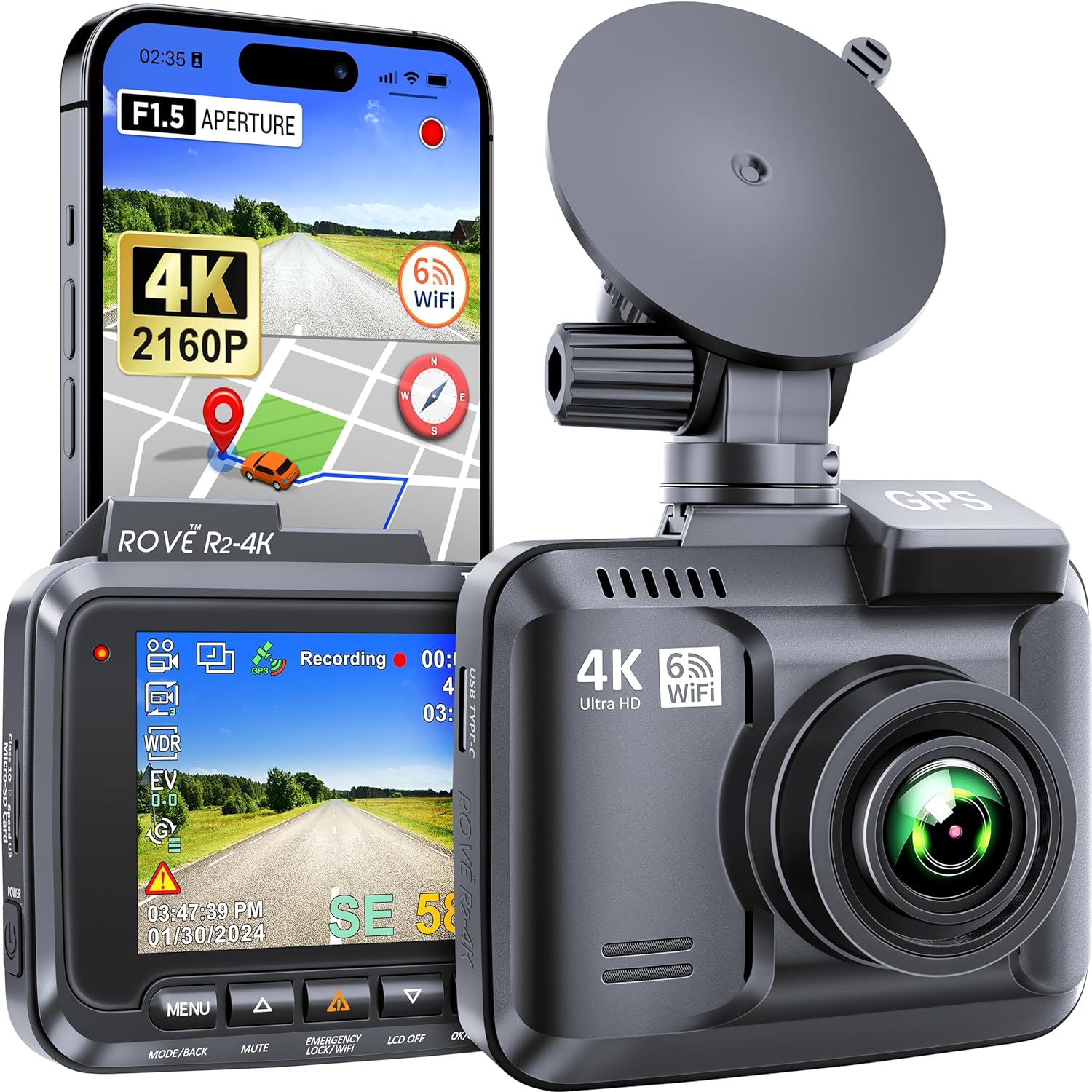
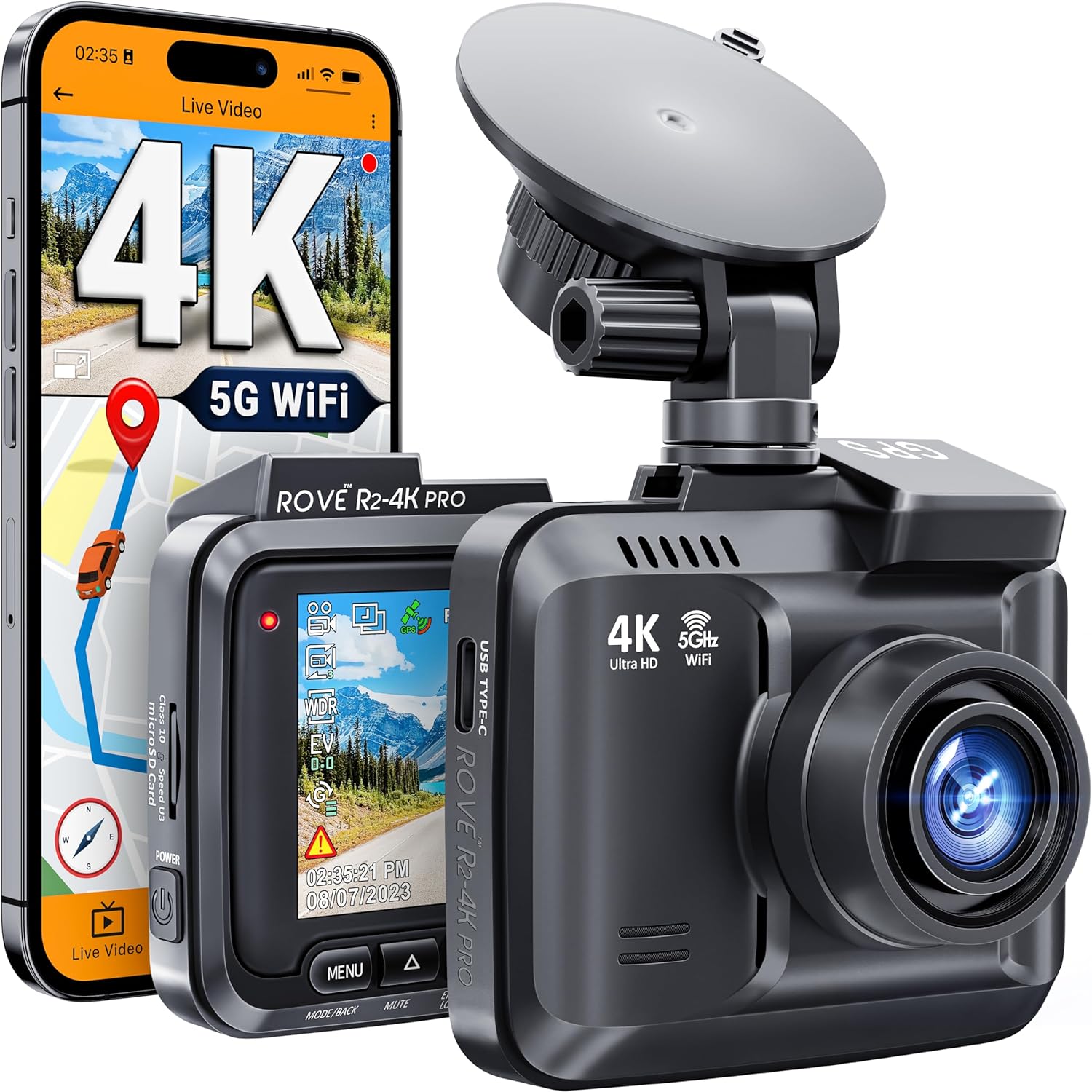
ROVE's R2-4K Dual is the budget pick most often recommended on Tesla subreddits as a "good enough" Sentry replacement. It uses the same Sony STARVIS 2 sensor as the Thinkware U3000 on the front camera, so daytime 4K image quality is genuinely close. You lose the radar parking trigger and the polished app, but you get 90% of the image quality at roughly a quarter of the price, plus a 128GB card. Hardwire kit sold separately for around $20. Check the ROVE R2-4K Dual on Amazon.
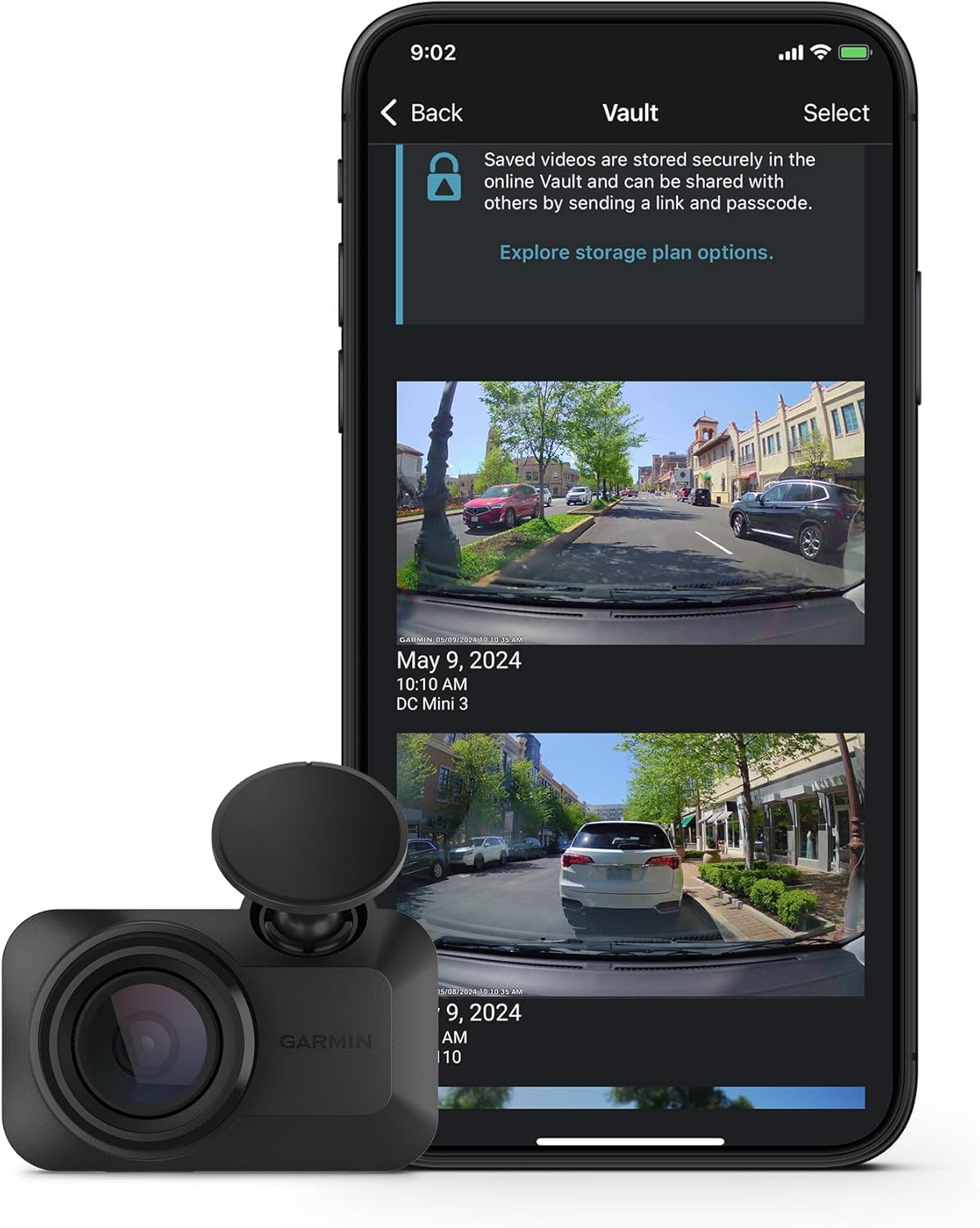
REDTIGER 4K Front and Rear with STARVIS 2
REDTIGER is the workhorse choice for Tesla owners who want something dead simple that just works. It's been refined over multiple generations, has a large community for install tips on Model 3/Y, and the STARVIS 2 front sensor handles night scenes well. Parking mode requires REDTIGER's own hardwire kit (~$25) plus a battery pack. Not as quiet as a BlackVue, not as sharp as a Thinkware, but reliable and cheap. See the REDTIGER 4K on Amazon.
Frequently Asked Questions
Will a Thinkware U3000 or BlackVue DR970X completely replace Tesla Sentry Mode?
Yes, with one caveat. Either camera plus a hardwire kit plus an external battery pack covers front and rear continuously, triggers on impact, and stores footage to a microSD that you control. The caveat: Sentry also records from the side repeaters and B-pillar cameras. To match that you'd need a 3-channel cam like the Vantrue N4 Pro S with a side-facing cabin lens, or a second rear-facing unit. For most owners, front + rear is enough since that's where 95% of incidents happen.
Does the BlackVue DR970X 2CH work with a Tesla without Premium Connectivity?
Yes. BlackVue doesn't touch the Tesla's connectivity at all. The Cloud features ride on your phone's hotspot or a separate LTE dongle stashed in the car. The Tesla itself can be entirely offline and the camera still records, stores, and pushes alerts independently. This is the whole point of running a dash cam after Premium Connectivity lapses.
How long will a Cellink NEO battery run the Thinkware U3000 or BlackVue DR970X in parking mode?
A Cellink NEO 8 holds roughly 76Wh. The Thinkware U3000 draws about 4.5W in radar parking mode, giving you roughly 16 hours. The BlackVue DR970X 2CH draws about 5W in motion-detection parking mode, giving you roughly 14 hours. Both run further if you use lower-resolution parking modes or time-lapse recording, or if you upgrade to a Cellink NEO 12.
Can I install a Thinkware U3000 in a Tesla Model Y myself?
Yes, and most owners do. You'll need a Type-A fuse tap, a trim removal tool, and about 90 minutes. The trickiest part is fishing the rear camera cable through the headliner and down the C-pillar without damaging the antenna wires. Thinkware's installer ships free in some 2026 bundles, but it's not required and the result is the same.
Which has better night-time license plate capture, Thinkware U3000 or BlackVue DR970X 2CH?
They're effectively tied at the front because both use the same Sony STARVIS 2 IMX678 sensor with similar bitrates. The Thinkware U3000 pulls ahead at the rear because of its 2K rear resolution versus BlackVue's 1080p rear. If rear license-plate capture matters most to you, the U3000 wins; if you mostly care about the front, the DR970X is slightly cleaner due to more aggressive HDR processing.
Do I need to remove the Tesla USB drive if I install a dash cam?
No, but you can. Sentry Mode and TeslaCam will keep working off the USB drive in parallel with your dash cam — they're independent systems. Many owners leave Sentry on as a deterrent (the chime and screen warning) but rely on the dash cam for actual evidence. Others disable Sentry entirely to save the range hit and reduce the wear on the USB drive.
Is the Thinkware U3000 worth the price over a cheaper 4K dash cam like the ROVE R2-4K?
Only if you specifically want the radar parking trigger and 2K rear. The image quality at the front is similar because both use the STARVIS 2 sensor. If you don't care about reducing false parking triggers and don't need higher rear resolution, the ROVE R2-4K Dual delivers 80-90% of the experience for roughly a quarter of the price. See our Tesla dash cam buyer's guide for more head-to-head matchups.
Key Takeaways
- Choosing the right thinkware u3000 vs blackvue dr970x 2ch for tesla sentry replacement means matching capacity and output ports to your actual devices
- Always check actual watt-hours (Wh), not just watts — runtime depends on Wh, not peak output
- Also covers: thinkware u3000 vs blackvue dr970x tesla
- Also covers: best tesla sentry alternative dash cam
- Also covers: thinkware vs blackvue tesla parking surveillance
- Compare price-per-Wh across models to find the best value for your budget